 ultimate-guide
AV System Design for Small Churches: 2026 Guide
Table of Contents
- Start With Signal Flow and Room Acoustics
- Best Wireless Microphone Systems for Church Services
- Small Church Video Projection Setup and Display Choices
- Lighting, Cameras, and Live Streaming Basics
- Church AV System Installation Checklist
- Budgeting for AV System Design in Small Churches
- Building AV System Design That Volunteers Can Run
- Conclusion
- Frequently Asked Questions
Last Updated: October 1, 2026
Start With Signal Flow and Room Acoustics
Good av system design for small churches begins with signal flow, not shopping lists. Signal flow is the path a signal travels from source to destination, and mapping it before you buy prevents the mismatched gear problem that plagues small sanctuaries.
Fix the space, then size the system.
Best Wireless Microphone Systems for Church Services
The best wireless microphone systems for church services prioritize reliable RF performance and simple operation over feature count. For most small churches, a UHF digital system with automatic frequency scanning covers the pulpit, a handheld, and a lavalier without constant troubleshooting.
Understand the two bands before you buy
Wireless mic systems for churches generally fall into two RF neighborhoods, and the trade-offs are real:
- UHF (roughly 470-608 MHz). The traditional home for pro wireless: longer range, better wall penetration, and more coexistence headroom at four or more channels. The catch is shared spectrum with broadcast TV, so check for open TV channels in your zip code before committing to a frequency plan. The FCC maintains a lookup tool, and most manufacturers publish a "find a frequency" utility.
- 2.4 GHz. License-free, globally consistent, convenient, but crowded. Wi-Fi, Bluetooth, and even microwave ovens share this band. It works for one or two channels in a small room; it becomes fragile once you add a third transmitter or a busy Wi-Fi network.
The five criteria that actually predict reliability
- Channel count, count simultaneous users, not total microphones. Four channels handles most small services: pastor, worship leader, one handheld for announcements, one spare. Buying six when you use three wastes money and complicates RF coordination.
- Frequency agility. A receiver that scans for clean frequencies and syncs to the transmitter over infrared saves volunteers from menu-diving. Fixed-frequency systems are cheaper but brittle when a new TV station signs on.
- Antenna placement and diversity. True diversity receivers use two antennas and switch to whichever signal is stronger, cutting dropouts dramatically. Keep antennas line-of-sight to the stage, a few feet off the ground, and away from metal racks, LED walls, and Wi-Fi access points.
- Battery life and type. Rechargeables cut ongoing cost and eliminate the mid-service scramble, but need a disciplined charging routine. Disposable AA systems are simpler to swap under pressure, many volunteers prefer them. A common pattern: rechargeable for the pastor's lavalier, AA for the handheld.
- Latency and console alignment. Digital wireless introduces a small delay (typically a few milliseconds). If the signal feeds a livestream or recording, confirm your console or switcher can delay audio to match video, or viewers will notice lip-sync drift immediately.
RF coordination in plain language
RF coordination sounds intimidating, but for a small church it's three habits:
- Scan before you assign. Let the receiver scan, then pick the cleanest channels. Don't reuse last year's frequencies without re-scanning.
- Keep transmitters apart. Two body packs sitting on the same table during soundcheck will fight each other. Space them at least a few feet apart when powered on.
- Intermodulation matters at four channels and up. Transmitters close in frequency create ghost signals that interfere with each other. Better systems handle this automatically; on budget systems, spread channels across the band rather than clustering them.
A realistic starter configuration
For a 150-seat sanctuary with a traditional pulpit-and-platform layout, a workable baseline is a four-channel UHF digital system: a body pack for the pastor, a handheld for the worship leader, a second handheld for announcements, and a spare body pack for guest speakers. Add a passive directional antenna if the receiver sits more than 50 feet from the stage, and budget for fresh rechargeable batteries every 18-24 months, capacity fades long before cells fail.
Small Church Video Projection Setup and Display Choices
A small church video projection setup succeeds when screen size, throw distance, and ambient light are matched before purchase. Projectors need controlled lighting and a room-sized screen; large-format displays need a mounting plan and enough brightness to fight daylight.
| Option | Best For | Key Consideration |
|---|---|---|
| Projector + screen | Rooms over 40 seats, dimmable lighting | Throw distance and lamp or laser life |
| Large-format display | Bright rooms, smaller sanctuaries | Mounting height and viewing angles |
| Hybrid setup | Rooms used for both worship and events | Switching between sources cleanly |
Lighting, Cameras, and Live Streaming Basics
Live streaming starts with stable upload bandwidth and a camera that handles your room's lighting, not the most expensive gear in the catalog. LED wash lights give even, adjustable stage lighting that cameras handle well, and run cooler and cheaper than older fixtures.
For a basic streaming setup:
- Mount one camera with a clear, centered view of the platform
- Add a second camera for a wide shot if your switcher supports it
- Feed audio from the mixing console directly, not from a camera mic
- Test your upload speed during a live service, not on a quiet afternoon
Church AV System Installation Checklist
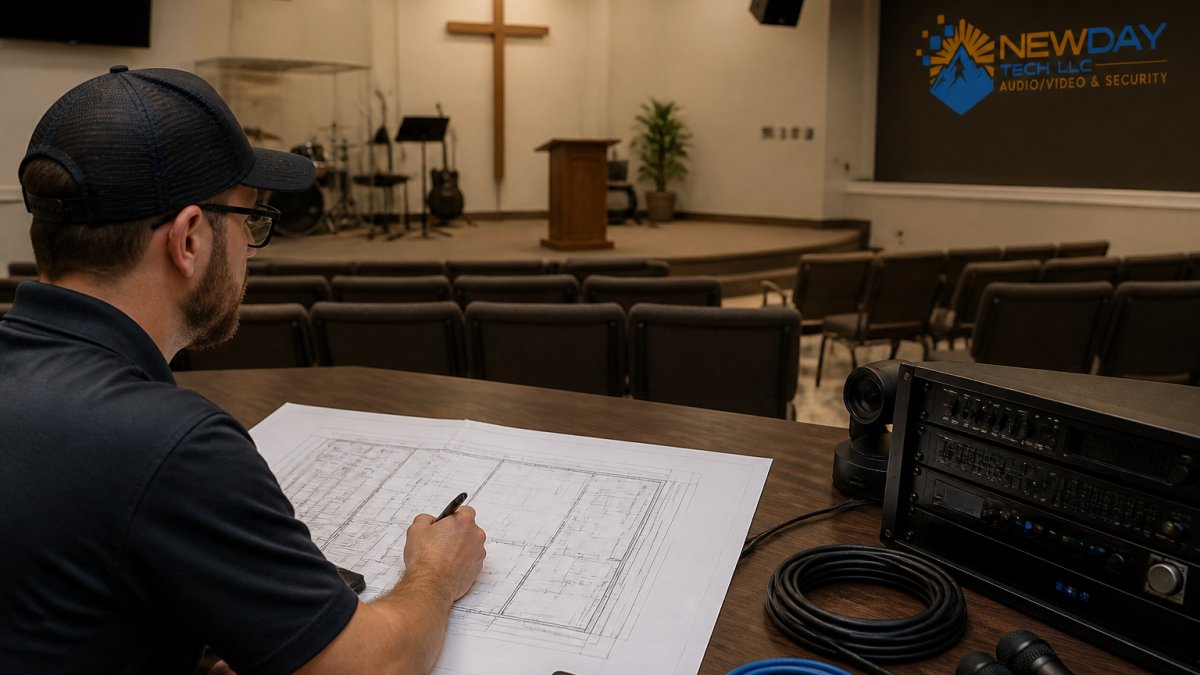
Use this church AV system installation checklist to sequence the work and avoid re-doing cabling after the fact.
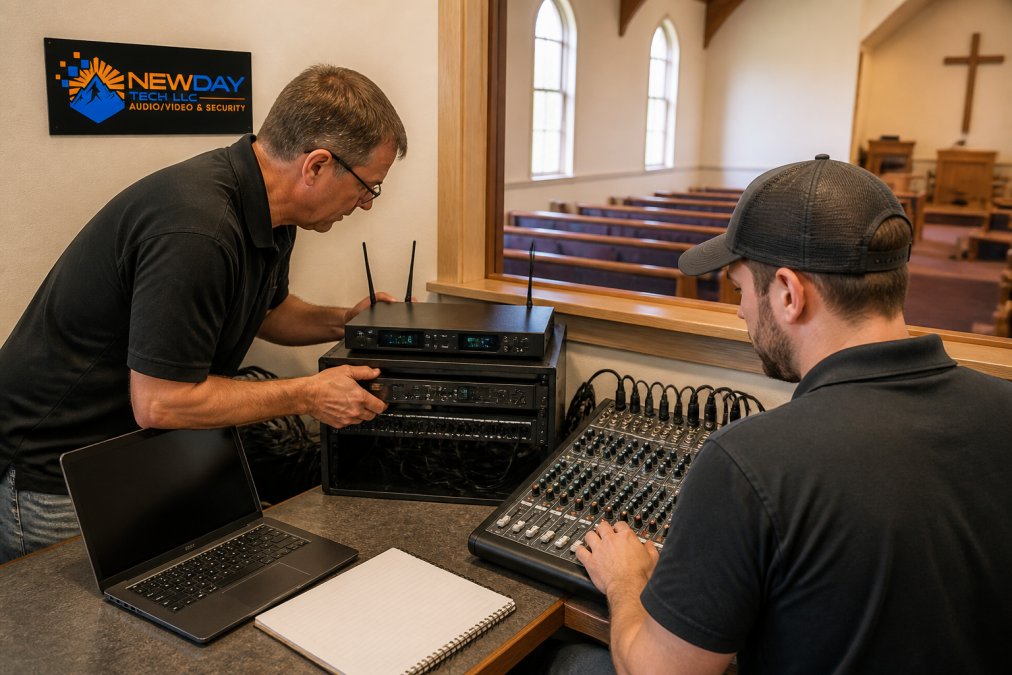
- Map signal flow for audio and video before ordering equipment
- Confirm power availability at the booth, stage, and camera positions
- Run cabling with slack and label both ends
- Install acoustic treatment before final speaker placement
- Set gain staging and test the full audio chain
- Align audio and video latency for streaming
- Train at least two volunteers on startup and shutdown
- Document the system with photos and a simple diagram
Budgeting for AV System Design in Small Churches
Budget-friendly av system design for small churches means separating one-time project costs from recurring service costs. Equipment, installation labor, and cabling are project costs. Support plans, replacement batteries, and streaming subscriptions are recurring.
Building AV System Design That Volunteers Can Run
Volunteer-friendly design is the difference between a system that gets used and one that sits dark because nobody trusts it. Most AV guides stop at the gear list; the operational layer, how a twice-a-month volunteer runs it on Sunday morning, is where small churches win or lose. Two principles carry the weight: fewer decisions at startup, and one clear path to recovery when something fails.
Design for the lowest-skill operator, not the best one
A useful rule of thumb: design for the volunteer who shows up twice a month, has never touched a mixing console, and is running late. If that person can power up, run the service, and shut down without calling you, the system is correctly designed. If they need the tech director on speed dial, it isn't.
What this looks like in practice:
- Preset-based control. One button powers up the system in the right order, displays, then audio, then lights, and one shuts it down. Sequenced power-up protects amplifiers and speakers from thumps and prevents the "why is there no sound?" panic of wrong-order startups.
- Tablet and mobile control. Wireless tablet mixing lets a volunteer walk the room during rehearsal, hear what the congregation hears, and adjust from the floor instead of sprinting to the booth. Most modern digital consoles and DSPs expose a browser- or app-based control surface; a dedicated tablet on a charging stand pays off every week.
- Locked-down settings. Protect gain, routing, EQ, and display configuration behind a passcode. Volunteers should change what they need, fader levels, mute states, slide advance, without wiping the pastor's EQ curve.
- A one-page troubleshooting card. List the three most common failures and their fixes, laminated inside the booth. Typical entries: "No sound from pulpit mic, check channel 1 is unmuted and the body pack is on." "No lyrics on screen, check the laptop is awake and the correct switcher input is selected." "Stream is buffering, check the dedicated stream connection, not the office Wi-Fi."
A scalability roadmap: Phase 1 vs. Phase 2
Small churches grow, and the AV system should grow with them instead of forcing a full replacement in three years. A phased roadmap keeps each budget cycle defensible to the board and congregation.
Phase 1, Get the fundamentals right (year one).
- Audio: a digital console with at least four spare input channels, a four-channel wireless system, and speakers sized to the room with headroom to spare.
- Video: one camera, one display or projector sized to the room, and a switcher with at least one unused input.
- Infrastructure: conduit and cable runs sized for the Phase 2 gear you know you'll want. Pulling spare Cat6 and SDI now costs a fraction of pulling it later.
- Control: a preset-based control system and a tablet for wireless mixing.
Phase 2, Add capability without redesign (years two to four).
- Audio: add channels to the existing console rather than replacing it; add in-ear monitors if stage volume is fighting the room.
- Video: add a second camera and a streaming encoder; upgrade the display only if ambient light has changed.
- Lighting: add LED wash fixtures on a simple DMX controller with presets, not a full theatrical rig.
- Streaming: move from a single-camera to a switched two-camera feed, and add a dedicated stream connection if you haven't already.
Maintenance and troubleshooting: the part nobody budgets for
- Monthly: check wireless mic batteries and charging contacts, clean projector or display filters if applicable, verify the stream connection still hits its target upload speed, and confirm the tablet control app still connects.
- Quarterly: re-scan wireless frequencies (new TV stations and Wi-Fi networks appear constantly), check cable strain reliefs at booth and stage, and update firmware on console, switcher, and control system, but never the week of a major service.
- Annually: photograph the rack and cable runs, update the system diagram, review the troubleshooting card against this year's actual failures, and train at least one new volunteer so you're never down to a single operator.
Conclusion
Designing av system design for small churches around signal flow, acoustics, and volunteer usability beats chasing the newest gear every time. Churches that get this right treat technology as one integrated system, not a pile of disconnected purchases.
Frequently Asked Questions
What are the essential components of a small church AV system?
A small church AV system needs a mixing console, wireless microphones, speakers, amplifiers, a video projector or display, a video switcher, and basic stage lighting. Add a digital snake or audio interface to connect the stage to the booth. Cabling, power, and a control booth with clear sightlines matter as much as the gear itself. Start with sound reinforcement and projection, then expand into live streaming and lighting as your volunteer team grows.
How much should a small church budget for a new AV system?
Budget depends on room size, existing infrastructure, and how many inputs you need. A basic sound reinforcement and projection setup costs far less than a full live streaming and lighting package. Separate one-time equipment and installation costs from ongoing support plans. You can request a quote based on your sanctuary layout and volunteer capacity rather than guessing at a national average.
What are the best wireless microphone systems for church services?
Look for systems with reliable wireless microphones, clear frequency coordination, and simple battery management. Handheld mics suit pastors who move around, while lavalier and headset options work for teaching. Choose a system that matches your mixing console inputs and lets volunteers swap batteries without technical training. Avoid overcrowding the wireless spectrum in your area by scanning for open channels during setup.
How do you integrate video projection into a small sanctuary?
Mount the projector where throw distance matches screen size, and keep ambient light low enough for readable lyrics and sermon slides. Use a screen with a matte surface to reduce glare from windows and stage lighting. Route video through a switcher so volunteers can change sources without crawling behind the booth. For small church video projection setup, a single high-brightness projector and one screen often beats multiple smaller displays.
What common mistakes should we avoid when designing church AV?
The biggest mistakes are skipping acoustic treatment, placing the control booth where volunteers cannot see the stage, and buying gear without a signal flow plan. Churches also forget to budget for cabling, training, and ongoing support. Another frequent error is choosing equipment that requires a trained operator every Sunday. Design for the volunteers you have, not the ideal tech team you hope to recruit later.
Can we add mobile or tablet control to our church AV system?
Yes. Many mixing consoles, video switchers, and lighting controllers support tablet or phone apps over Wi-Fi. This lets a volunteer walk the room during rehearsal and adjust levels from the pews. Make sure your network has a dedicated VLAN or access point for AV control so streaming traffic does not interfere. Mobile control also shortens the learning curve for new operators.