 blog
blog
Managed VoIP Services for North Texas Businesses
Table of Contents
- What Managed VoIP Services Deliver for North Texas Businesses
- Business Phone System Installation and Setup
- VoIP vs Landline for Small Business: Why the Shift Matters
- VoIP Implementation Best Practices
- Key Features to Expect from Managed VoIP
- Reliability and Support in Rural and Remote Areas
- Making the Transition: Planning Your VoIP Deployment
- Conclusion
- Frequently Asked Questions
Last Updated: October 9, 2026
What Managed VoIP Services Deliver for North Texas Businesses
Managed VoIP services are cloud-hosted phone systems run by a service provider rather than your business. Calls travel over your internet connection instead of traditional phone lines, and the provider handles infrastructure, updates, monitoring, and support.
For North Texas businesses, this replaces aging landlines with technology that scales, costs less, and integrates with existing tools. Managed VoIP services can simplify operations for small offices and multi-location operations alike.
The real advantage is flexibility: add lines in minutes, forward calls to mobiles, record conversations, and access voicemail from email without IT headaches. Businesses that switch often report cleaner workflows and fewer dropped calls.
Business Phone System Installation and Setup
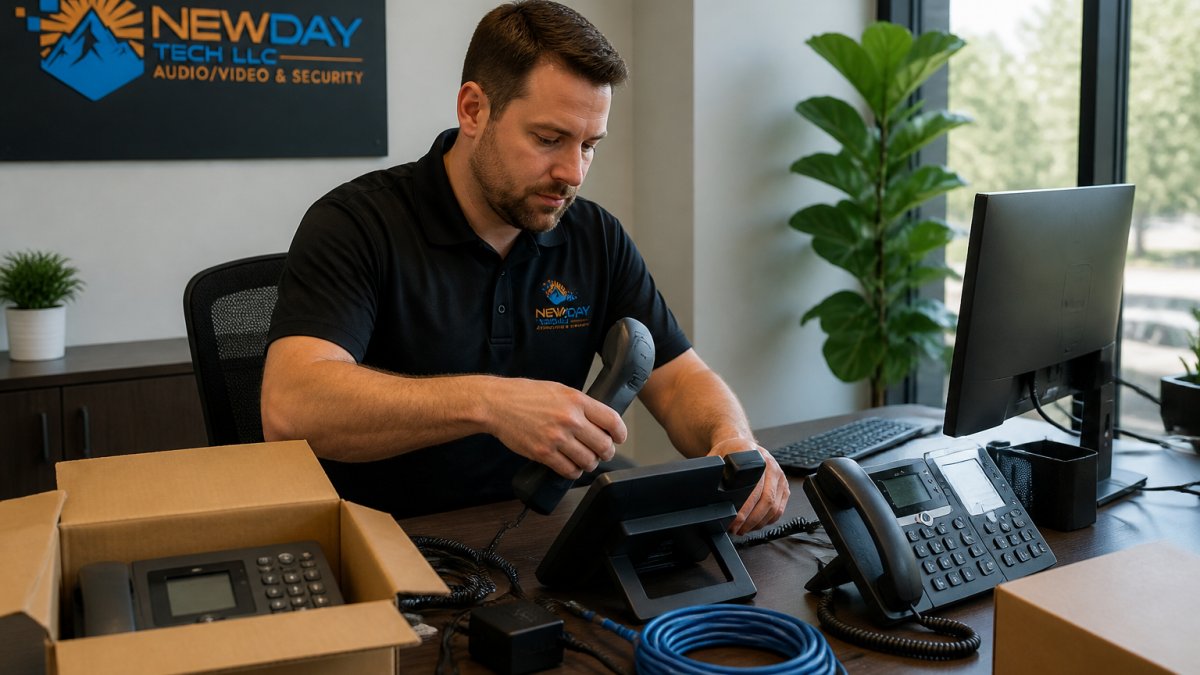
Installing a phone system used to mean running cables and hiring electricians. With managed VoIP, your provider provisions the service, you plug in IP phones or use softphones, and you're live.
Setup typically takes three steps: your provider configures numbers, extensions, and routing; you install IP phones or softphone apps; then you test call flow and train staff. Most businesses go live within days.
One thing to plan for: your internet connection must be reliable, since VoIP needs consistent bandwidth and low latency. If your internet drops frequently, upgrade it before switching. A managed VoIP provider can assess your network during setup and recommend improvements.
VoIP vs Landline for Small Business: Why the Shift Matters
Landlines are reliable but rigid and expensive. Each line carries a fixed monthly fee, adding one means waiting for a technician, and features like call recording or auto-attendants require extra hardware or add-ons.
Managed VoIP flips that model: you pay per user or feature, not per line. Need 50 numbers? Add them in the admin portal. Want call recording? Enable it with a checkbox. Moving offices? Phones follow staff, not locations. That flexibility is why North Texas SMBs have shifted away from landlines.
The reliability concern is outdated. With modern internet infrastructure and redundancy built into managed systems, call quality matches or beats landlines, and calls route through backup pathways if one connection fails.
Cost matters too. Managed VoIP can offer better features compared to landlines.
VoIP Implementation Best Practices
Successful VoIP implementation starts with assessing your network. Run a speed test and check uptime; if your connection is unstable, fix it first, because VoIP exposes weak internet infrastructure immediately.
Next, plan numbers and extensions: who needs desk phones versus softphones, where customer calls go, your after-hours message, and whether calls route to mobiles for remote staff. Document it before setup to avoid mid-implementation changes.
Test with 3-5 power users for a week while others stay on the old system. Feedback on call quality, ease of use, and feature gaps catches problems before they affect your whole operation.
Train your team on new features: transferring calls, voicemail greetings, call forwarding, and call history. A 30-minute group session prevents endless support tickets later.
Finally, set a firm cutover date and stick to it. Running dual systems creates confusion. Pick a Friday afternoon, migrate everyone, and commit; your provider handles the technical transition while you manage the team experience.
Key Features to Expect from Managed VoIP
Feature lists are easy to find. What provider pages rarely show is what's included in a managed plan, what costs extra, and how pricing is structured, which is what determines your real monthly bill.
Core calling features. Every managed VoIP plan includes call forwarding, call waiting, transfer, three-way conferencing, voicemail, caller ID, and an auto-attendant. If a provider charges extra for forwarding or voicemail, that's a red flag.
Voicemail-to-email and transcription. Voicemail as an email audio file is standard. Transcription is usually included on mid-tier plans and up, but some providers meter it, so confirm it's unlimited if your team reads messages rather than listens.
Call recording. Call recording is where pricing gets murky. Some providers include it on all plans; others charge per user per month, and a few charge by storage volume. Recording also raises compliance questions.
CRM and productivity integrations. Integration with Salesforce, HubSpot, Microsoft Teams, and Google Workspace is increasingly standard, but depth varies: a light integration shows a screen pop, while a deep one logs calls, syncs contacts, and triggers workflows.
Analytics and reporting. Basic call logs are included everywhere; real-time dashboards, queue metrics, abandoned-call rates, and per-agent reporting are typically mid-tier or higher. If you run a call center or busy sales floor, confirm the reporting you need is in the quoted plan.
Mobile and remote work. Apps that let staff call from their cell phones using the business number are standard.
How managed VoIP pricing is actually structured. Most providers quote a per-user, per-month rate. Setup or activation fees are common. Hardware (IP phones, headsets, adapters) is usually sold or leased separately.
What "managed" actually includes. At minimum, a managed plan should include provisioning, number porting, ongoing monitoring, firmware and platform updates, and a support line. Stronger plans add proactive network monitoring, quarterly reviews, configuration changes on request, and help with moves, adds, and changes.
| Feature | What It Does | Best For | Typical Pricing Treatment |
|---|---|---|---|
| Call Forwarding | Routes calls to mobile or alternate numbers | Remote staff, flexible schedules | Included |
| Voicemail-to-Email | Transcribes messages as text | Busy teams, quick scanning | Included on mid-tier and up |
| Call Recording | Captures conversations for training or compliance | Customer service, sales, healthcare | Often per-user add-on |
| Auto-Attendant | Greets callers and routes calls automatically | Reducing receptionist load | Included |
| CRM Integration | Shows customer info when calls arrive | Sales teams, support centers | Native or paid connector |
| Analytics Dashboard | Tracks call volume, wait times, missed calls | Performance monitoring, optimization | Mid-tier and up |
| Mobile App | Make business calls from personal phone | Remote staff, field teams | Included with per-user license |
Reliability and Support in Rural and Remote Areas
North Texas stretches from dense metro corridors to sparsely served ranch land, and reliability changes dramatically by location. A provider can't manufacture broadband where none exists, but a well-designed deployment keeps calls flowing through almost any outage. Staying up comes down to four things: uptime commitments, redundancy, failover design, and support response.
Uptime commitments. Ask for the service-level agreement (SLA) in writing. Most SLAs exclude outages caused by your ISP, power, or internal network, so they protect the provider's cloud, not your last mile.
Redundancy and failover. The most effective reliability upgrade for a rural or remote business is a second internet connection on a different technology, pairing cable or fiber with fixed wireless, LTE/5G, or satellite. A managed VoIP provider configures automatic failover so calls reroute within seconds when the primary degrades, and some also fail over to mobile phones or a softphone app.
Power and physical resilience. VoIP phones need power. A UPS on your network switch and router keeps phones alive through short outages; for longer ones, a small generator or battery-backed cellular failover device keeps the system running. Landlines stayed alive during outages because the phone company powered them over the line, so plan for backup power as part of the deployment.
Emergency calling. Any VoIP deployment must handle 911 correctly. The FCC requires interconnected VoIP providers to transmit your registered address to emergency dispatchers and to give you a way to update that address when you move or when staff work remotely. For multi-location businesses, confirm that each site has its own registered address and that remote workers know how to update theirs. This is not optional, and it is one of the most common compliance gaps in a rushed rollout.
Support response times. A 24/7 support line is table stakes, but response time is what matters. Ask for the guaranteed window in the service agreement. For a rural business without local IT staff, remote diagnosis and reconfiguration is worth more than a lower monthly price.
Making the Transition: Planning Your VoIP Deployment
Switching phone systems requires planning but isn't complicated. Start three months before cutover: meet with your managed VoIP provider to audit your network, confirm internet speeds, and identify upgrades, scheduling any weak-connection fixes before phones go live.
Create a transition plan listing every staff member, their current number, and new extension, plus call routing rules by department, voicemail greetings, and auto-attendant menus. Arrange a small pilot test and schedule team training for the week before cutover.
Communicate the change early: tell customers about temporary number changes or routing adjustments, and give staff a quiet period after cutover to practice without pressure.
On cutover day, have your managed VoIP provider and IT team available and start early so issues can be fixed before end of business.
After cutover, monitor call quality and staff feedback closely for the first week, fixing small issues immediately and scheduling follow-up training for anyone who struggled. By week two, most teams are comfortable.
Conclusion
Managed VoIP services have become the standard for North Texas businesses because they're simpler to deploy, cheaper to operate, and more flexible than landlines. Whether you're a small office, a remote ranch, or a multi-location operation, a hosted phone system scales with your needs.
At NewDay Tech, we help businesses across North Texas design and deploy phone systems that integrate with their security, networking, and communication needs. Our team manages the entire process, from assessing your internet connection and planning your phone configuration to installation, staff training, and ongoing support, ensuring reliability even in rural areas where connectivity is challenging.
Ready to move beyond landlines? The FCC's guide to VoIP services and consumer protections covers what you should know about switching. Request a consultation with NewDay Tech and we'll assess your current setup, recommend the right managed VoIP platform for your business, and handle the transition from start to finish. Your team deserves a phone system that works as hard as they do.
Frequently Asked Questions
What are the main benefits of managed VoIP services for small businesses?
Managed VoIP services reduce hardware costs, eliminate expensive landline contracts, and provide professional call handling features like call forwarding, voicemail-to-email, and call waiting without separate systems. Your provider handles maintenance and updates, freeing your team to focus on operations. For businesses in remote areas, managed services ensure reliable connectivity and dedicated support when issues arise.
Is VoIP reliable for businesses in rural or remote North Texas areas?
Yes, when properly installed and supported. Managed VoIP relies on broadband internet, so service quality depends on your connection stability. Providers experienced with rural deployments design systems with backup connectivity and failover options to maintain uptime. Local installation teams can assess your specific environment, trees, terrain, distance from infrastructure, and recommend solutions like Starlink or dedicated circuits to ensure consistent service.
How does VoIP implementation differ from traditional landline setup?
VoIP implementation requires network readiness assessment, IP phone configuration, and integration with existing systems, not just plugging in hardware. Best practices include testing bandwidth capacity, securing your network against VoIP-specific threats, training staff on new features, and establishing a cutover plan to minimize downtime. Unlike landlines, VoIP systems benefit from managed oversight to optimize call quality and prevent service interruptions.
What should I look for in a local VoIP service provider?
Choose a provider with experience serving businesses in your area, transparent pricing, local installation and support teams, and proven uptime reliability. Ask about their approach to network security, emergency calling compliance, and ongoing system management. Providers who understand rural connectivity challenges and offer integrated solutions, combining VoIP with security, Wi-Fi, and monitoring, simplify operations and reduce vendor fragmentation.