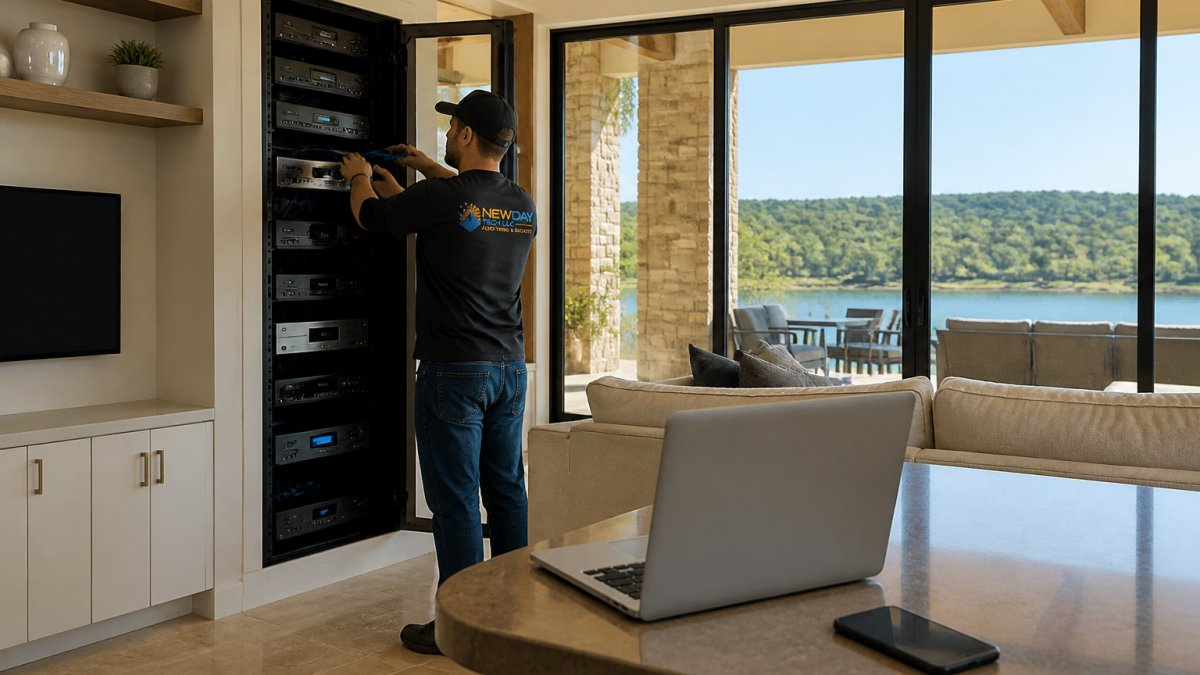
 how-to
Why Lake House Internet Is Slow and How to Fix It
Table of Contents
- Why Lake House Internet Is Slow: The Real Causes
- How to Improve Wi-Fi Signal in a Large House
- Lake House Internet Options: DSL, Cable, Fixed Wireless, and Satellite
- Starlink Internet Troubleshooting: Common Problems and Fixes
- Best Mesh Wi-Fi for Rural Properties: What to Look For
- Step-by-Step: Diagnose and Fix Slow Lake House Internet
- When to Call a Professional for Lake House Internet
- Frequently Asked Questions
Last Updated: October 6, 2026
Why Lake House Internet Is Slow: The Real Causes
If your lake house internet crawls, the cause is usually distance or old hardware, not your provider's mood that day. Rural properties sit far from the equipment that delivers service, and many lake homes still run on wiring installed decades ago. At NewDay Tech, we've spent over 15 years fixing connections on rural and remote properties.
Lake house internet is any broadband connection serving a vacation or full-time home on a lake, typically in a rural area where cable and fiber lines are sparse. That remote location shapes everything about your speed.
Two forces work against you:
- Long distances from the central office or cell tower
- Aging wiring and outdated equipment inside the home
Fix those, and most slowdowns disappear. Here's what's actually happening.
Distance from the Central Office or Tower
Every internet type loses strength over distance. DSL signals fade as they travel down copper lines from the provider's central office. Fixed wireless and cell signals weaken with every mile between you and the tower.
A lake house ten miles from town may sit at the far edge of usable range. That means lower speeds and higher latency, the delay between a click and a response.
Trees make it worse. Heavy foliage between your property and a tower blocks wireless signals. So does the terrain itself.
Old Wiring and Outdated Equipment
Many lake homes were built for weekends, not remote work. The phone lines and coax run to these houses often predate modern broadband by decades.
Watch for these problems:
- Cracked or corroded cable jackets letting in moisture
- Splitters and connectors that degrade the signal
- Routers more than four or five years old
- Modems that can't handle the speeds your plan promises
How to Improve Wi-Fi Signal in a Large House
You improve Wi-Fi in a large house by moving the router to a central, open spot and adding access points or a mesh system to cover dead zones. One router rarely covers a sprawling lake home with thick walls and multiple floors.
Start with placement. Then decide if you need more hardware.
Router Placement and Antenna Positioning
Put your router high, central, and in the open. Avoid closets, cabinets, and corners against exterior walls.
A few rules that make a real difference:
- Keep the router off the floor and away from metal
- Point antennas straight up for single-story homes
- Angle one antenna sideways for multi-floor coverage
- Move it away from microwaves, cordless phones, and baby monitors
The goal is line of sight. Every wall between the router and your device costs you signal.
When to Add Access Points or a Mesh System
Add access points or mesh nodes when one router leaves rooms with weak or dropped Wi-Fi. A mesh system uses several units that talk to each other and hand your device off as you move around.
Here's how to choose:
| Situation | Best Fix | Why |
|---|---|---|
| One or two dead rooms | Single access point | Cheapest, covers the gap |
| Whole-house coverage needed | Mesh system | Seamless roaming, easy setup |
| Very large or multi-building property | Wired access points | Most stable, fastest speeds |
If you can run cable between buildings, wired access points beat mesh every time. For a barn, dock, or guest house, that wired backbone keeps speeds high.
Lake House Internet Options: DSL, Cable, Fixed Wireless, and Satellite
Your main lake house internet options are DSL, cable, fixed wireless, and satellite. Each trades speed, latency, and availability differently, and where you live decides which ones you can even get.
Availability is the first filter. If cable never reached your road, it's not a choice no matter how good it looks on paper.
Comparing Speed, Latency, and Availability
Match the option to your needs, not the marketing.
- DSL: Widely available in rural areas, but slow. Speeds drop the farther you are from the central office. Fine for email and browsing, painful for video calls.
- Cable: Fast and low-latency where it exists, but often stops at the town limits.
- Fixed wireless: A receiver on your roof pulls signal from a nearby tower. Good speeds if you have clear line of sight. Trees and hills block it.
- Satellite: Works almost anywhere. Latency is high with traditional satellite, which hurts video calls and gaming.
For remote properties beyond cable and DSL, satellite is often the only real option. Low-earth-orbit satellite services have changed what's possible in rural areas, though they still need a clear view of the sky.
Starlink Internet Troubleshooting: Common Problems and Fixes
Most Starlink problems trace back to three things: obstructions, cable damage, or router settings. Work through them in that order.
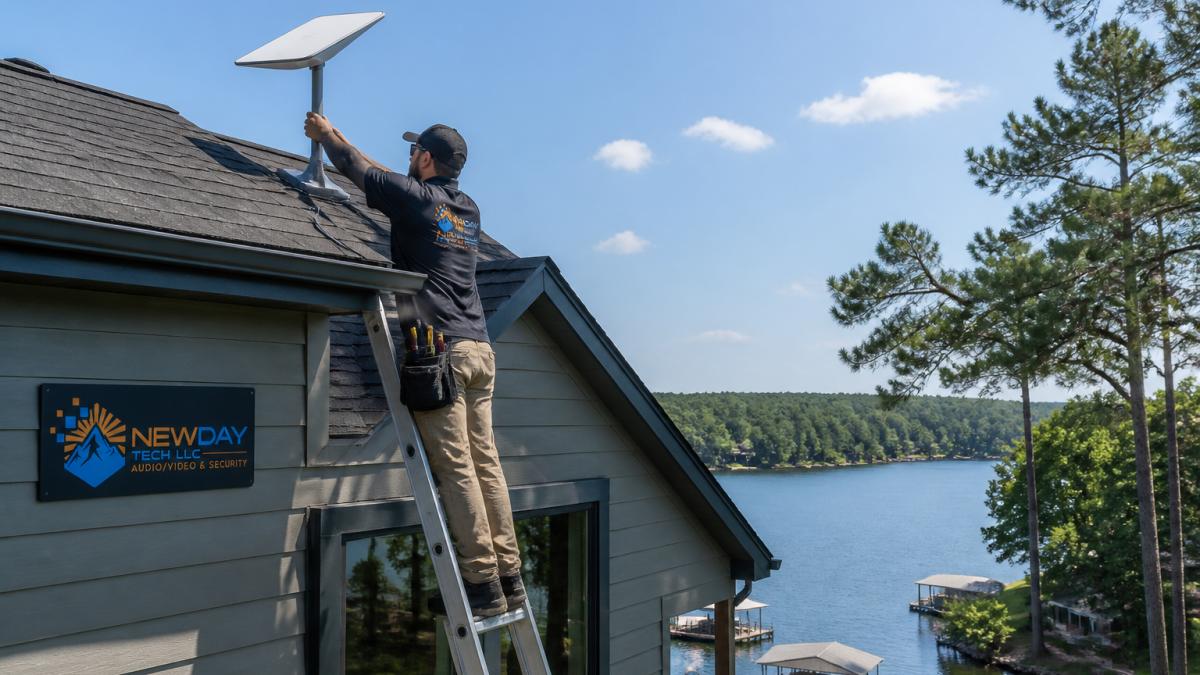
Obstructions, Cable Issues, and Router Settings
Start with the sky. The dish needs a clear, wide view. Trees, chimneys, and roof peaks cause dropouts.
Check these common issues:
- Obstructions: Use the app's obstruction viewer. Even a small tree at the edge of the view can cause outages.
- Cable damage: Look for kinks, crushed spots, or chewed sections. A damaged cable causes constant disconnects.
- Router settings: Split your 2.4 GHz and 5 GHz networks if devices struggle to connect. Update firmware.
If the dish is mounted low or near trees, moving it higher often fixes everything. That's a job worth doing right the first time.
Best Mesh Wi-Fi for Rural Properties: What to Look For
The best mesh Wi-Fi for rural properties handles long distances, thick walls, and outdoor coverage without dropping connections. Not every mesh kit is built for that.
Look for these features:
- Tri-band or Wi-Fi 6E/7: More capacity for many devices
- Wired backhaul support: Lets you connect nodes by cable for stability
- Weather-resistant outdoor nodes: For barns, docks, and outbuildings
- Long-range coverage claims you can verify: Check real-world reviews, not just specs
Skip budget two-pack kits for a 4,000-square-foot lake home. They'll leave the far bedrooms stranded. Buy for the property you have, not the one in the ad.
Step-by-Step: Diagnose and Fix Slow Lake House Internet
Diagnose slow lake house internet by testing your speed, then removing interference and updating firmware before you call anyone. This order saves time and money.
Work through these steps in sequence.
Test Your Connection Speed and Latency
Run a speed test at the router, not just on your phone. Plug a laptop into the router with an Ethernet cable and test there first.
- Compare the result to your plan's promised speed
- Check latency, not just download speed
- Test at different times of day
If the wired speed is slow, the problem is your connection, not your Wi-Fi. If wired is fast but Wi-Fi is slow, the issue is inside your home.
Eliminate Interference and Update Firmware
Interference and old firmware cause more slowdowns than people expect.
- Move devices off crowded 2.4 GHz channels
- Turn off unused electronics near the router
- Update your router and modem firmware
- Restart equipment in the right order: modem first, then router
Do these before spending money on new gear. Many people replace hardware they didn't need to.
When to Call a Professional for Lake House Internet
Call a professional when you've tested, updated, and repositioned everything and speeds still lag. At that point, the problem is usually wiring, mounting, or the connection itself.
Signs it's time to bring in help:
- Wired speeds are far below your plan
- The dish or antenna needs a better mount or location
- You want coverage across multiple buildings
- You need cameras and Wi-Fi working together reliably
NewDay Tech designs and installs whole-property Wi-Fi, Starlink systems, and security that work as one setup. We handle the plan, the install, and the ongoing support.
Slow internet at a lake house is frustrating, especially when you rely on it for work, security, or staying connected to family. The causes are usually fixable: distance, old wiring, poor router placement, or obstructions blocking your signal. NewDay Tech brings over 15 years of hands-on experience to rural and remote properties, with whole-property Wi-Fi coverage, professionally installed Starlink systems, and ongoing support plans that keep everything running. Get started with NewDay Tech and enjoy reliable connectivity across your entire property.
Frequently Asked Questions
Why is the internet so slow at my lake house?
Lake house internet is often slow because of distance from the nearest internet provider's equipment, outdated wiring, or signal interference from trees and terrain. Many rural areas still rely on DSL or fixed wireless, which can't match the speeds of cable or fiber. If your lake house internet feels sluggish, the problem is usually the connection type or the Wi-Fi setup inside the home, not just your provider.
Does a mesh Wi-Fi system work in a lake house?
Yes, a mesh Wi-Fi system can work well in a lake house, especially if you choose one designed for rural properties. Mesh systems use multiple access points to blanket a large area with a single network name. For best results, place the main router near your modem and add satellite units in rooms or outbuildings where the signal drops. Wired backhaul between units will give you the most stable performance.
Can trees or hills interfere with satellite internet?
Yes, trees and hills can block satellite internet signals, causing dropped connections or slow speeds. Satellite dishes need a clear line of sight to the sky. If you have tall trees near your lake house, you may need to mount the dish on a pole or roof to clear the obstruction. A professional installation can help you find the best spot and avoid common Starlink internet troubleshooting headaches.
How do I tell whether my internet plan or Wi-Fi is the problem?
Run a speed test with a device plugged directly into your router using an Ethernet cable. If the speed matches your plan, your Wi-Fi is the bottleneck. If it's still slow, the issue is likely your internet plan or the provider's network. For lake house internet, it's common for the plan itself to be limited, so upgrading to a better option like Starlink or fixed wireless may be necessary.