 how-to
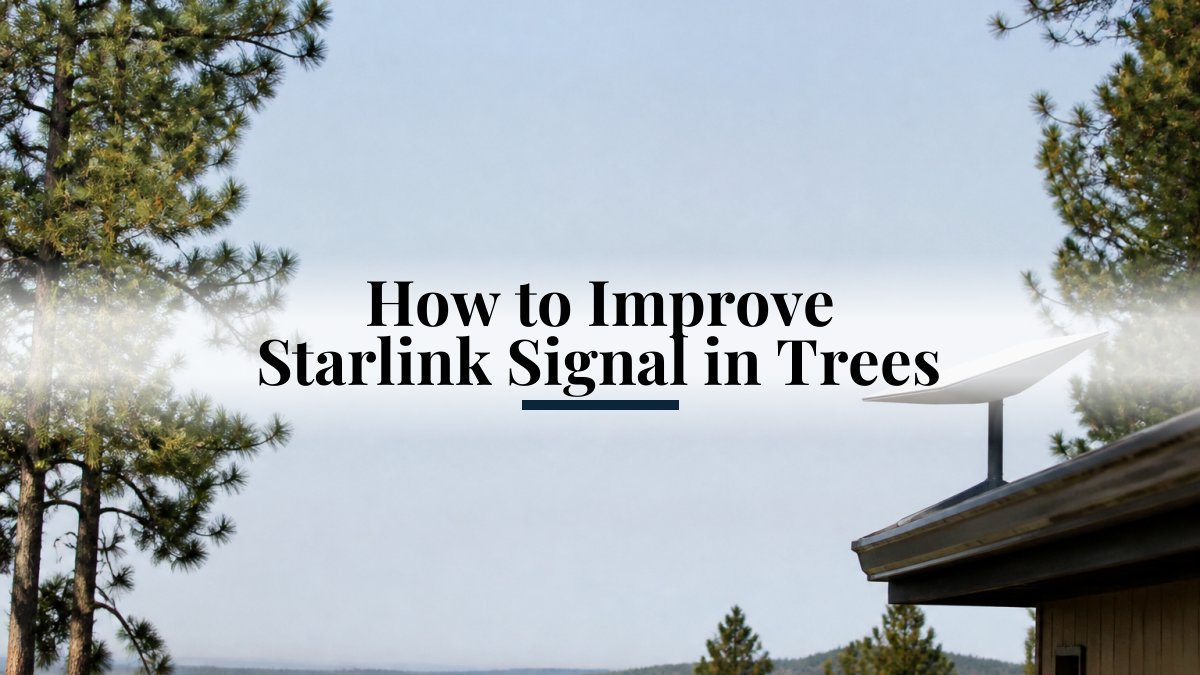
How to Improve Starlink Signal in Trees
Last Updated: October 26, 2026
Quick Summary
Trees block Starlink when branches or canopy interrupt the dish's view of the sky. To improve the starlink signal, run an obstruction scan in the Starlink app, check whether red appears in the dish's look direction, then try a clearer location, extra mounting height, or trimming branches you have permission to cut.
- Run a clean obstruction scan in the Starlink app without moving the dish.
- A red band in the dish's look direction may indicate an obstruction to assess.
- Note whether outages happen during windy days or at certain times of day.
- Consider several dish locations and re-scan at each before mounting permanently.
- Raising the dish may cut the angle to nearby trees, depending on the property.
Table of Contents
- Why Trees Block Starlink and How to Confirm It
- How to Check Starlink Obstructions in the App
- Finding a Better Starlink Dish Placement
- Mounting Starlink Above Trees: Height and Clearance
- Using a Starlink Cable Extension to Reach a Clearer Spot
- Temporary Fixes, Seasonal Growth, and When to Trim Branches
- Booking a NewDay Tech Site Assessment for Your Property
- Frequently Asked Questions
Why Trees Block Starlink and How to Confirm It
The dish needs a wide, clear view of the sky, and branches, trunks, and dense canopy can interrupt the starlink signal path.
Confirming obstruction is the first step. Leaves and branches can block the signal in ways that are easy to miss by eye, especially when the dish sits close to a tree line. A few simple checks can help you assess whether trees are the cause.
- Note when the outages happen. Drops during windy days or at certain times of day often point to moving branches.
- Compare speeds at different times of year. Growth in spring and summer can cut signal that was fine in winter.
- Check the sky view from the dish location. Walk the spot and look for any branch or trunk between the dish and the open sky.
Before replacing equipment, check for obstructions.
How to Check Starlink Obstructions in the App
The obstruction map can help assess a tree problem. Here is a step-by-step process for using the map.
Step 1: Run a clean scan
- Open the Starlink app and select your dish.
- Go to Settings, then Obstructions (or the Sky View section, depending on app version).
- Let the dish collect data.
- Do not move the dish or walk in front of it during the scan.
Step 2: Read the map correctly
The map can show obstructed areas of the sky above the dish.
- Direction of blockage. A red band in the direction the dish looks may indicate an obstruction to assess.
- Shape of the blockage. The shape of a marked area may help you assess possible obstructions.
Step 3: Quantify the problem
Check the app for obstruction information before changing the dish location.
Step 4: Reposition and re-scan
Check the obstruction information at each candidate location.
Step 5: Verify with real-world performance
After choosing a location, check whether outages persist.
Distinguishing tree blockage from other problems
Not every dropout is caused by trees.
- Tree-related: outages correlate with wind, leaf-out season, or a known tree line; the obstruction map shows red in the dish's look direction.
- Cable or connector: outages are sudden and total, often after a storm or mowing; the map may look clean.
- Network or account: speeds drop across all devices at once, or the app shows a service message rather than an obstruction warning.
- Power: reboots or drops during brownouts; check the power supply and any PoE injector.
Check for obstructions before deciding what to do.
Finding a Better Starlink Dish Placement
Dish placement can affect the dish's view of the sky. Consider several spots before committing to a permanent mount.
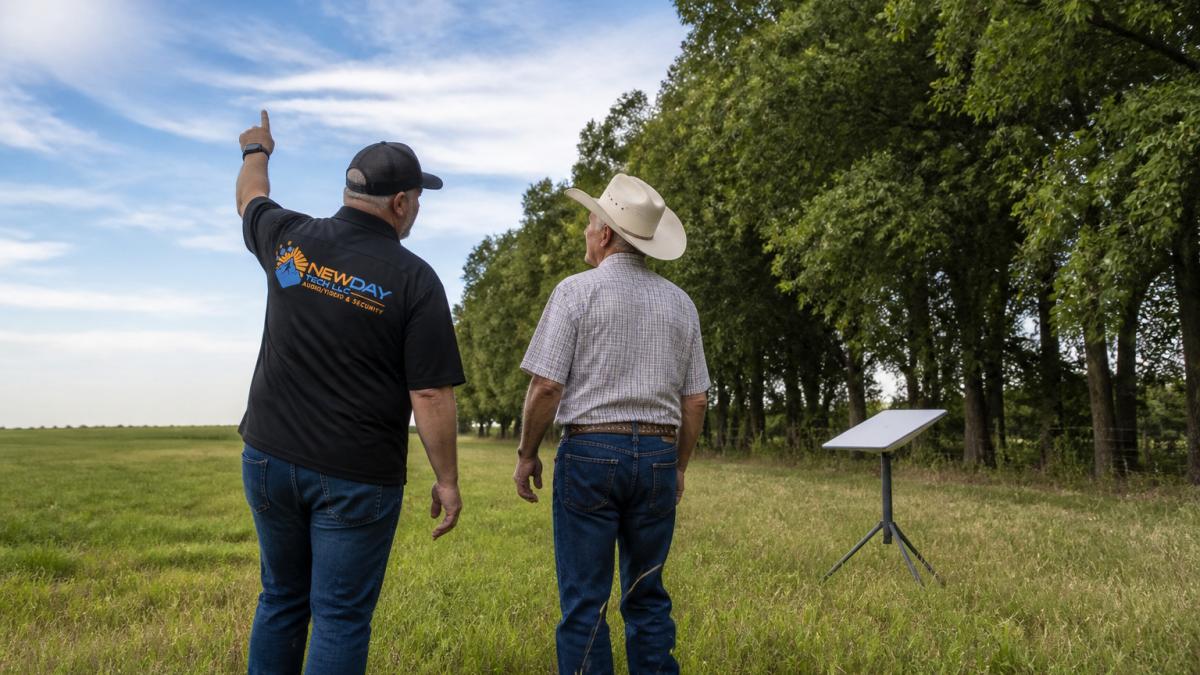
Walk the property and consider likely spots, such as an open pasture edge away from the tree line or a higher point on the lot.
- Choose an open area with no branches or structures overhead.
- Keep the dish clear of the barn roof, metal structures, and tall trees.
- Consider more than one location.
- Leave enough room for the dish cable to reach the router without strain.
Consider each option before mounting anything.
Mounting Starlink Above Trees: Height and Clearance
Raising the dish is one possible response to tall trees. This section discusses estimating height, mount options, safety, and permissions.
Estimating the height you need
The height needed depends on the property. You can make an estimate before buying anything:
- Measure the distance from the proposed mount to the nearest tall tree in the blocked direction. Pace it off or use a measuring tape.
- Estimate the tree height. A simple method: have a helper of known height stand at the base, or use the shadow method, compare the tree's shadow to a known object's shadow at the same time of day. Smartphone level and clinometer apps can also give a rough angle.
- Apply the geometry. If a tree is 40 feet away and 50 feet tall, a dish at ground level needs to see over a steep angle. Raising the dish 10 feet cuts that angle substantially; raising it 20 feet may clear the canopy entirely. The obstruction map will tell you whether the remaining blockage is acceptable.
- Confirm with a scan. After mounting, run the app's obstruction check. If red remains in the look direction, you either need more height or a different location.
Comparing mount options
| Option | Effort | Likely effectiveness | Best for |
|---|---|---|---|
| Relocate dish at ground level | Low | Low to moderate | Small obstructions, open pasture edges |
| Roof mount (eave or ridge) | Moderate | Moderate to high | Homes with a clear roof view and safe access |
| Pole or mast in the yard | Moderate to high | High | Large lots with a clear sight line away from trees |
| Professional tree work | High (cost and permission) | Variable | When trimming is the only option and trees are on your property |
A roof mount requires a clear view from the roof. Consider how easily you can adjust a mount later.
Safety and permissions
Before working at height:
- Use a stable ladder rated for the load, and have a second person spot you.
- Avoid mounting near power lines.
- Confirm the mount is rated for wind load in your area and that the dish cannot rotate or vibrate in gusts, a moving dish causes its own outages.
- Check applicable restrictions before installing a mast.
- Get permission before trimming trees you do not own; a certified arborist can advise on significant limbs and power-line proximity.
When height is not the answer
If trees obstruct the dish's view of the sky, consider whether relocation or tree work is appropriate. Height is one possible option. Check the new location before committing to a permanent mount.
Using a Starlink Cable Extension to Reach a Clearer Spot
A longer cable may let you place the dish somewhere with a clearer sky view while keeping the router indoors. Check the cable specifications and plan the routing.
Plan the cable path before installation, taking care to avoid areas where livestock or equipment could damage it. A professional team can handle Starlink cable routing and installation so the run is planned and secured properly.
- Measure the distance from the new dish spot to the router before buying cable.
- Avoid sharp bends and tight coils, which can damage the cable.
- Secure the cable so wind and foot traffic cannot pull on it.
- Test the connection at the new spot before finishing the install.
Plan the cable route carefully.
Temporary Fixes, Seasonal Growth, and When to Trim Branches
Tree growth may change the dish's view of the sky over time.
Trimming branches may change the dish's view of the sky. Only cut branches you have permission to trim.
- Check the sky view periodically.
- Trim small branches that block the dish path, and leave the rest of the tree intact.
- Relocate the dish or raise the mount if trimming will not be enough.
- Keep a record of obstruction checks so you can spot gradual change.
Consider mounting height and placement as well as trimming.
Booking a NewDay Tech Site Assessment for Your Property
NewDay Tech specializes in designing and installing Starlink systems for rural and remote properties. Request a consultation to discuss your property.
Visit the NewDay Tech website for current pricing or to request a quote. NewDay Tech offers ongoing support plans. request a consultation to talk through your property, or learn more about professional Starlink installation near you before you decide.
For a step-by-step look at site prep and dish placement, see the full Starlink installation guide.
Frequently Asked Questions
Will Starlink work with trees?
Trees and overhanging branches can obstruct a dish's view of the sky. NewDay Tech specializes in designing and installing Starlink systems for rural and remote properties.
Can mounting a Starlink dish higher improve its signal?
Raising a dish may change its view of the sky. NewDay Tech specializes in designing and installing Starlink systems.
Can I use a longer cable to move my Starlink dish away from trees?
A longer cable may let you place the dish in a more open spot. Check the cable specifications before buying an extension.
How do I check Starlink obstructions in the app?
Open the Starlink app while connected to the dish, then go to the connection or dish status section where the obstruction information appears. The app shows the percentage of time your view is blocked and a map of obstructed areas in the sky. Run the check after each move, since the results change with dish position. Rerun it after seasonal growth to confirm your connection still has a clear view.