 How-to
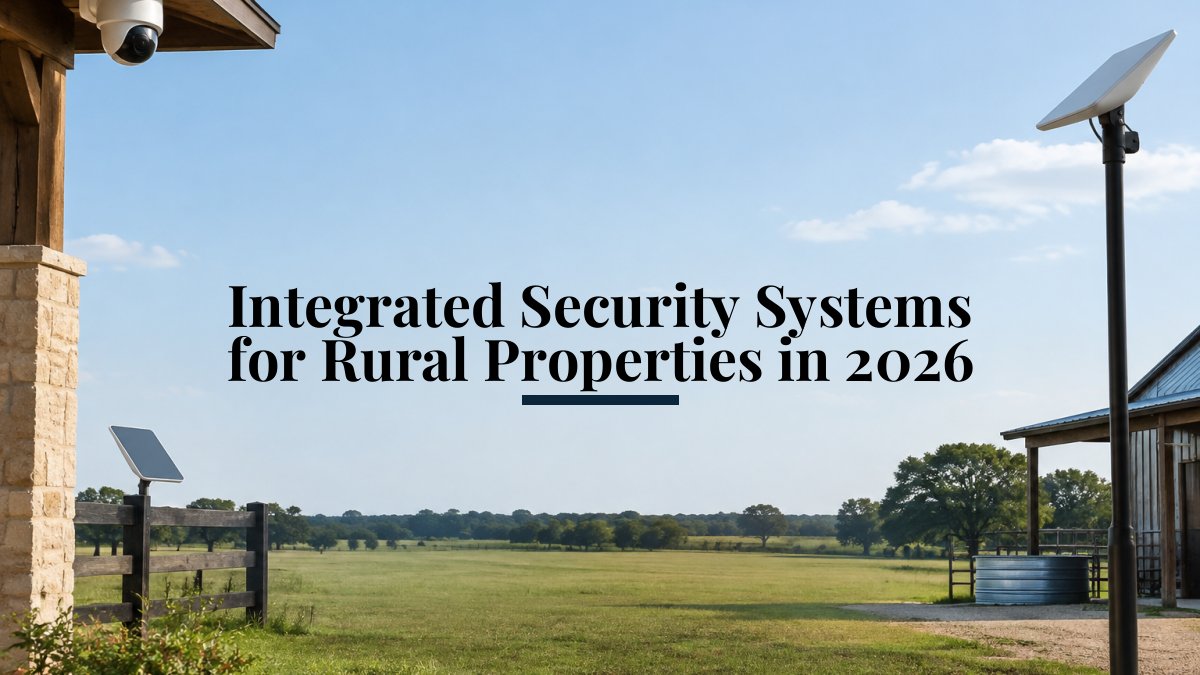
Integrated Security Systems for Rural Properties in 2026
Last Updated: November 10, 2026
Quick Summary
Integrated security systems for rural properties combine cameras, alarms, sensors and smart controls into one network planned around distance, weather and infrastructure. Start with reliable connectivity, plan power for outbuildings, then place cameras at gates and buildings. This keeps alerts, video and access control in one place for owners who are often miles away.
- Plan connectivity first, choosing among Starlink, cellular backup and Wi-Fi options.
- Standard Ethernet PoE is rated to about 328 feet (100 meters), so plan extenders for distant outbuildings.
- Aim motion sensors away from moving tree lines to reduce false alarms.
- Change default passwords and separate security devices onto their own network segment.
- A site survey identifies connectivity, power and camera placement needs before you buy equipment.
Table of Contents
- Why Rural Properties Need a Different Security Approach
- Connectivity First: Starlink, Cellular and Wi-Fi Options for Remote Land
- Perimeter, Barns and Outbuildings: Where to Place Long Range Farm Surveillance Cameras
- Power Supply, Motion Detection and Reducing False Alarms
- Integrating Cameras, Alarms, Audio and Smart Home Controls Into One System
- Professional Installation Versus DIY, and Cybersecurity on Rural Networks
- Planning Your Next Step: Scheduling a Site Survey and Ongoing Support
- Frequently Asked Questions
Why Rural Properties Need a Different Security Approach
Integrated security systems for rural properties are not simply city systems scaled up. A large acreage, long driveways, outbuildings and limited power or connectivity change what a working system must do.
Most rural owners start with one piece, such as a camera on the barn, then add a separate alarm and a separate app. Over time, that approach creates gaps between systems that do not talk to each other.
Remote properties also face a practical challenge: you cannot always see them. A system that sends real-time alerts and lets you review video from a phone matters more when you are miles away.
Connectivity First: Starlink, Cellular and Wi-Fi Options for Remote Land
Every integrated system depends on a reliable connection, so connectivity decisions come first. On large acreage, the three most common options are Starlink satellite internet, cellular backup and a point-to-point or mesh Wi-Fi network.
Starlink works well on open land because it does not depend on local cell towers. The dish needs a clear view of the sky, so placement matters.
Cellular backup is useful when the main connection fails. Many remote properties have uneven cell coverage, so test signal strength at each location before relying on it.
For a closer look at the installation steps, read our guide to Starlink installation for rural ranches.
Perimeter, Barns and Outbuildings: Where to Place Long Range Farm Surveillance Cameras
Perimeter protection on a farm or ranch focuses on the points people must cross: gates, driveways, fence lines and access roads.
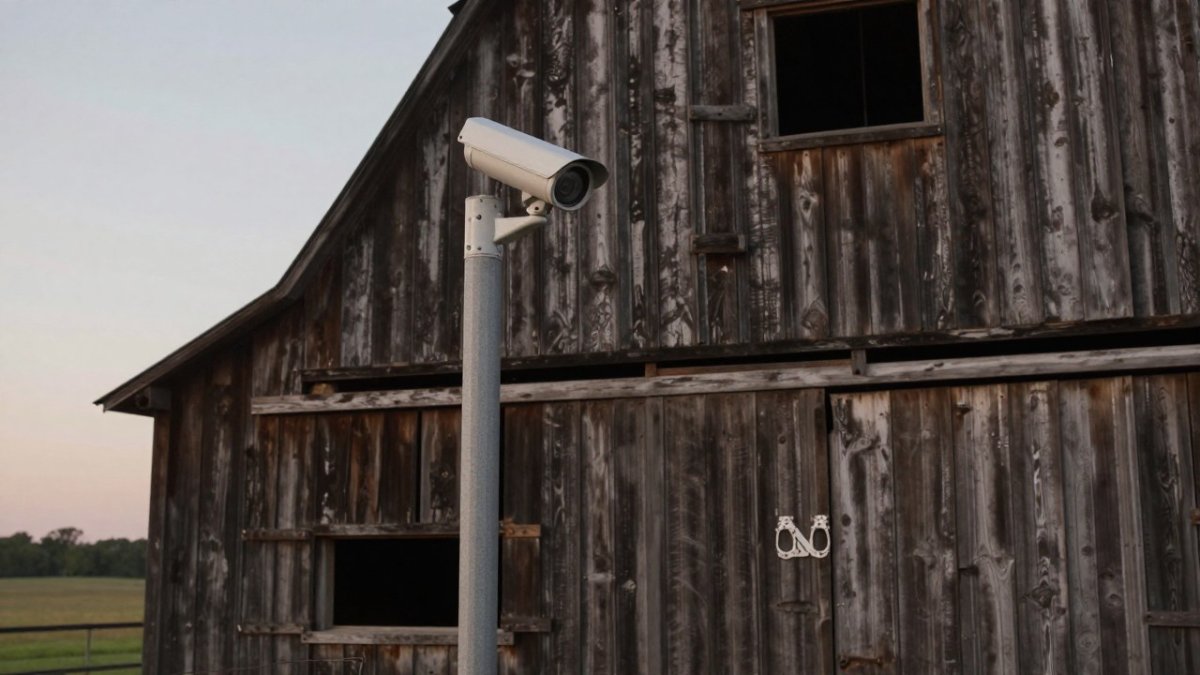
Barns and outbuildings need their own coverage. Place a camera where it can see doors, equipment storage and any area where tools or livestock feed are kept. Night vision matters here, since most rural activity happens after dark.
Motion sensors at the perimeter reduce wasted video review. When a sensor triggers a camera, you see the event that caused the alert.
To see how integrated security monitoring works across a property, explore residential and commercial security, video surveillance and alarm monitoring.
Power Supply, Motion Detection and Reducing False Alarms
Power is often the hidden limit on rural systems, and it is where most DIY plans fail. Cameras and sensors far from the main house may not have a nearby outlet, and long cable runs introduce voltage drop that can leave a camera rebooting or a sensor dropping offline. Plan power before you plan cameras.
Power options for remote hardware
There are four practical power approaches on rural land, and most properties use a mix:
- Hardwired AC with Power over Ethernet (PoE). PoE carries both data and power over a single Ethernet cable, which simplifies installation. The catch is distance: standard Ethernet is rated to about 328 feet (100 meters), and voltage drop increases with cable length and load. For runs to a distant barn or gate, use PoE extenders, fiber with a media converter, or a local power source at the device. Undersized cable on a long run is a common cause of intermittent camera failures.
- Solar with battery storage. A solar panel and battery bank can power a camera or sensor cluster where trenching is impractical. Size the battery for several consecutive cloudy days, not just average sun, and use a charge controller that protects the battery from deep discharge. Panel orientation and shading from trees or structures matter more than panel wattage alone.
- Local AC at the outbuilding. If a barn or shop already has power, a local outlet and a small PoE switch is often the cheapest and most reliable option. Add a surge protector and, where the building is on a separate electrical service, consider a UPS to ride through brief outages.
- Battery-powered devices with cellular radios. These suit gates, fence lines and other spots with no wiring. The trade-off is maintenance: batteries need replacement on a schedule, and cold weather reduces capacity. Choose devices that report battery level remotely so you are not guessing.
A common pattern is to hardwire the house and shop, use PoE with extenders for mid-distance outbuildings, and reserve solar or battery devices for the perimeter and gates. That keeps the most critical cameras on the most reliable power.
Motion detection that survives the outdoors
False alarms are the most common complaint about rural motion detection, and they are usually a placement problem rather than a device problem. Wind-blown brush, animals, insects near the lens, and rapid temperature changes can all trigger passive infrared (PIR) sensors.
Reduce false alarms with these steps:
- Aim sensors away from moving vegetation. A PIR sensor facing a tree line or tall grass will trigger on every gust. Clear a detection corridor or angle the sensor down toward the ground where people actually walk.
- Use detection zones and tripwires. Most modern cameras and NVRs let you mask out roads, trees and neighboring property, and draw a line that a person must cross to trigger an alert. Set the zone to the approach, not the whole frame.
- Combine sensors with camera verification. A PIR sensor that triggers a camera clip gives you a verified event. Pair outdoor sensors with cameras so an alert includes video, which reduces the time you spend checking and the chance you ignore a real event.
- Adjust sensitivity after installation. Test each sensor during the first month and tune sensitivity seasonally. Summer foliage and winter snow both change what the sensor sees.
- Use pet-immune or animal-filtering settings where appropriate. Many outdoor sensors and cameras offer person/vehicle classification. These filters are not perfect, but they cut alerts from livestock and wildlife substantially.
Watch out: a poorly aimed motion sensor facing a tree line can generate dozens of alerts a week, and owners often disable the system altogether rather than fix the zone. Test sensor zones after installation and adjust them during the first month, then revisit them when the seasons change.
The table below summarises the power options and common limits for rural hardware covered in this section.
| Power option | Key limit | Best use |
|---|---|---|
| Hardwired PoE | Standard Ethernet rated to 328 feet (100 meters) | Mid-distance outbuildings with extenders |
| Solar with battery | Size battery for several cloudy days | Locations where trenching is impractical |
| Local AC at outbuilding | Add surge protector or UPS | Barns and shops with existing power |
| Battery plus cellular | Batteries need scheduled replacement | Gates and fence lines with no wiring |
Integrating Cameras, Alarms, Audio and Smart Home Controls Into One System
Integration means your cameras, alarms, audio and smart home controls share one interface and one set of rules. A single app can show live video, arm the alarm, open a gate and play audio through a barn speaker.
Plan the integration before buying equipment. Decide which devices need to communicate, which alerts go to which people, and who can control the system. Clear rules prevent the common problem of separate apps that each send their own notifications.
Review the range of technology services that work better together to see how the pieces connect.
Professional Installation Versus DIY, and Cybersecurity on Rural Networks
Do-it-yourself installation can work for a single camera or a simple sensor. Integrated systems across a large property are harder. Cable runs, power planning, signal testing and network setup each affect the others, and a mistake in one area shows up as a flaky camera or a missed alert somewhere else.
A professional installation on rural land can involve planning, connectivity testing, power planning, cable routing, network setup and training on the system. Ask what the installer will check on site, how the system will be tested, and how security updates will be handled. Those answers show whether the work is planned or improvised.
Cybersecurity on rural networks
Rural networks carry risks that city networks do not. Satellite and cellular internet connections often sit behind carrier-grade NAT (CGNAT), which can block the simple remote-access methods that work on a home cable connection. That pushes owners toward vendor cloud services or a VPN, and each choice has security implications. A camera or controller connected to an unsecured network can expose your video and control access to outsiders.
Practical steps for a rural network:
- Change default passwords and use unique credentials for every camera, NVR, router and smart controller. Default credentials are the most common way devices are compromised.
- Keep firmware updated. Enable automatic updates where the device supports them, and check for updates on a schedule for devices that do not.
- Separate security devices from personal devices. Put cameras and controllers on a dedicated VLAN or guest network so a compromised laptop or smart TV cannot reach the security system.
- Use encrypted remote access. Prefer the vendor's encrypted cloud service or a VPN back to the property over opening ports on the router. Port forwarding is a common and avoidable exposure.
- Secure the satellite or cellular link itself. Change the default admin password on the satellite router or cellular modem, disable remote administration you do not need, and keep that equipment's firmware current.
- Plan for outages. A cellular failover keeps alarm monitoring and video alerts running when the primary connection drops, but test the failover path before you rely on it.
Legal and privacy considerations for large acreage
Most guides skip the legal side, but on large rural properties it matters. Recording beyond your property line, aiming cameras at a neighbor's house or driveway, and capturing audio can create liability and neighbor disputes. Audio recording laws vary by state, and some states require consent from all parties. Signage that deters trespassers can also create obligations or notice requirements depending on your state and local rules.
If you are weighing options, read about hiring professional Starlink installers and what to expect.
Planning Your Next Step: Scheduling a Site Survey and Ongoing Support
A site survey is a useful next step. It can help identify connectivity, power and camera placement needs before equipment is chosen, so you know the scope before comparing quotes.
Ongoing support matters as much as installation. Systems need firmware updates, sensor adjustments and occasional repairs. For guidance on keeping a ranch system running after installation, see our ongoing tech support guide.
Pricing depends on the size of the property, the number of devices and the level of monitoring you choose. Visit the NewDay Tech pricing page for current information, or request a consultation to get a quote for your property.
Frequently Asked Questions
What is the best security system for a rural property?
The best system for a rural property combines reliable connectivity, weather-rated cameras, perimeter sensors and professional monitoring. Because cell coverage and cable internet are often unreliable on large acreage, a system should be built around a backup link such as satellite or cellular. Pricing depends on property size, camera count, equipment and service plan, so request a quote from NewDay Tech for current figures tailored to your land.
What is an integrated security system?
An integrated security system connects cameras, alarms, access controls, audio and network equipment so they operate from one platform instead of separate apps. For a rural property, integration means a motion alert can trigger a camera view and an audible warning in the barn at the same time. This reduces the number of apps you manage and makes incidents easier to verify and respond to.
How do you monitor a large property remotely?
Remote monitoring on a large property relies on long range cameras, a stable internet link and a viewing app or central monitoring service. Plan for a satellite or cellular backup so alerts still reach you when the primary line drops. A site survey helps identify coverage gaps around barns and outbuildings before equipment is placed.
How can you secure a property without reliable Wi-Fi?
You can secure a property without cable Wi-Fi by using a satellite internet connection, cellular backup or a long range wireless bridge to carry camera and alarm traffic. Battery or solar-powered devices can cover areas without grid power. Professional design ensures the connectivity matches the equipment you install.