 how-to
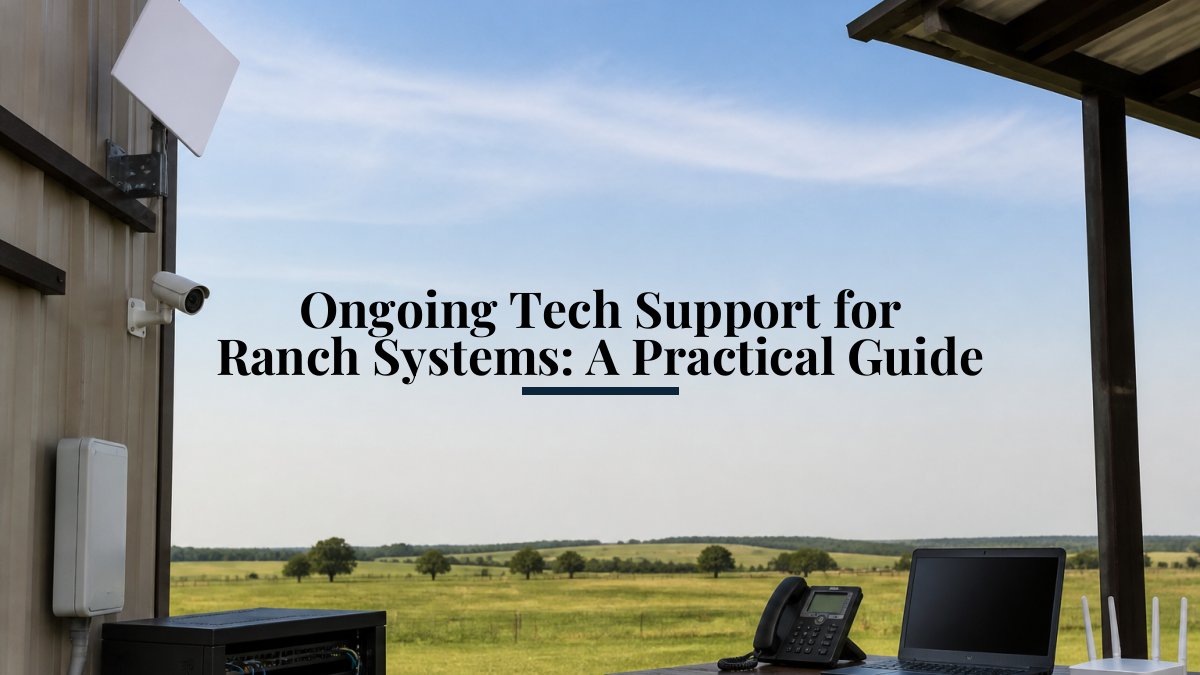
Ongoing Tech Support for Ranch Systems: A Practical Guide
Last Updated: October 23, 2026
Quick Summary
Ongoing tech support for ranch systems means three things working together: regular maintenance checkpoints, a clear troubleshooting process when issues arise, and a defined relationship with someone who understands your specific setup. This prevents outages, catches problems early, and keeps your ranch operations running reliably.
- Monthly checkpoints include verifying cameras record, checking Starlink signal quality, testing Wi-Fi coverage, and confirming backup systems are active.
- Professional inspections should occur annually or semi-annually during low-intensity periods like late fall or early spring, typically taking 4-6 hours.
- Starlink systems draw 90-150 watts during normal operation, plus heating elements in winter, requiring dedicated circuits and battery backup sized for 4-6 hours minimum.
- Define response-time tiers with your support provider: critical issues within 1-2 hours, high priority within 4 hours, medium priority next business day.
- Budget for at least 1-2 on-site service visits annually for preventive maintenance and seasonal preparation.
Table of Contents
- Why Ongoing Tech Support Matters for Ranch Operations
- Building a Ranch Technology Maintenance Plan
- Ranch Network Troubleshooting: Common Issues and Solutions
- Starlink Support for Ranches: Keeping Remote Connectivity Reliable
- Ranch Security Camera Support: Monitoring and Maintenance
- Integrating Multiple Systems Under One Support Plan
- Setting Service-Level Expectations and Escalation
- Budgeting for Support Costs and Long-Term Reliability
- Frequently Asked Questions
Why Ongoing Tech Support Matters for Ranch Operations
Ranch operations depend on reliable technology, whether you're monitoring water across 200 acres, managing Starlink in remote areas, or tracking livestock through integrated security systems.
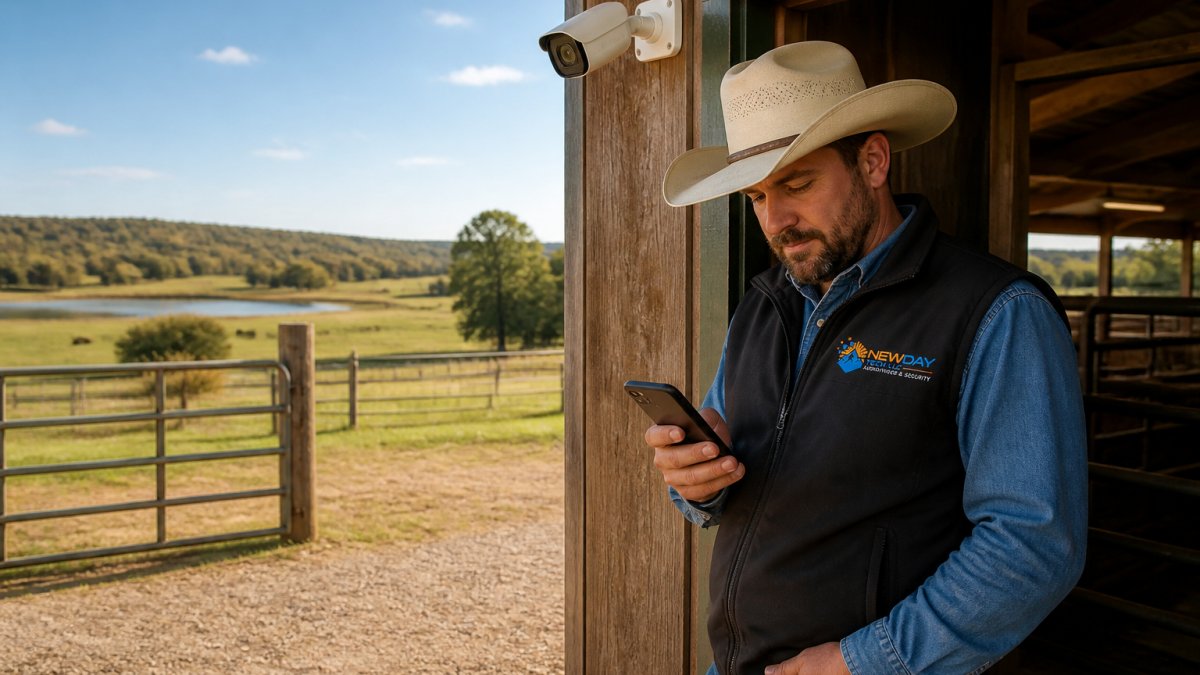
Most ranchers treat technology installation as a one-time project.
Ranches with a documented maintenance plan and clear escalation paths often experience fewer outages and catch problems before they become emergencies.
Building a Ranch Technology Maintenance Plan
A maintenance plan isn't a contract, it's a schedule documenting what gets checked, when, and by whom, broken into monthly, seasonal, and annual tasks.
Monthly and Seasonal Checkpoints
Monthly checkpoints catch small issues before they cascade, quick checks you can do yourself or delegate with a simple checklist.
Monthly tasks typically include:
- Verify all cameras are recording and storage isn't filling
- Check Starlink dish alignment and signal quality
- Test Wi-Fi coverage in critical work areas
- Confirm backup systems are active and logs are clear
- Review any system alerts or notifications from the past month
Seasonal checkpoints happen before major weather changes: winter prep protects against freezing temperatures and ice on dishes, while summer prep addresses dust, heat, and cooling demands.
Winter maintenance includes weatherproofing exposed cables, checking battery backup systems, and ensuring heating elements on outdoor equipment are functional.
When to Schedule Professional Inspections
Professional inspections go deeper: annual or semi-annual visits where a technician reviews the entire system, runs diagnostics, and identifies wear patterns before failure.
Schedule professional inspections during low-intensity periods, typically late fall or early spring. A technician should:
- Inspect connections and cable runs for damage
- Test backup power under load
- Review logs for recurring errors
- Update firmware and security patches
- Test failover systems
Professional inspections typically take 4-6 hours depending on system complexity. They cost less than emergency service calls and catch problems that monthly checklists miss.
Ranch Network Troubleshooting: Common Issues and Solutions
Network problems are the most common issue ranches face, connectivity drops, signal loss, and intermittent outages disrupt monitoring and control systems. Knowing how to diagnose them speeds up resolution.
Connectivity Drops and Signal Loss
Connectivity drops fall into two categories: brief interruptions lasting seconds, and sustained outages lasting minutes or longer.
Brief interruptions are usually normal, Starlink dishes reacquire satellite connections and Wi-Fi systems roam between access points. These micro-interruptions shouldn't affect most operations unless your system is extremely latency-sensitive.
Sustained outages need immediate diagnosis. Start with the physical layer:
- Verify the modem or gateway has power and shows normal indicator lights
- Check that cables are firmly seated and not damaged
- Confirm the dish (for Starlink) has clear line of sight to the sky
- Restart the equipment by powering it off for 30 seconds, then back on
If the restart doesn't restore connectivity, the issue is either upstream (your service provider) or in the equipment itself.
Equipment Status and System Uptime
Real-time equipment status tells you whether a system is working before you notice a problem.
Check these dashboards weekly, even if everything appears normal, a declining signal trend or slowly draining battery signals maintenance is needed before an outage occurs.
Document baseline performance for each system. Starlink should maintain signal strength above -140 dBm under normal conditions. Wi-Fi access points should show signal levels above -70 dBm in your work areas.
Starlink Support for Ranches: Keeping Remote Connectivity Reliable
Starlink has transformed connectivity for remote ranches, but it requires different maintenance than terrestrial internet: the dish is exposed to weather, power demands are higher, and performance depends on clear sky view.
Weatherproofing and Seasonal Maintenance
Starlink dishes are built for outdoor use, but seasonal extremes require proactive maintenance.
Before winter, verify your dish has power to heating elements and that the power supply can handle the additional load. If power is limited, plan manual ice removal during winter storms.
Summer maintenance focuses on dust and heat. Dust accumulation reduces signal, and overheating can damage electronics. Clean the dish surface monthly during dry seasons with a soft cloth.
Power Optimization and Battery Life
Starlink systems draw 90-150 watts during normal operation, plus heating elements in winter, a significant load for ranches relying on solar or battery backup.
Optimize power by:
- Running Starlink equipment on dedicated circuits separate from high-draw appliances
- Using battery backup sized for at least 4-6 hours of operation (longer if possible)
- Scheduling high-bandwidth activities (large file transfers, video uploads) during peak solar production if using solar power
- Disabling Starlink heating elements during mild winters if manual ice removal is feasible
- Monitoring power consumption monthly to catch increases that indicate equipment degradation
Most Starlink systems include battery backup options. For ranches where connectivity is mission-critical, backup power is essential.
Ranch Security Camera Support: Monitoring and Maintenance
Security cameras generate continuous data. Without proper management, storage fills, systems slow, and you lose visibility. Ongoing tech support for ranch systems includes camera maintenance and data management.
Remote Monitoring and Real-Time Alerts
Modern camera systems send alerts for motion, gate access, or offline status, but only if configured correctly and connectivity is stable.
Verify your camera system sends alerts to your phone or email. Test alerts monthly by triggering motion detection deliberately.
Real-time monitoring means viewing live feeds from anywhere, which requires sufficient bandwidth, typically 2-5 Mbps per camera depending on resolution. With multiple cameras and limited bandwidth, prioritize high-value areas (barn entrances, equipment storage, livestock pens).
Data Accuracy and Storage Management
Camera systems store video locally or in the cloud.
Most ranches use hybrid approaches: local storage for recent footage (last 7-14 days) and cloud backup for archival. Review storage settings monthly. When local storage reaches 80% capacity, older footage automatically deletes.
Data accuracy means timestamps are correct and footage is actually being recorded. Verify camera system time is synced to a reliable time source (GPS or NTP server).
Integrating Multiple Systems Under One Support Plan
Most ranches don't have just one system, they have Starlink, Wi-Fi, security cameras, possibly irrigation monitoring, and weather stations. These systems work better integrated, but integration creates complexity.
Third-Party Integration and Interoperability
Integration means systems communicate and share data: cameras use your Wi-Fi network, irrigation adjusts watering based on weather monitoring, and livestock alerts arrive through the same app as your cameras.
Integration requires compatible systems and proper configuration. Before selecting equipment, verify it supports integration with systems you already have. Many manufacturers offer APIs or native integrations with popular platforms.
Common integration challenges include:
- Different systems using different Wi-Fi networks (fragmented connectivity)
- Cloud services from different providers (data doesn't sync)
- Incompatible protocols (systems can't communicate directly)
- Authentication conflicts (one system locks out another)
These problems are preventable with proper planning, but they're difficult to fix after installation.
Backups, Data Ownership, and Cybersecurity
When systems are integrated, data flows between multiple services, understanding where it lives and who can access it is critical.
Data ownership means you retain copies of your data and can export it if you change providers. Cloud services should provide regular backups and export options.
Cybersecurity for ranch systems means:
- Using strong, unique passwords for each system
- Enabling two-factor authentication where available
- Keeping firmware and software updated
- Restricting network access to authorized users only
- Regular security audits by your support provider
Document which systems contain sensitive data (livestock health records, irrigation schedules, security footage) and ensure those systems have appropriate access controls.
Setting Service-Level Expectations and Escalation
When something breaks, you need to know who to call, how quickly they'll respond, and what they can fix remotely versus on-site.
Response Times and Technical Assistance
Response times vary by severity: an offline camera is less urgent than a Starlink outage that stops all monitoring, and a Wi-Fi dead zone in a rarely-used building is lower priority than lost connectivity to critical equipment.
Define response-time tiers with your support provider:
- Critical (system offline, data loss risk): 1-2 hour response target
- High (significant functionality lost): 4-hour response target
- Medium (partial functionality, workaround available): next business day
- Low (minor inconvenience, no safety risk): within 1 week
Most issues can be resolved remotely through troubleshooting. Remote assistance means a technician guides you through diagnostics, reviews system logs, or temporarily accesses your equipment to diagnose problems. This is faster and less expensive than on-site service.
On-Site Service vs. Remote Assistance
Remote assistance works for software issues, configuration problems, and diagnostics.
Clarify with your support provider what's included in your plan. Some providers include unlimited remote support but charge for on-site visits. Others bundle a certain number of on-site visits annually.
Budget for at least 1-2 on-site service visits annually for preventive maintenance and seasonal preparation.
Budgeting for Support Costs and Long-Term Reliability
Support costs are ongoing but predictable, and far less expensive than emergency repairs or operational downtime.
Ongoing tech support for ranch systems typically includes:
- Monthly or quarterly maintenance checkpoints
- Annual or semi-annual professional inspections
- Remote technical assistance when issues arise
- Firmware updates and security patches
- Documentation and system configuration management
Support costs depend on system complexity, number of devices, and how much remote versus on-site service you need.
NewDay Tech works with ranches to build support plans that match your operational needs and budget.
Reliable ranch technology requires more than installation, it requires a partner who understands your systems and is available when problems arise.
Frequently Asked Questions
What does ongoing tech support for ranch systems include?
Comprehensive tech support for ranch systems covers remote monitoring of your Wi-Fi, security cameras, and connectivity equipment; regular maintenance checks and seasonal winterization; troubleshooting of network issues and equipment problems; real-time alerts for system failures; and technical assistance when devices stop responding. Support typically includes both remote diagnostics and on-site service for issues that require hands-on repair or reconfiguration.
How often should I schedule ranch technology maintenance?
Monthly visual inspections of equipment and connectivity status are recommended, with deeper technical checks quarterly. Seasonal maintenance before winter and summer ensures your systems handle temperature extremes and weather changes. If you operate remote monitoring systems or rely on Starlink for critical operations, quarterly professional inspections help catch data accuracy issues, battery degradation, and potential failures before they disrupt ranch operations.
What should a ranch technology support plan cover?
An effective ranch technology maintenance plan should include remote monitoring of all connected devices, scheduled equipment configuration reviews, alerts and notifications for system failures, winterization and seasonal maintenance protocols, troubleshooting workflows for common connectivity problems, and escalation procedures for issues requiring on-site service. It should also clarify response times, cover third-party integration between systems (Wi-Fi, cameras, audio/video), and address data backups and cybersecurity.
How can I troubleshoot Wi-Fi dead zones across my ranch?
Start by identifying which areas lose signal using your mobile device or a site survey tool. Check for physical obstructions like barns, metal structures, or dense tree cover that block wireless communication. Verify equipment status and power optimization of your access points. If dead zones persist, consider additional access points, signal boosters, or wireless mesh systems. Professional ranch network troubleshooting can identify the root cause and recommend permanent solutions rather than temporary fixes.