 how-to
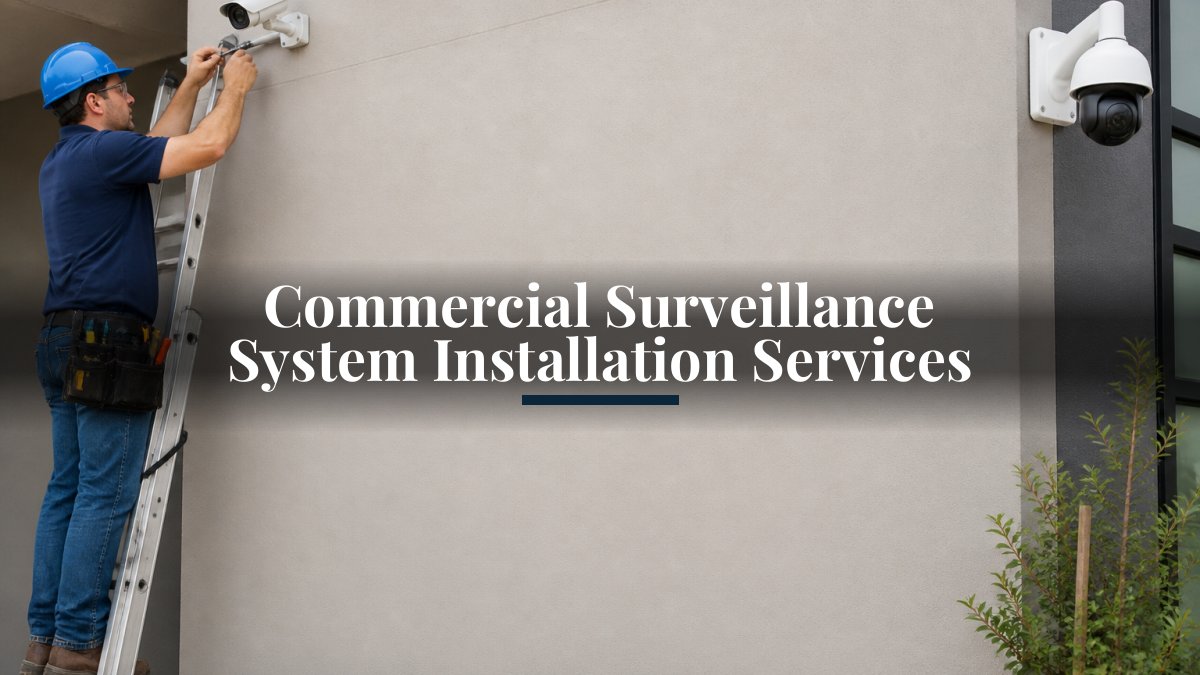
Commercial Surveillance System Installation Services
Table of Contents
- What Commercial Surveillance System Installation Involves
- Site Assessment and Security Needs Planning
- Commercial Surveillance System Design and Camera Placement
- Selecting a Qualified Commercial Security Camera Installer
- Security Camera Installation Cost for Businesses
- Network, Cabling, Video Storage, and System Integration
- Security Camera Maintenance for Businesses and Ongoing Support
- Frequently Asked Questions
Last Updated: October 21, 2026
What Commercial Surveillance System Installation Involves
A commercial surveillance system installation is the complete process of designing, deploying, and configuring video surveillance equipment for business properties. This goes far beyond simply mounting cameras on walls. It encompasses site planning, hardware selection, network infrastructure, video storage setup, and integration with your existing business systems.
At NewDay Tech, we manage every step of this process. From the initial assessment through final testing and ongoing support, a proper commercial surveillance system installation ensures your cameras work together seamlessly and deliver reliable monitoring you can depend on.
The installation process typically includes several interconnected phases. First comes the detailed site assessment, where we evaluate your property's layout, lighting conditions, and security needs. Next, we design a system that covers your critical areas without gaps. Then we install cameras, run cabling, configure network connectivity, set up video storage, and integrate everything into a unified platform. Finally, we test the entire system and train your team on how to use it.
Most business owners underestimate how complex this becomes when cameras, storage, software, and network systems must all work together reliably. A rushed installation often means poor camera angles, inadequate storage capacity, or systems that don't communicate properly. The right approach takes time upfront to prevent costly problems later.
Site Assessment and Security Needs Planning
Before a single camera gets installed, we conduct a thorough site assessment to understand your actual security requirements. This step determines everything that follows, so it deserves careful attention.
During the assessment, we walk your property and identify the areas that genuinely need coverage. This includes entry points, parking areas, loading docks, high-value inventory zones, and any areas where past incidents occurred. We document lighting conditions at different times of day, note potential obstacles like trees or structures that might block camera views, and assess your current network infrastructure.
We also discuss your specific concerns. Are you monitoring for theft prevention, liability protection, employee accountability, or a combination of these? Different goals lead to different camera types and placement strategies. A retail store needs different coverage than a warehouse, which differs from an office building.
A common mistake is installing cameras everywhere without clear purpose. This creates massive amounts of video to store and review, inflates costs, and often misses the areas that actually matter. We focus on strategic placement that covers genuine security risks while keeping your system manageable.
We also evaluate your existing network. Many businesses have older Wi-Fi systems or limited bandwidth. A commercial surveillance system requires reliable connectivity, so we assess whether your current infrastructure supports it or if upgrades are needed. This assessment prevents the frustration of installing cameras only to discover network limitations later.
Commercial Surveillance System Design and Camera Placement
Once we understand your security needs, we design a system that covers those areas effectively. This is where experience makes the difference between a system that works and one that leaves blind spots.
Camera placement depends on field of view, lighting conditions, and what you're trying to monitor. A camera pointed at an entry door needs different positioning than one monitoring a parking lot. Indoor cameras in well-lit areas perform differently than outdoor cameras exposed to weather and variable lighting. We select camera types and placement that match each location's specific requirements.
For a commercial surveillance system design, we consider resolution, low-light performance, and viewing angles. High-resolution cameras capture detail but require more storage. Low-light cameras help in poorly lit areas but may sacrifice some clarity. Wide-angle lenses cover more area but show less detail. Narrow-angle lenses show fine details but cover less space. These trade-offs require thoughtful decisions based on your actual needs.
We also plan for scalability. Your system should accommodate additional cameras if you expand operations or identify new security concerns. A well-designed system grows with your business without requiring a complete overhaul.
Network video recorder placement matters too. Your recording system needs reliable power and network connectivity. We plan cable routes and equipment locations to ensure everything is accessible for maintenance while remaining secure from tampering.
Selecting a Qualified Commercial Security Camera Installer
Not all installers approach commercial surveillance system installation the same way. Choosing the right one significantly impacts your system's reliability and your experience throughout the process.
Look for installers with documented experience in commercial installations. Residential camera systems and commercial systems operate at different scales and complexity levels. An installer experienced with home systems may lack expertise in network design, professional-grade equipment, and integration with business systems.
Ask about their process. Do they conduct a thorough site assessment before proposing equipment? Do they provide a detailed design plan? Will they explain their recommendations in terms you understand? A qualified installer educates you about the system, not just sells you equipment.
Request references from similar businesses. A company that installed systems for other commercial properties can speak to their experience and support quality. Ask those references about post-installation support, how responsive the installer was to issues, and whether the system performed as promised.
Verify that they handle the complete installation process. Some installers focus only on camera mounting while outsourcing cabling, network setup, or software configuration to others. This fragmented approach often leads to integration problems and unclear accountability when issues arise. At NewDay Tech, we manage the entire project with one team, so you have a single point of contact and clear responsibility.
Ask about their warranty and support terms. Will they stand behind their work? What happens if a camera fails or a connection drops? How do you reach someone if you need help? A qualified installer provides clear answers to these questions.
Security Camera Installation Cost for Businesses
Pricing for commercial surveillance system installation varies widely because systems vary widely. Understanding the cost drivers helps you make informed decisions and avoid surprises.
The number of cameras is the most obvious factor. A five-camera system costs less than a thirty-camera system. But cost per camera actually decreases with larger systems because some expenses don't scale linearly.
Camera type significantly impacts cost. Basic indoor cameras cost less than weatherproof outdoor cameras with advanced low-light performance. High-resolution cameras that capture fine detail cost more than standard resolution options.
Network infrastructure is another major cost driver. If your building already has adequate cabling and network capacity, installation costs are lower. If you need new cabling runs, network upgrades, or power infrastructure, those expenses add significantly.
Video storage capacity determines recording system costs. A system storing 30 days of footage requires more storage than one storing 7 days. Higher resolution cameras generate larger files, requiring more storage for the same retention period. Cloud-based storage versus on-premises systems have different cost structures.
Integration with existing systems adds cost but delivers significant value. Connecting your cameras to access control, alarm systems, or business management platforms requires additional configuration. This integration makes your security system more useful but requires technical expertise.
Professional installation labor represents a substantial portion of the total cost. A properly installed system requires skilled technicians to handle cabling, network configuration, camera positioning, and testing. This is not an area where cutting corners makes sense.
We recommend requesting detailed quotes that break down costs by component. This transparency helps you understand where your money goes and make informed decisions about where to invest more or less.
Network, Cabling, Video Storage, and System Integration
The physical cameras are only one piece of a commercial surveillance system installation. The network infrastructure, cabling, and storage systems are equally critical to reliable operation.
Modern commercial surveillance systems rely on network connectivity. IP cameras transmit video over your network rather than through dedicated coaxial cables. This approach offers flexibility and scalability but requires strong network infrastructure.
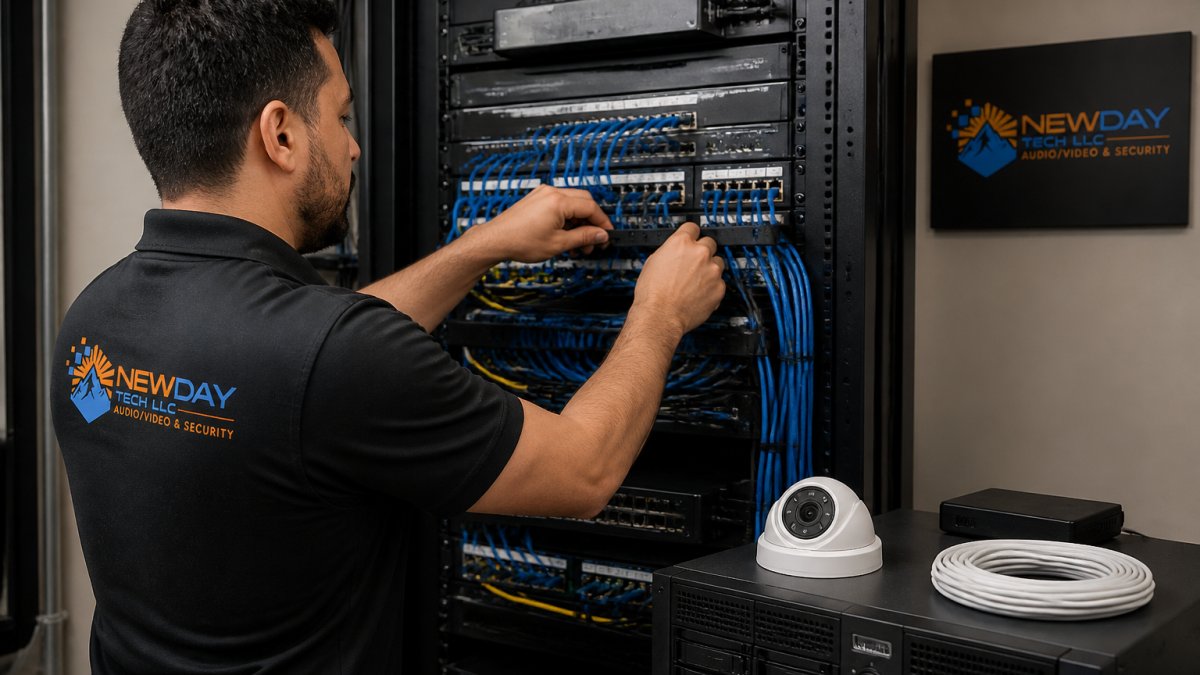
Power over Ethernet, or PoE, simplifies camera installation significantly. PoE delivers both power and network connectivity through a single cable, eliminating the need for separate power lines to each camera. This reduces installation complexity and costs.
Cabling quality matters more than many business owners realize. Poor quality cables or improper installation causes intermittent connectivity issues that are difficult to diagnose. We use commercial-grade cabling installed to industry standards, ensuring reliable performance.
Video storage is where your recorded footage lives. You have two main options: on-premises storage using a network video recorder at your location, or cloud-based storage hosted by a service provider.
Storage capacity depends on how much video you need to retain. Longer retention periods require larger storage systems. Higher resolution cameras generate larger files, requiring more storage for the same time period.
Video management software ties everything together. This is the platform where you view live feeds, search recorded footage, set up alerts, and manage your system.
System compatibility is essential. Your cameras, network video recorder, cabling, and software must all work together reliably. Mixing incompatible components causes integration problems and performance issues.
Security Camera Maintenance for Businesses and Ongoing Support
Installation is the beginning, not the end. Ongoing maintenance and support keep your system reliable over years of operation.
Regular maintenance prevents problems before they occur. Camera lenses accumulate dust and debris, reducing image clarity. Outdoor cameras face weather exposure that can degrade seals and connections.
A preventive maintenance plan catches issues early. We schedule regular inspections, clean camera lenses, verify network connectivity, check storage system health, and test backup systems.
Firmware updates improve camera performance and address security vulnerabilities. Cameras and network equipment receive periodic updates that enhance functionality or patch security issues. A qualified installer stays current with these updates and applies them appropriately.
Your team needs to know how to use the system. We provide training on accessing live feeds, searching recorded footage, adjusting settings, and responding to alerts.
When problems occur, you need responsive support. Network connectivity issues, storage failures, or camera malfunctions require quick diagnosis and repair.
Documentation is often overlooked but invaluable. We provide complete documentation of your system, including camera locations, network configuration, storage settings, and access credentials.
A properly installed commercial surveillance system becomes an integral part of your business operations. It provides peace of mind, protects your assets, and creates a record of events that can resolve disputes or support investigations.
NewDay Tech brings over 15 years of experience designing and installing security systems for commercial properties across North Texas.
If you're ready to discuss your commercial security needs, contact us for a consultation. We'll assess your property, answer your questions, and provide a detailed proposal that explains exactly what's involved and what you can expect.
| Installation Phase | Key Activities | Timeline |
|---|---|---|
| Site Assessment | Property walk-through, needs analysis, network evaluation | 1-2 weeks |
| System Design | Camera selection, placement planning, equipment specification | 1-2 weeks |
| Equipment Procurement | Ordering cameras, cabling, storage, network equipment | 1-3 weeks |
| Installation | Camera mounting, cabling, network setup, configuration | 1-4 weeks |
| Testing & Commissioning | Verify coverage, test recording, validate integration | 1 week |
| Training & Support | Team training, documentation, ongoing maintenance | Ongoing |
Frequently Asked Questions
How much does it cost to install a commercial surveillance system?
Commercial surveillance system installation cost varies based on property size, camera count, system type, and integration complexity. Typical factors include hardware (cameras, recorders, storage), labor for site assessment and installation, network infrastructure, cabling, and video management software. Pricing depends on your specific security needs and site conditions. Request a quote from a qualified installer to get an accurate estimate for your property.
How do you plan a commercial security camera installation?
Effective planning starts with a professional site assessment to identify coverage areas, potential blind spots, and field of view requirements. An installer evaluates lighting conditions, camera types needed (indoor/outdoor, resolution, low-light performance), determines optimal camera placement, designs network connectivity and cabling routes, specifies video storage and recording capacity, and ensures system compatibility with your existing infrastructure. A detailed project plan and timeline should be established before installation begins.
What should a commercial surveillance system include?
A complete commercial surveillance system includes IP or CCTV cameras matched to your coverage needs, a network video recorder or video management software for recording and playback, adequate video storage with appropriate retention periods, network infrastructure with PoE cabling where needed, remote monitoring and live viewing capability, motion detection and video analytics features, integration with access control or alarm systems if required, and professional commissioning and testing to verify performance before handover.
What should businesses look for in a security camera installer?
Choose an installer with proven commercial experience, relevant certifications, and a track record of system design and integration projects. Verify they offer site assessment services, can design scalable systems, understand network security and compliance requirements, provide clear project timelines and cost breakdowns, offer post-installation testing and commissioning, and include ongoing maintenance and technical support. Ask for references and ensure they stand behind their work with warranty and support commitments.