 how-to
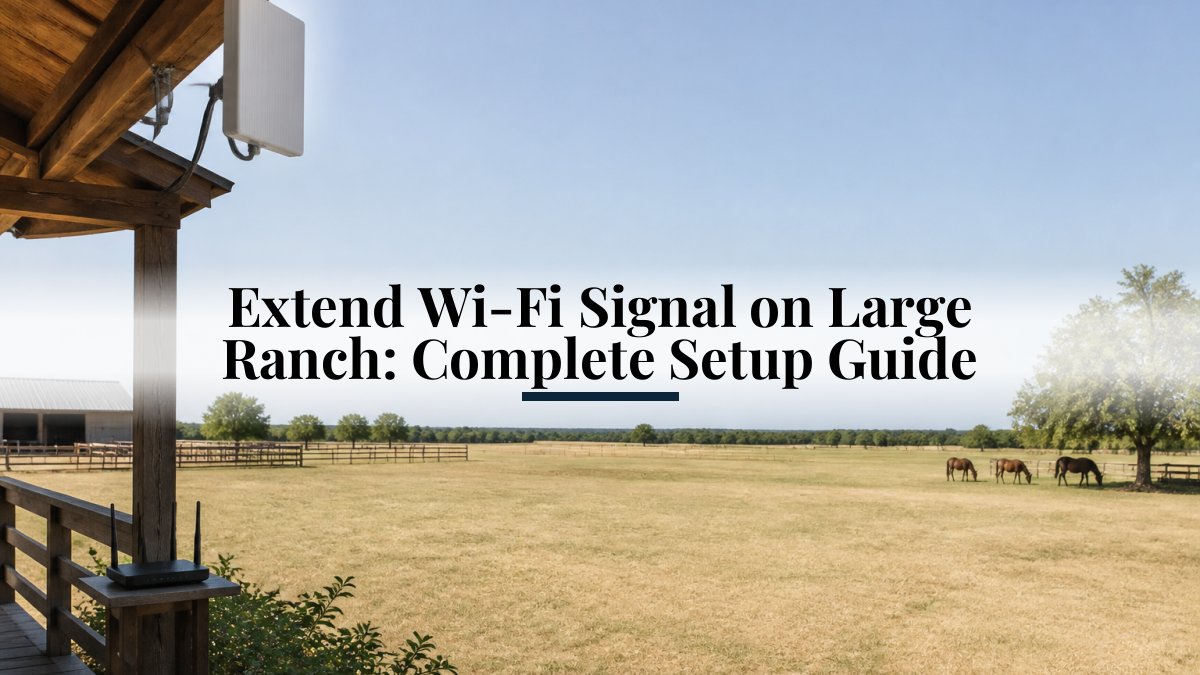
Extend Wi-Fi Signal on Large Ranch: Complete Setup Guide
Table of Contents
- Assess Your Property Coverage Needs and Obstructions
- Choose Your Coverage Strategy: Router Placement and Mesh Systems
- Extend Wi-Fi to a Shed: Practical Installation Steps
- Deploy an Outdoor Wi-Fi Access Point for Large Coverage Areas
- Set Up a Point-to-Point Wireless Bridge for a Barn
- Provide Wi-Fi for a Metal Building: Overcoming Signal Challenges
- Test, Troubleshoot, and Optimize Your Network
- Frequently Asked Questions
Last Updated: October 19, 2026
Assess Your Property Coverage Needs and Obstructions
The first step to extend Wi-Fi signal ranch-wide is understanding your actual coverage problem. Before you buy anything, walk your property and measure where the signal drops. This takes an hour and saves you from buying the wrong solution.
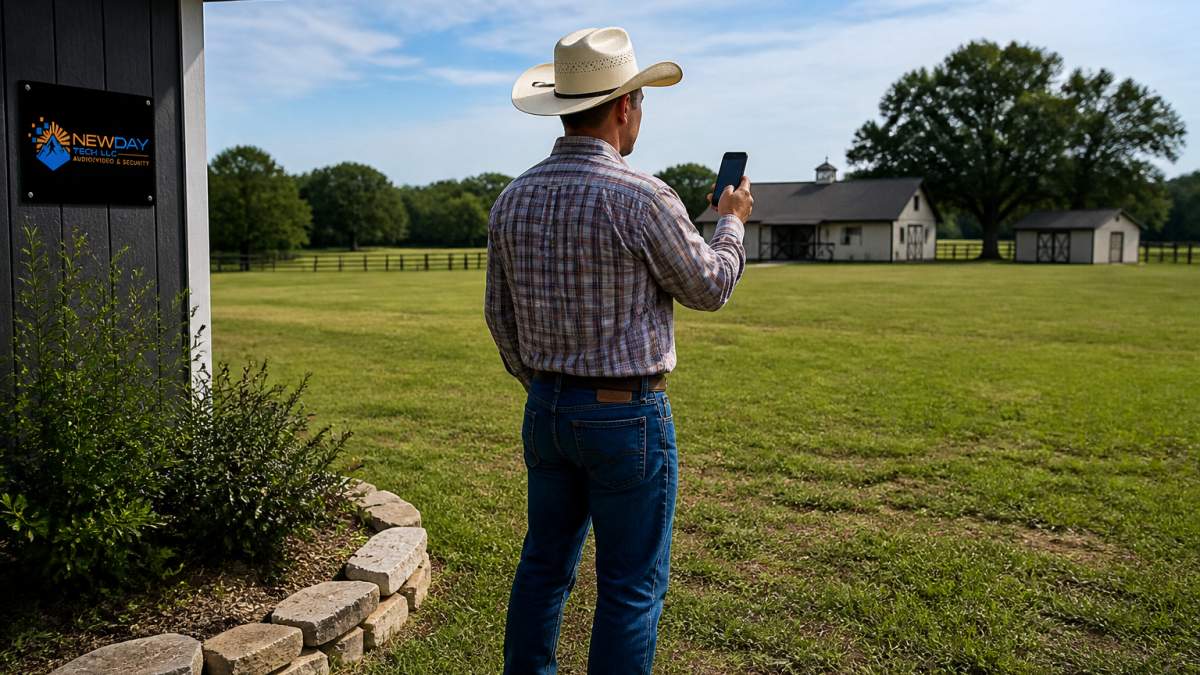
Measure signal strength and dead zones
Start with a Wi-Fi signal strength app on your phone. These apps show you the signal level in decibels (dB). Most phones get strong signal above -50 dB.
Walk from your router outward in all directions. Mark on a map or sketch where the signal drops below -70 dB. These are your dead zones.
Measure the distance from your router to the farthest building you need to cover. Most routers reach 100-150 feet in open space.
Identify obstacles: trees, metal structures, and distance limits
Trees absorb Wi-Fi signals. A thick grove between your router and a shed can cut signal by 50% or more. Metal structures are worse. A metal barn or metal roof blocks signal almost completely.
Check what's between your router and each dead zone:
- Open space: minimal loss
- Trees: expect 30-50% signal reduction
- Wood structures: expect 10-20% reduction
- Metal structures: expect 80%+ loss
- Distance over 200 feet: expect major degradation
Line of sight matters. If you can draw a straight line from your router to the target building without passing through metal, you have a fighting chance with a wireless solution. If metal blocks the direct path, you'll likely need a wired connection or an external access point mounted higher.
Choose Your Coverage Strategy: Router Placement and Mesh Systems
Your coverage strategy depends on distance, obstacles, and budget. The wrong choice wastes money. The right choice covers your whole ranch without dead zones.
Router positioning for maximum signal range
Most people place their router in a corner or closet. This guarantees poor coverage. Move your router to the center of your property and as high as possible.
Position your router away from metal objects, microwaves, and cordless phones. These create interference. Point external antennas vertically if your router has them. One antenna vertical, one horizontal, gives better coverage in all directions.
If your main house is in the center of your property, this simple repositioning often solves half your problem.
When to use a mesh network versus traditional extenders
A mesh system uses multiple nodes that talk to each other. Your router becomes the main node. Additional nodes placed around your property extend coverage.
Traditional extenders repeat your Wi-Fi signal. This cuts your available bandwidth in half. A mesh system uses a dedicated backhaul connection between nodes, so you keep most of your speed.
Use a mesh system if:
- You need coverage across multiple buildings
- You want consistent speeds throughout your property
- You have budget for multiple nodes
Use a traditional extender if:
- You have one dead zone you need to fill
- Your budget is tight
- You don't need high speeds in the extended area
Mesh systems cost more upfront but deliver better performance. Extenders are cheaper but slower. For a large ranch, a mesh system usually wins because you're covering a bigger area.
Extend Wi-Fi to a Shed: Practical Installation Steps
A shed is often your first coverage challenge. It's usually 50-150 feet from your house and often surrounded by trees or metal roofing. Getting Wi-Fi to a shed requires either a wireless solution or a wired run.
Distance and line-of-sight considerations
If your shed is under 100 feet from your router and has a clear line of sight, a mesh node or Wi-Fi extender often works.
Measure the actual distance. Pace it off or use your phone's distance measurement. Then check the path. Walk the line between your router and shed. Count obstacles: trees, buildings, fences, metal structures.
If the path is mostly open, wireless works. If the path is heavily wooded or crosses metal structures, wireless will be slow or unreliable.
Mounting and weatherproofing requirements
Any equipment outside needs weatherproofing. Mesh nodes and extenders designed for outdoor use have sealed enclosures and mounting hardware. Indoor-only equipment fails quickly in rain and sun.
Mount outdoor equipment on the side of a building facing your main router, not on the ground. Height helps signal travel farther.
Secure cables so they don't hang loose. Use outdoor-rated Ethernet cable if you're running a wired connection. Bury it or run it along a fence line. Exposed cables degrade over time and create trip hazards.
Deploy an Outdoor Wi-Fi Access Point for Large Coverage Areas
An outdoor access point is a dedicated device that connects to your network and broadcasts Wi-Fi. It's stronger than a mesh node and handles weather better. It's the right choice for covering large areas or multiple buildings.
Selecting the right access point for your property
Look for access points rated for outdoor use. They have sealed enclosures, mounting brackets, and power-over-Ethernet (PoE) support. PoE means one cable delivers both power and data, which simplifies installation.
Choose an access point based on your coverage area. A single outdoor access point covers roughly 150-200 feet in open space.
Mount the access point on your roof, a pole, or the side of a building. Position it between your router and the areas you need to cover. Antenna orientation matters.
Wired backhaul versus wireless backhaul setup
A wired backhaul means running Ethernet cable from your router to the access point. This gives the access point a strong connection to your network. Speeds stay high because the backhaul doesn't share bandwidth with client devices.
A wireless backhaul means the access point connects to your router over Wi-Fi. This is easier to install but slower.
For a large ranch, wired backhaul is worth the effort. Run Ethernet cable through conduit or bury it. This keeps your outdoor access point running at full speed.
Set Up a Point-to-Point Wireless Bridge for a Barn
A point-to-point wireless bridge connects two locations using a dedicated wireless link. It's faster than a mesh system and doesn't use your regular Wi-Fi bandwidth. It's the best choice for a barn or detached building far from your house.
When to use a wireless bridge instead of Ethernet cabling
A wireless bridge requires line of sight between two devices. One device mounts at your house. The other mounts at the barn. They talk to each other over a private wireless link, then the barn device broadcasts Wi-Fi inside the barn.
Use a wireless bridge if:
- Distance is 300-1000 feet
- You have clear line of sight
- Running Ethernet cable is impractical
- You need fast, reliable speeds
Use Ethernet cabling if:
- Distance is under 300 feet
- You don't mind digging or running cable
- Line of sight is blocked
- You want the fastest possible connection
Wireless bridges are faster than mesh systems because they use a dedicated frequency. They're reliable if you have line of sight. If trees or buildings block the direct line, the link fails.
Installation, alignment, and performance expectations
Mount one bridge device on your house roof or a pole. Mount the other on the barn. Both devices have directional antennas that must point at each other. Alignment is critical.
Use a compass and a mounting bracket to align the devices. Point them directly at each other. Secure the cables so wind doesn't move them.
Expect speeds of 100-300 Mbps through a wireless bridge if you have clear line of sight. This is fast enough for most uses.
Provide Wi-Fi for a Metal Building: Overcoming Signal Challenges
Metal buildings are Wi-Fi killers. Metal reflects and absorbs wireless signals. A metal barn, metal shed, or metal-roofed building is nearly impossible to cover with Wi-Fi from outside. You need a different approach.
Why metal structures block wireless signals
Metal is conductive. Wi-Fi signals bounce off metal and don't penetrate it. A metal building acts like a Faraday cage. Any Wi-Fi source outside the building can't reach inside. Any Wi-Fi source inside doesn't escape.
This is the hardest coverage problem on a ranch. Repositioning your router won't help. A mesh node outside the metal building won't reach inside. You need either an access point inside the building or a wired connection.
Best solutions: external antennas, access points, and Ethernet runs
Option 1: Mount an outdoor access point outside the metal building and run Ethernet cable through the wall to a second access point inside.
Option 2: Mount a high-gain external antenna on the metal building's exterior.
Option 3: Run Ethernet cable directly from your main router to the metal building. This is the most reliable option. Cable doesn't care about metal.
For most ranches, Option 3 is worth the investment. Metal buildings often house equipment or animals you need to monitor.
Test, Troubleshoot, and Optimize Your Network
After you've installed your coverage solution, test it. Walk your property and measure signal strength in each area. Compare your results to your original measurements. Did you solve your dead zones?
Common mistakes and how to avoid them
Mistake 1: Mounting access points too low. Mount outdoor devices 8-10 feet high. Ground-level mounting loses 50% of your range.
Mistake 2: Poor cable runs. Ethernet cable run through wet soil degrades. Use conduit or bury it deep.
Mistake 3: Wrong device orientation. Directional antennas must point at each other. Vertical antennas work best for ground-level coverage.
Mistake 4: Ignoring interference. Cordless phones, microwaves, and metal structures create interference.
Mistake 5: Overloading one device. If one access point serves 50 devices, speeds drop.
Monitoring signal strength and roaming performance
Use a Wi-Fi analyzer app to monitor signal strength over time. Check your coverage monthly. Weather changes. Trees grow. Signal strength can shift.
Test roaming performance. Walk from one access point's coverage area to another. Your device should switch seamlessly without dropping connection.
At NewDay Tech, we design whole-property Wi-Fi systems that account for your ranch's specific layout, obstacles, and long-term needs.
Extending Wi-Fi signal on a large ranch is a real challenge, but it's solvable with the right strategy and equipment.
Frequently Asked Questions
How can I extend Wi-Fi to a shed that's far from my house?
The most reliable methods depend on distance and line of sight. For sheds under 100 feet away with clear sightlines, a Wi-Fi range extender or outdoor access point works well. For greater distances or obstructed areas, run Ethernet cable to the shed and install an access point inside, or use a wireless bridge if trenching isn't practical. Mount the device high on the shed wall and ensure it has weatherproof power protection. Test signal strength before finalizing placement.
What's the best way to extend Wi-Fi signal across a large ranch property?
Start by assessing your coverage gaps using a mobile app to measure signal strength. A mesh Wi-Fi system can be ideal for many ranch layouts. For properties over 5 acres, combine mesh nodes with outdoor access points positioned strategically around barns, garages, and other structures. Use wired backhaul (Ethernet) to connect access points to your main router for better performance than wireless backhaul alone.
Why doesn't Wi-Fi work well inside metal buildings?
Metal reflects and absorbs radio waves, severely weakening Wi-Fi signals inside metal structures like barns or equipment sheds. The metal walls act as a Faraday cage, blocking most wireless signals. Solutions include installing an external antenna on the roof, placing an access point outside the building pointing inward, or running Ethernet cable through or under the structure to a wired access point inside. The external antenna or outdoor access point approach can deliver reliable coverage.
Is a Wi-Fi booster or extender better for a large property?
Boosters and extenders work similarly, they receive your existing signal and rebroadcast it. For large properties, they're most effective for filling small dead zones within 100 feet of the main router. However, extenders reduce bandwidth by half since they use the same channel to send and receive. For ranches, mesh systems or outdoor access points with wired backhaul deliver better performance and coverage. Reserve extenders for temporary coverage or spots where running Ethernet isn't feasible.