 blog
Professional Audio Visual Installation in North Texas
Quick Summary
A professional audio visual installation north in Texas covers displays, speakers, control systems, and structured cabling, planned together around how each room will be used. A site assessment comes before any equipment is chosen, so signal paths, cabling routes, and future expansion are settled first. Homes, ranches, churches, and businesses each need a different design.
- Start with a site assessment, not a product catalog, to catch signal and cabling problems early.
- Run speaker and network cable during construction, since routing after drywall is expensive.
- Ask providers for a certificate of general liability insurance and a workers' compensation certificate before comparing prices.
- Request a written response time for a down system, because best-effort support is not a service agreement.
- Ask for the one-time project cost and recurring service costs as separate lines on every quote.
Table of Contents
- What Professional Audio Visual Installation Covers in North Texas
- AV System Design and Installation: Planning Before Equipment
- Home Theater Installation for Homes and Ranches
- Commercial AV Installation for Churches and Businesses
- Comparing Professional Audio Visual Installation Reviews and Providers in North Texas
- What Drives Cost and How to Read a Quote
- Booking Your Site Assessment and Consultation With NewDay Tech
- Frequently Asked Questions
What Professional Audio Visual Installation Covers in North Texas
Last Updated: November 8, 2026
A professional audio visual installation in North Texas means more than mounting a TV and running a few speaker wires.
For most property owners, the scope includes several connected parts. Video displays, projectors, and screens form the visual layer. Speakers, amplifiers, and distributed audio handle sound, while control systems tie lighting, climate, and media together.
Rural and remote properties add another layer. See outdoor security cameras suited to remote properties as part of the same planning.
Commercial projects follow a similar pattern but with different priorities. Conference rooms, sanctuaries, and corporate campuses need reliable presentation and video conferencing systems that staff can operate without a technician in the room.
AV System Design and Installation: Planning Before Equipment
Good professional audio visual installation north in Texas starts with a site assessment, not a product catalog. The designer walks the property, measures rooms, and identifies where signals need to travel.
Equipment choices come after that plan is set. Many buyers make the mistake of selecting a large television or a powerful speaker before deciding how the room will be used.
Planning also covers future needs. A system designed with room for expansion costs less to upgrade later. Common examples include extra network capacity, spare conduit runs, and control systems that accept new devices without a full rebuild.
Home Theater Installation for Homes and Ranches
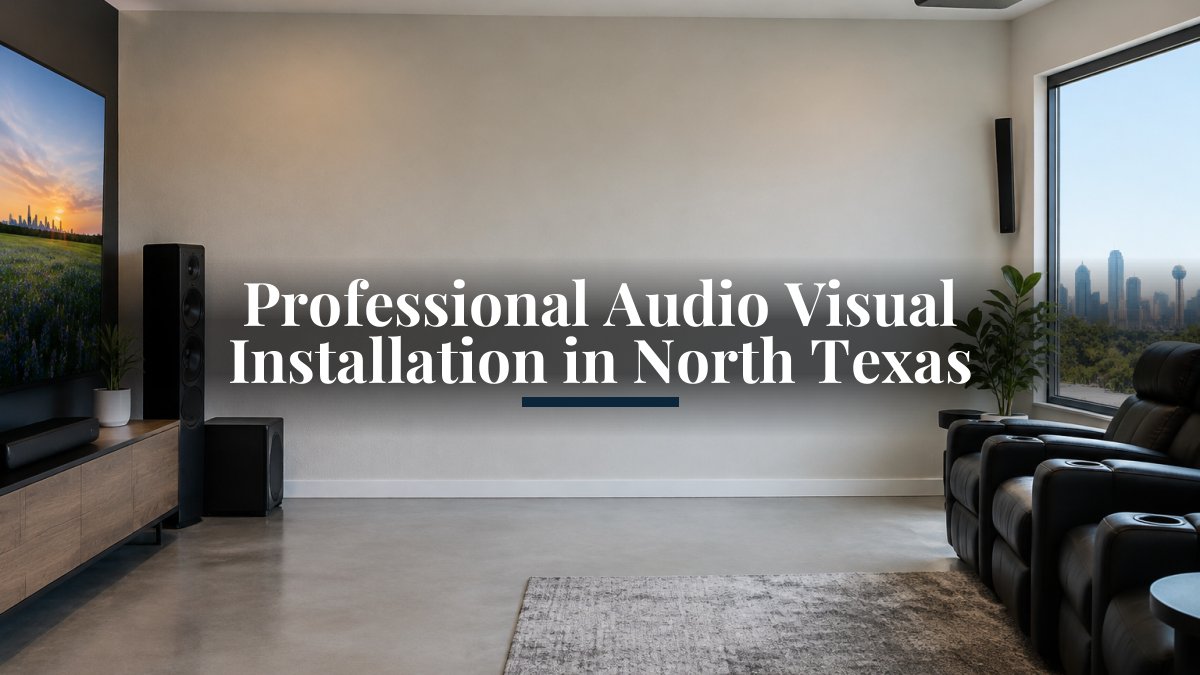
Home theater installation combines picture, sound, and seating layout into one room. The screen size, viewing distance, and speaker placement all depend on the room's shape and where people sit. A properly designed room keeps dialogue clear and avoids glare from windows.
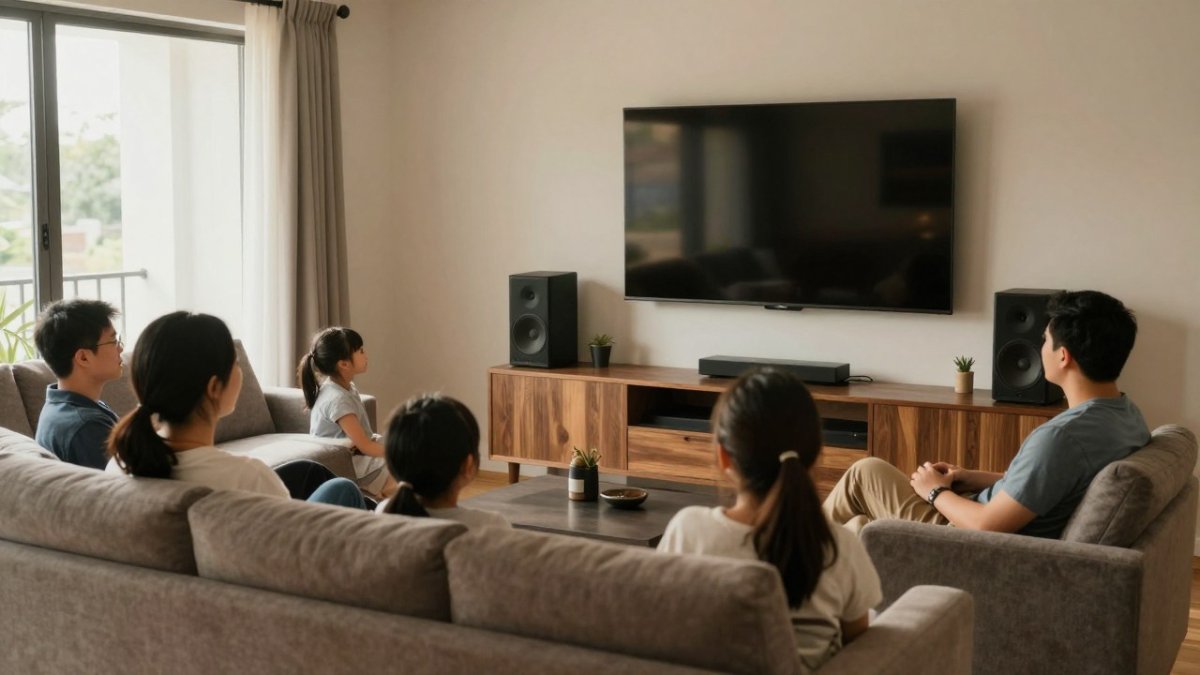
Ranch and lake homes often need more than a single theater room. Families may want media in a main living area, an outdoor patio, or a game room.
Watch out: running speaker wire after drywall is finished is one of the most expensive mistakes in home installation. Plan the cable routes during construction or remodeling so the work stays clean and affordable.
Commercial AV Installation for Churches and Businesses
Churches and businesses have different needs from homes. A sanctuary requires clear speech coverage for the whole room, reliable microphones, and simple controls that volunteers can use. Presentation screens and lyric displays must be readable from the back row.
Business installations focus on meeting spaces, training rooms, and reception areas. Video conferencing equipment, display systems, and room scheduling tools should work with the networks the company already uses.
Ongoing support is especially important for commercial systems. When a conference room system fails before a client meeting, the cost of downtime far exceeds the cost of a service plan.
Comparing Professional Audio Visual Installation Reviews and Providers in North Texas
Most ranking pages for this search are directories or provider homepages, so the comparison advice they offer stops at star ratings and a list of services. That leaves the harder questions unanswered: how do you verify an installer is actually qualified, insured, and accountable after the job? Use the framework below to compare providers on evidence rather than marketing copy.
Verify credentials and insurance before you compare price
Ask each provider for three documents up front: a certificate of general liability insurance, a workers' compensation certificate (or a valid exemption), and proof of any manufacturer certifications relevant to the equipment being quoted. A provider who hesitates to send a certificate of insurance is telling you something. Confirm the policy is current and that the coverage limit is appropriate for the project size.
Ask how workmanship is warranted
Installation warranties vary between providers. Ask specifically who pays for a return trip if a system fails after installation, and get the labor warranty term in writing.
Compare support and service-level commitments
For commercial buyers especially, the post-installation relationship matters more than the install itself. Ask each provider:
- What is the guaranteed response time for a down system during business hours?
- Is remote support included, or billed hourly?
- Are software subscriptions, firmware updates, and control-system programming changes covered under a plan?
- What is the escalation path if the original installer is unavailable?
A provider that cannot state a response time in writing is offering best-effort support, not a service-level agreement. For a conference room or sanctuary, a four-hour response commitment and a next-business-day commitment are very different products.
Request references from projects like yours
Generic references are easy to produce. Ask for two references from projects with the same constraints as yours, a rural property with outbuilding coverage, a sanctuary with volunteer operators, or a multi-room office with video conferencing. Ask those references how the provider handled a problem after installation, not just how the install went. Problem resolution is where providers separate.
Red flags in the comparison process
Be cautious of a quote delivered without a site visit, since signal path, cabling routes, and room acoustics cannot be assessed from a floor plan alone. Other warning signs include pressure to sign before a design is shared, refusal to itemize labor versus equipment, and no named point of contact for post-installation support.
A note on reviews
Online reviews are useful for communication style and scheduling reliability, but they rarely reveal design quality or support depth. Read for specifics, mentions of a resolved problem, a named technician, or a follow-up visit, and weight verified references from comparable projects more heavily than aggregate star ratings.
Use these checks to compare providers on evidence rather than marketing copy.
| Check | What to request | Red flag |
|---|---|---|
| Insurance | Certificate of general liability insurance | Hesitation to send a certificate |
| Workers' compensation | Certificate or valid exemption | No documentation offered |
| Manufacturer certifications | Proof for quoted equipment | Certifications unavailable |
| Site visit | On-site assessment before quoting | Quote from a floor plan alone |
| Support response | Written response time for a down system | Only best-effort support offered |
| References | Two from comparable projects | Generic references only |
What Drives Cost and How to Read a Quote
Most AV pages either omit pricing entirely or give a single vague range. Neither helps you budget. The honest answer is that AV project cost is driven by a predictable set of variables, and once you understand them you can read a quote critically and compare offers line by line.
The five cost drivers
- Room count and room complexity. A single media room is one design problem. A whole-home system with eight zones, outdoor coverage, and a rack is eight interconnected problems. Complexity scales faster than room count because each zone needs its own signal path, amplification, and control logic.
- Cabling distance and routing. In new construction, cable runs are planned before drywall and cost relatively little. In a finished home, the same run may require fishing walls, patching, and paint, labor that can exceed the equipment cost for that room. Rural properties with outbuildings add trenching or wireless bridge costs.
- Equipment tier. Displays, projectors, amplifiers, and speakers span a wide price range. Projector cost depends on brightness, resolution, and lens requirements. The equipment tier should follow the room's use, not the other way around.
- Control and programming. Control systems require programming labor that is easy to underestimate. A simple remote is inexpensive; a whole-property control system with lighting, climate, and media scenes is a programming project with its own timeline and change-order risk.
- Network and security integration. Cameras, access control, and streaming devices all ride the network. If the existing network cannot support them, adding structured cabling, a managed switch, and access points becomes part of the AV budget.
How a quote should be structured
A quote you can actually compare separates four categories:
- Equipment, itemized by model number so you can verify specifications and pricing.
- Labor, broken into installation, programming, and commissioning.
- Materials, including cabling, mounts, racks, and connectors.
- Recurring costs, such as monitoring, support plans, and software subscriptions.
Mixing recurring costs into the project total is the most common way quotes become incomparable. Ask for the one-time project cost and the monthly or annual service cost as separate lines.
What to look for in the line items
Check that the quote includes mounting, cabling, programming, testing, and a training or handoff session. A low total that omits programming or commissioning will grow through change orders. Ask what is explicitly excluded, patching and paint, electrical work, permits, and structural reinforcement are common exclusions that surprise buyers later.
Watch out: a quote that lists a single lump sum with no model numbers or labor breakdown cannot be compared to any other quote, and it gives you no leverage if the delivered system differs from what you expected.
Budgeting realistically
Rather than publish a single price, a reputable provider will scope the project and quote it. Pricing depends on the scope of the project, so a custom quote follows the site assessment. Compare NewDay Tech's published starting prices for residential and business monitoring, video, support, access-control, and managed services before you compare quotes. Current pricing details are available on the NewDay Tech website. Treat any published range as a starting point only, and plan for a contingency on larger projects to cover discoveries such as missing conduit or an undersized electrical circuit.
Booking Your Site Assessment and Consultation With NewDay Tech
The best first step is a conversation about your property and goals. Start by requesting a consultation with NewDay Tech to describe your property and what you need.
From there, you can review the business services NewDay Tech offers, including phones, networking, security, and access control. If your project involves a whole-property system, explore the full range of connected technology services to see how the pieces fit together.
Once a site visit is scheduled, the designer will measure spaces, discuss how each room will be used, and outline a system plan. That plan becomes the basis for a written quote that separates project costs from recurring support.
Ready to plan your system? Request a consultation with NewDay Tech and get a site assessment scheduled for your North Texas property.
Frequently Asked Questions
What does a professional audio visual installer do?
A professional audio visual installer plans, designs, installs, configures, and supports systems that handle sound, video, displays, control, and sometimes networking. The work usually starts with a site assessment to review room layout, existing wiring, network capacity, and how the space will be used. The installer then selects equipment, mounts and wires it, programs control interfaces, and tests everything before handoff. Good installers also document the system so you know how it operates and who to call when something needs adjustment.
How do I choose an AV installation company in North Texas?
Start by asking for examples of completed projects similar to yours, whether that is a home theater, a church sanctuary, or a conference room. Check that the company carries liability insurance and can describe how it handles workmanship, cable management, and commissioning. Ask who designs the system and who installs it, and whether the same team provides post-installation support. Comparing written quotes that itemize equipment, labor, and programming makes differences in scope easy to see.
Do AV installation companies provide support after installation?
Support varies by provider. Some offer a short warranty period on labor and then bill for service calls, while others sell ongoing support plans that cover remote monitoring, software updates, and scheduled checkups. Ask what response times are promised, how you reach a technician after hours, and whether troubleshooting is done remotely before a visit is scheduled. Pricing for support plans is available on the NewDay Tech website, and you can request a quote for your specific property.
What should I ask an AV installer before hiring them?
Ask how they assess a site before recommending equipment, who will be your point of contact, and how the system will integrate with other technology you already own, such as security cameras, Wi-Fi, or existing speakers. Confirm what is included in the quote, what happens if the scope changes, and how long the project typically takes. Ask about training for your staff or household and what documentation you receive at completion.