 blog
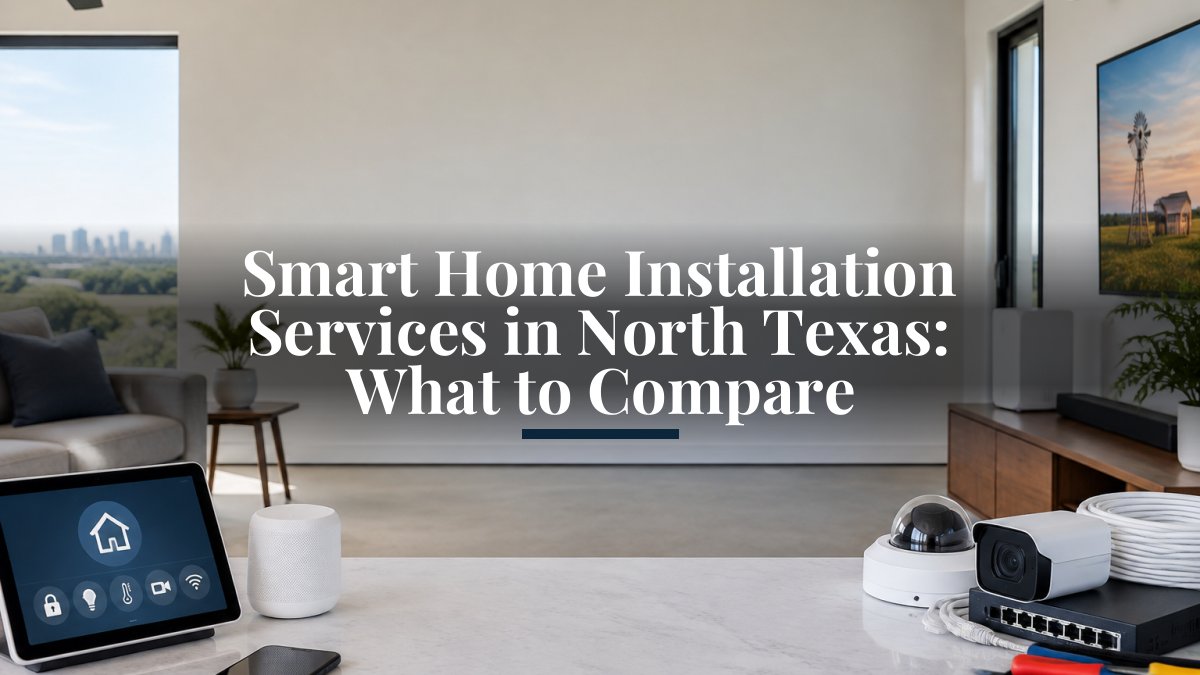
Smart Home Installation Services in North Texas: What to Compare
Last Updated: November 7, 2026
Quick Summary
Smart home installation services north in Texas design, install, connect, and program devices so they work together as one system, including wiring, network setup, and owner training. Quotes vary because scope differs, so compare equipment, wiring, labor, programming, and recurring service fees separately.
- Ask each provider for an itemized device list, network work, programming hours, and training in writing.
- Separate one-time installation costs from recurring monitoring, support, and subscription fees before comparing totals.
- Confirm whether design, programming, and travel are included or billed later as change orders.
- Ask for licensing, a certificate of insurance, and the warranty split between equipment and labor.
- Test platform compatibility by naming two devices you own and asking how they would be integrated.
Table of Contents
- What a Smart Home Installation Service Actually Includes
- Smart Home Installation Cost: The Factors That Drive the Price
- Whole-Property Wi-Fi Installation for Rural and Remote Properties
- Smart Home Security Installation and Monitoring
- How to Compare Smart Home Installation Services in North Texas
- Project Timeline, Installation Process, and Ongoing Support
- Booking Your Smart Home Consultation With NewDay Tech
- Frequently Asked Questions
Homeowners and ranch owners across North Texas are rarely short on smart home ideas. They are short on a clear way to choose a provider. Quotes vary widely, and the scope behind each number is often unclear. For a deeper comparison of what professional smart home integration covers and how to choose a provider, see compare the best smart home integration services. This guide explains what smart home installation services in North Texas typically include, what drives cost, and what to check before you sign anything.
What a Smart Home Installation Service Actually Includes
A smart home installation service designs, installs, connects, and configures the technology in a property so that the pieces work together. That covers far more than mounting a camera or a thermostat.
Scope matters because two quotes can describe very different work. One may cover only the devices, while another includes network design, configuration, and post-installation support. Ask each provider to list the exact devices, the network work, and the programming included.
Smart Home Installation Cost: The Factors That Drive the Price
Most smart home installation quotes are built from the same five buckets, and knowing them lets you compare bids line by line instead of staring at a single total.
- Equipment. Cameras, controllers, thermostats, shades, speakers, access points, and the hub or processor that ties them together. Hardware is usually the largest single line on a residential project.
- Wiring and infrastructure. Structured cabling, conduit, low-voltage runs, rack or enclosure space, and any electrical work needed to power devices. Retrofits in finished walls cost more than new construction because cable has to be fished and patched.
- Labor. Installation hours scale with device count, ceiling height, wall construction, and travel distance to the property. Long rural drives and multi-building sites add labor time that a suburban single-family quote will not show.
- Design and programming. System layout, network design, scene and automation programming, and user training. Some providers bundle this into the install price; others bill it separately, which is a common reason two quotes for the same device list land far apart.
- Ongoing service. Monitoring, support plans, cellular backup, and software subscriptions. These are recurring charges and should never be mixed into a one-time installation total.
A practical way to read a quote is to ask for it split into those five categories. If a provider cannot separate equipment from labor and programming, you cannot tell whether a lower total reflects a better price or a smaller scope.
Why Quotes Vary So Much Between Providers
Quotes differ because providers rarely describe the same work. One installer may price hardware only. Another may include design, programming, and training. Recurring monitoring or support fees may appear as separate line items or be left out entirely. Before comparing totals, separate one-time project costs from ongoing service costs, and confirm what each figure covers.
Three specific patterns explain most of the spread. First, some bids assume your existing network and wiring are adequate, while others include new access points and cable runs. Second, programming depth varies: a basic app setup is not the same as whole-home scenes, schedules, and integrations across multiple manufacturers. Third, travel and site logistics are sometimes folded in and sometimes added later as a change order.
Watch out: a quote that lists devices but no labor hours or programming scope is not comparable to a full-scope bid, even if the bottom line looks lower.
The article breaks a smart home quote into five cost buckets, which makes bids easier to compare line by line.
| Cost bucket | What it covers | Note |
|---|---|---|
| Equipment | Cameras, controllers, thermostats, shades, speakers, access points, hub | Usually the largest single line |
| Wiring and infrastructure | Structured cabling, conduit, low-voltage runs, power work | Retrofits in finished walls cost more |
| Labor | Install hours tied to device count, ceiling height, travel | Rural drives add labor time |
| Design and programming | System layout, network design, automations, user training | Often billed separately |
| Ongoing service | Monitoring, support plans, cellular backup, subscriptions | Recurring; keep out of install total |
Whole-Property Wi-Fi Installation for Rural and Remote Properties
Large properties create a specific problem. A single consumer router rarely covers a barn, a shop, a guest house, and a home at the same time. Metal structures, dense walls, and distance all weaken the signal. A proper whole-property Wi-Fi design places access points based on the building layout and the property's connection source.
For properties without reliable cable or fiber, satellite internet is often the starting point. Satellite installation generally involves choosing a clear mounting location with a good view of the sky, routing cable cleanly, and designing the Wi-Fi network so coverage reaches every building. Professional Starlink installation and whole-property Wi-Fi design can be planned for the full property in one visit.
Smart Home Security Installation and Monitoring
Security is one of the most common reasons property owners invest in a smart home system. A complete setup typically combines cameras, access control, alarm sensors, and monitoring. Outdoor coverage needs particular attention on ranches, where cameras must handle long sightlines, changing light, and weather.
Monitoring can turn cameras and sensors into a response system. Security monitoring and video services across North Texas show how alerts reach a responder without the owner watching a feed. Monitored alarms can alert a central station when a sensor triggers, so the owner does not have to watch a phone feed all day.
How to Compare Smart Home Installation Services in North Texas
A useful comparison looks past the marketing and checks the same factors for every provider. The checklist below is the one to run against each bid, in this order.
- Scope in writing. Ask for the device list, the network work, the programming hours, and the training included. A bid that says "smart home package" without an itemized list cannot be compared to anything.
- Cost structure. Separate one-time installation from recurring monitoring, support, and subscription fees. Confirm whether design, programming, and travel are inside the total or billed as change orders.
- Qualifications and insurance. Ask for the license or registration that applies to the work in your area, a certificate of insurance, and the name of the person who will be on site. Low-voltage and security work is regulated differently across states and municipalities, so confirm the provider holds whatever credential your local authority requires.
- Warranty split. Equipment warranties usually come from the manufacturer; labor warranties come from the installer. Ask for the length of each and what voids them.
- Post-install support. Ask who answers the phone after handover, during what hours, and whether support is included or billed hourly.
- Platform compatibility. Confirm which ecosystems the provider supports and whether devices from different manufacturers can be controlled from one app or voice assistant.
- Privacy and network security. Ask how devices are segmented on the network, whether default passwords are changed at handover, how firmware updates are handled, and whether remote access is required or optional.
Licensing, Insurance, and Warranty Questions to Ask
Ask every provider these questions before you compare prices:
- Are you licensed and insured for the work in my area?
- What warranty covers the equipment, and what covers your labor?
- What is included in ongoing support, and what costs extra?
- Who do I call if something stops working, and how fast is the response?
Clear answers indicate a provider that expects to be accountable after the install. Vague answers are a warning sign. A provider who cannot name the credential required for the work, or who treats insurance as an afterthought, is a risk on a project that involves wiring, mounting, and network access inside your home.
Platform Compatibility and Integration Scope
Integration is where many projects succeed or fail. Some devices work only inside their own app, which adds clutter instead of control. Confirm which platforms the provider supports and whether devices from different manufacturers can be controlled from one place.
A useful test is to name two devices you already own or plan to buy and ask the provider to explain how they would be integrated. A provider who can describe the mechanism, not just say "yes," has done the work before.
Privacy, Cybersecurity, and Network Reliability
A smart home is a network of internet-connected devices, and that changes what you should ask. Confirm that the provider changes default credentials, puts cameras and other devices on a separate network segment where practical, and explains how remote access works. Ask what happens to your system when the internet goes down: which functions keep working locally, and which stop.
Network reliability belongs in the same conversation. Whole-home Wi-Fi should be designed around the building layout, not added as an afterthought, and the provider should be able to explain how coverage will reach outbuildings, garages, and outdoor cameras.
Project Timeline, Installation Process, and Ongoing Support
Most projects follow a predictable sequence: a consultation, a site assessment, a written quote, equipment ordering, installation, programming, and handoff. Timelines vary with project size and equipment availability, so ask for an estimated schedule in writing.
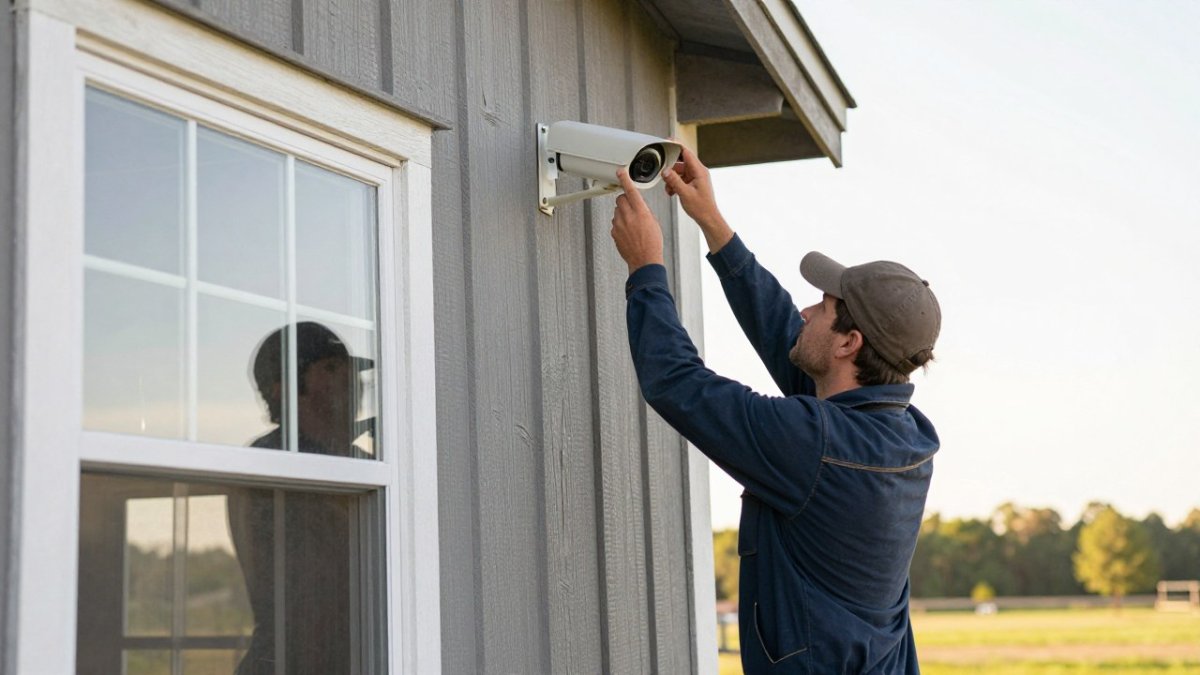
Ongoing support is where long-term value is decided. Systems need firmware updates, password changes, and occasional troubleshooting. Ask whether support plans are available and what they cover. Watch out: a provider that disappears after installation leaves you to manage a complex network alone.
Booking Your Smart Home Consultation With NewDay Tech
NewDay Tech designs and installs security, Starlink, whole-property Wi-Fi, and audio-video systems for homes, ranches, churches, and businesses across North Texas. The team manages the project from planning through ongoing support, so the systems you buy are built to work together. Browse technology services that work better together to see the full range of options that can be installed as one project. To understand how costs are structured, review clear recurring prices and custom project scopes.
Ready to plan your property? Request a consultation with NewDay Tech and get a clear scope before you commit.
Frequently Asked Questions
How much does a smart home installation cost?
Costs depend on the size of the property, the number of devices, whether structured wiring is needed, and how many systems must be integrated, such as Wi-Fi, security, and audio/video. Rural properties with long cable runs or outbuildings often need more equipment and labor than a single-family home. NewDay Tech does not publish fixed price ranges in this article, so the most accurate figure comes from a consultation or quote based on your specific property. Ask any provider to itemize project costs separately from recurring service fees so you can compare quotes fairly.
Can a smart home installer connect security, Wi-Fi, and audio/video systems?
Yes, a single integrator can plan and connect these systems so they operate from one control point instead of several separate apps. The key is to confirm during the planning stage which devices and platforms will be integrated and which will remain standalone. Ask for a written scope that lists each system, its controls, and how it will be managed after installation. A clear scope prevents the common problem of cameras, Wi-Fi, and sound systems that never communicate with each other.
Do smart home installation services include ongoing support?
Many providers offer ongoing support plans for updates, troubleshooting, and system adjustments after the initial project is complete. Support terms vary, so confirm what is covered, how quickly you can reach a technician, and whether remote monitoring is included. NewDay Tech keeps recurring service costs separate from project costs, which makes the long-term budget easier to understand. Request the support terms in writing before you sign.
Will Starlink or Wi-Fi work reliably on a large rural property?
Satellite internet and whole-property Wi-Fi can be designed for large rural properties when equipment is placed with attention to sky view, obstructions, and access point locations. Barns and metal structures can affect signal, so a site assessment before installation helps identify the best positions. Ask the installer how they plan coverage for outbuildings and how they will verify performance after setup.