 blog
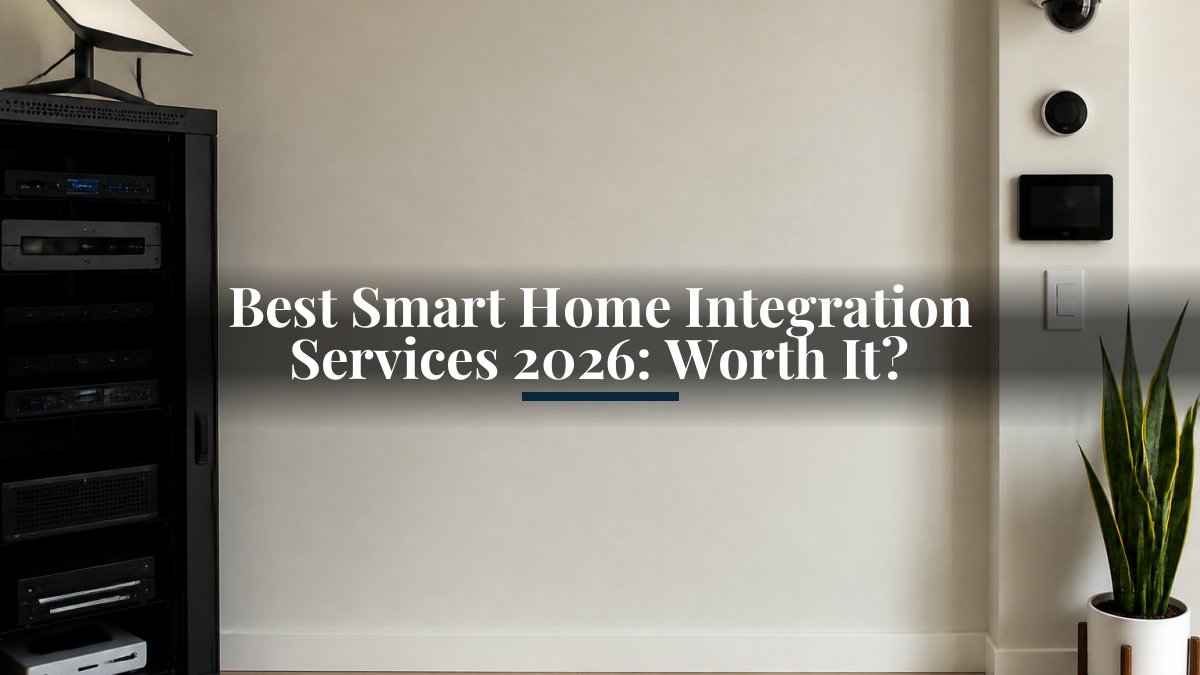
Best Smart Home Integration Services 2026: Worth It?
Last Updated: November 1, 2026
Quick Summary
The best smart home integration services in 2026 share four traits: a written scope of work, verified compatibility testing before purchase, clear separation of project and recurring costs, and a support plan that outlives the install. A serious proposal should include a room-by-room wireless survey, device inventory with model numbers, network design, and written support terms. Get every line item in writing before comparing totals, including programming, mounting hardware, and post-install support.
- A qualified integrator explains local control, hub failover, and which routines keep running offline.
- The Matter standard lets certified devices work across ecosystems but older and specialty hardware may still need a hub or bridge.
- Wired access points hold their speed across the property, while wireless mesh nodes halve it at each hop.
- Every legitimate quote separates into four cost buckets; a bid that lumps them together cannot be compared.
- Bring the integrator in during framing, not after move-in, because rough-in is when wiring decisions are cheapest.
Table of Contents
- What to Look for in Smart Home Integration Services in 2026
- Professional Smart Home Installation: What the Service Actually Covers
- Home Automation Systems: Compatibility, Matter, and Local vs. Cloud Control
- Whole-Home Wi-Fi Installation: The Foundation Every Integration Depends On
- Smart Home Technology Packages: Lighting, Security, Climate, and Detection
- How Much Do Smart Home Integration Services Cost?
- Retrofit vs. New Construction: Project Timelines and Installation Process
- Request a Consultation for Your Property
- Frequently Asked Questions
What to Look for in Smart Home Integration Services in 2026
Smart home integration services are professional design, installation, and support packages that make devices from different manufacturers work as one system. Homeowners often buy good hardware and then struggle because nothing talks to anything else. The fix is rarely a better gadget.
Below, we break down what separates a real integration service from a box-mover, what the work covers, and how to budget for it.
The best smart home integration services in 2026 share four traits: a written scope of work, verified compatibility testing before purchase, clear separation of project and recurring costs, and a support plan that outlives the install. Miss any one of those and you are buying a project, not a system.
Provider Selection Criteria and Verification
Start with credentials you can check, such as proof of insurance, manufacturer training records, and references from properties similar to yours.
For a deeper walkthrough of vetting candidates, see our guide to hiring local tech integration specialists, which covers the questions to ask and how to compare bids fairly.
Watch out: the cheapest bid often excludes programming time, mounting hardware, and post-install tuning. Get those line items in writing or they become change orders later.
Professional Smart Home Installation: What the Service Actually Covers
Professional smart home installation covers far more than screwing devices to walls. A complete engagement can include site survey, system design, procurement, wiring, configuration, and support, depending on the project. The difference between a real integrator and a box-mover is whether every step appears in the written scope.
The installation process, step by step
- Consultation and site survey, room-by-room walkthrough, wireless signal readings, and a conversation about how you actually live in the space, including whether you want scenes, schedules, or manual control.
- System design and proposal, a written scope with device model numbers, a network diagram, an automation map, and a line-item budget. Anything not in this document is a change order.
- Procurement, ordering hardware and confirming firmware versions and compatibility before delivery. Specialty device lead times can run weeks, so this step sets the schedule.
- Rough-in wiring, pulling low-voltage cable for cameras, doorbells, access points, and keypads. In new construction this happens before drywall; in retrofits it means attic, crawlspace, and surface conduit routing.
- Device installation and network configuration, mounting, terminating, labeling, and bringing the network up with proper segmentation (cameras on their own VLAN, guest network separate, IoT devices isolated).
- Automation programming, building scenes and routines, testing edge cases (internet outage, device offline, power cycle), and tuning response times.
- Testing and commissioning, verifying every device reports, every routine fires, and every app shows the right state.
- Training and handover, a homeowner walkthrough, a labeled device list, a network diagram, and written support terms with response expectations.
- Post-install support, remote troubleshooting, firmware management, and periodic tuning under a support plan.
What a serious proposal includes
- Room-by-room wireless survey with signal readings
- Device inventory with model numbers and firmware versions
- Network design: router, access points, VLANs, guest network
- Wiring plan for cameras, doorbells, and access points
- Automation map: what triggers what, and when
- Labeling and documentation of every device and port
- Walkthrough training with the homeowner
- Written support terms and response expectations
What most guides miss is documentation. Without a labeled device list and network diagram, the next technician, or you, starts from zero every time something needs attention.
Retrofit versus new construction
Retrofit work is the norm and entirely doable. The trade-off is open walls versus creative routing: surface conduit, attic and crawlspace runs, and wireless where wiring is impractical. New construction lets the integrator pull cable before drywall, which lowers labor and improves long-term flexibility.
If you are building, bring the integrator in during framing, not after move-in, the rough-in stage is when wiring decisions are cheapest and most reversible.
Timelines
Project timelines depend on the scope of work, hardware lead times, and property access. Ask for a written timeline with milestones rather than a single completion date.
For a deeper walkthrough of vetting candidates, see our guide to hiring local tech integration specialists, which covers the questions to ask and how to compare bids fairly.
Home Automation Systems: Compatibility, Matter, and Local vs. Cloud Control
Compatibility is the whole ballgame. The Matter standard is an interoperability protocol backed by major platform vendors that lets certified devices work across ecosystems without brand-specific workarounds. It has reduced friction but not eliminated it: older devices, budget imports, and specialty hardware often still need a hub or manufacturer bridge.
Local versus cloud control matters just as much:
| Control Model | Strength | Weakness | Best For |
|---|---|---|---|
| Local (hub-based) | Works during outages, lower latency | Higher upfront cost, more setup | Security, lighting, critical routines |
| Cloud-based | Easy remote access, simple setup | Fails without internet | Voice assistants, remote monitoring |
| Hybrid | Reliability plus remote access | Needs careful configuration | Most whole-property systems |
A hybrid approach often suits whole-property systems. Run security, lighting, and climate logic locally, then layer cloud access on top for remote monitoring and voice control.
Voice Assistants, Apps, and Automation Routines
Voice control and mobile apps are the interface, not the system. If you are juggling six apps, the integration failed upstream. Consolidation usually means picking one primary platform, connecting the rest through Matter or a hub, and building scenes and automation routines that do the multi-step work for you. For strategies on managing multiple smart home apps, see our article on consolidating control into fewer interfaces.
Whole-Home Wi-Fi Installation: The Foundation Every Integration Depends On
Every smart device is only as reliable as the network under it.
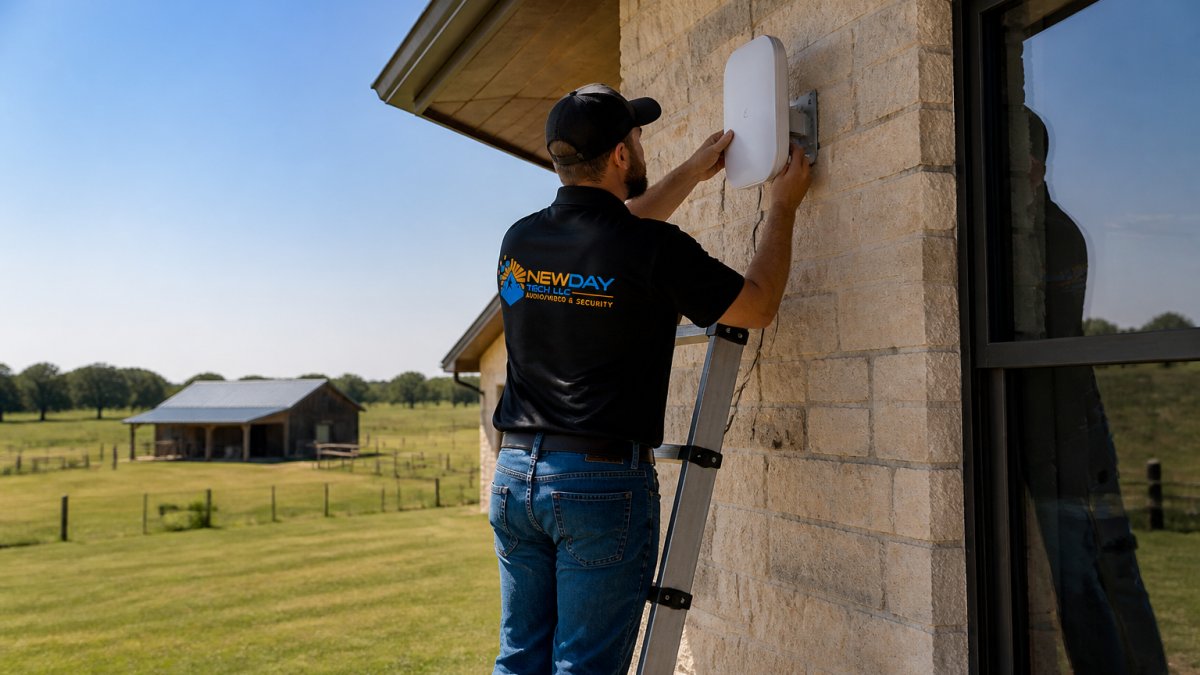
The practical difference between a mesh kit and a designed system comes down to backhaul. If coverage gaps are already a problem, follow this step-by-step guide on how to eliminate Wi-Fi dead zones.
Smart Home Technology Packages: Lighting, Security, Climate, and Detection
Smart home technology packages bundle the categories that benefit most from coordination: lighting and switches, climate control, security, and life-safety detection. Buying them as one designed package is what turns a pile of devices into a system.
- Smart lighting and switches: scenes tied to time, occupancy, or security events
- Smart thermostats and climate control: zoned schedules that cut waste in empty rooms
- Leak, smoke, and carbon monoxide detection: shutoff valves and alerts that fire before damage spreads
- Presence sensing and motion sensors: occupancy logic that drives lighting and climate automatically
Energy efficiency and remote monitoring are the two outcomes owners ask about most. Both depend on sensors reporting reliably, which loops straight back to the network.
Security Cameras, Smart Locks, and Video Doorbells
Security is where integration pays for itself. Cameras, smart locks, and video doorbells on one platform mean a single event triggers a coordinated response: the doorbell rings, the porch light raises, the lock confirms, and the clip lands in one timeline. Learn more about the benefits of integrated home security systems and how these devices unify into one platform.
Privacy-first configuration matters for connected cameras. Consider segmenting cameras onto their own network, changing default credentials, and confirming where footage is stored.
How Much Do Smart Home Integration Services Cost?
Pricing depends on property size, device count, and scope. Here is the structure a clear proposal should follow. For a full breakdown of what drives integration costs and how to budget, see cost of professional home technology integration.
The four cost buckets
Every legitimate quote separates into four buckets. If a bid lumps them together, you cannot compare it to another bid.
Typical project ranges
These are planning ranges, not quotes. Property size, wall construction, wire runs, and the number of automation routines move the number more than device count does.
Recurring costs to expect
One-time project cost is only half the budget. Ask every provider to itemize what recurs:
- Support and maintenance plans, ongoing support is available under plans; current terms are on NewDay Tech's pricing page.
- Cellular or backup connectivity, if the property relies on a cellular failover for remote access, that line item recurs monthly.
- Software or platform fees, some ecosystems charge per-device or per-hub licensing; confirm before purchase.
How to compare bids fairly
Get three bids, then normalize them: same device list, same scope of work, same support terms. Compare programming hours, the wiring allowance, and support response expectations side by side. A bid that is 30% lower almost always has a scope gap, not a discount. For current pricing, visit NewDay Tech's pricing page or request a consultation.
Retrofit vs. New Construction: Project Timelines and Installation Process
Timelines depend on hardware lead times and access to the property. If you are building, bring the integrator in during framing, not after move-in.
Request a Consultation for Your Property
If your cameras, Wi-Fi, and audio all live in separate apps, or if your internet struggles on a remote acreage, we can help. NewDay Tech designs and installs locally, manages the project from plan to support, and specializes in rural and remote connectivity, including Starlink and whole-property Wi-Fi. Ongoing support plans are available.
Get started with NewDay Tech and request a consultation for your property.
Frequently Asked Questions
What should a smart home integration service include?
A smart home integration service typically covers design, professional installation, and ongoing support, so that connected devices work together as one system. Ask whether the provider handles security cameras, smart locks, thermostats, and lighting under one plan, and confirm who manages device management and troubleshooting after the project closes.
Can different smart home devices work together?
Often yes, but compatibility depends on the protocols involved. Devices using the Matter standard, Zigbee, or MQTT can usually be brought into a single home automation system, while older or brand-locked gear may need a bridge or replacement. A provider should run compatibility testing before purchase rather than after. If you already own cameras, switches, and audio gear from several brands, ask the integrator to audit what can be kept and what has to be swapped.
How much does professional smart home integration cost?
Pricing depends on property size, the number of connected devices, whether the project is a retrofit or new construction, and the level of ongoing support you want. Integration providers typically separate one-time project costs from recurring service plans, so ask for both figures in writing. For current rates, check NewDay Tech's pricing page or request a quote based on your property. Avoid any provider that will not itemize installation, equipment, and support separately.
Should I hire a professional to install a smart home system?
Hire a professional when your property is large, remote, or already has mismatched devices from several brands. Whole-home Wi-Fi installation, camera placement, and network configuration are where do-it-yourself setups most often fail, especially on rural acreage where signal obstruction and spotty cell service complicate remote monitoring. A professional smart home installation also includes compatibility testing and a support path, which matters if you need to check cameras or locks from your phone while away.