 blog
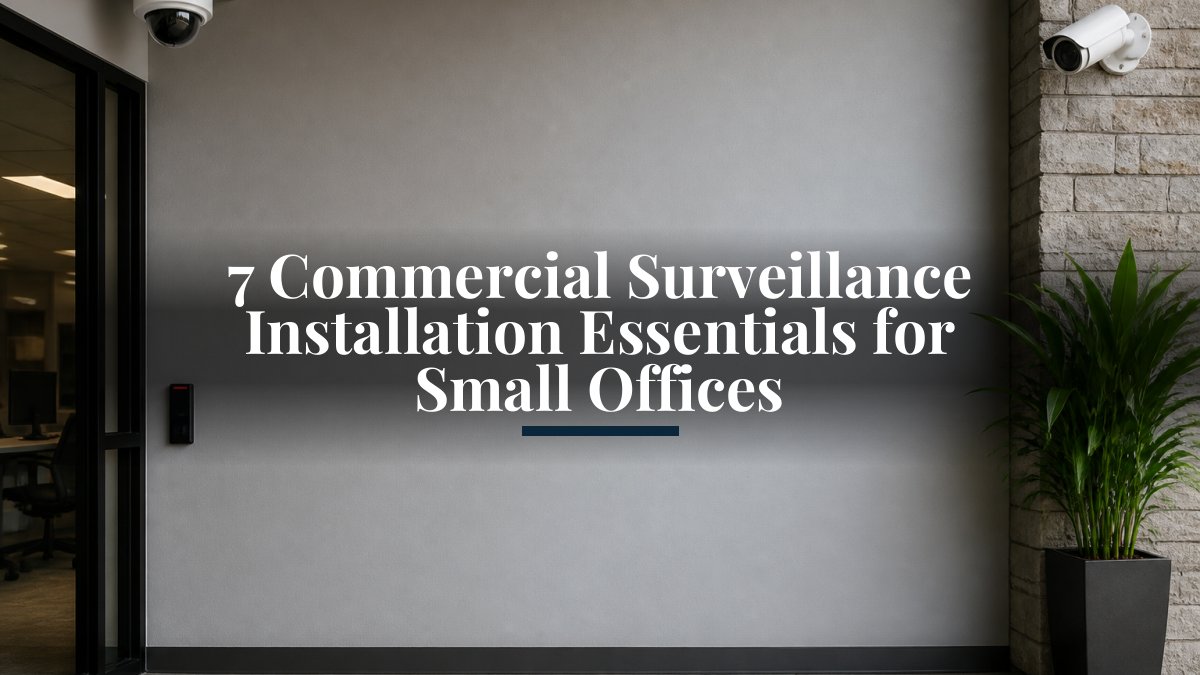
7 Commercial Surveillance Installation Essentials for Small Offices
Last Updated: October 29, 2026
Quick Summary
Commercial surveillance installation for small offices means designing, placing, and wiring cameras to protect people, property, and daily operations. Start with a written site assessment and placement plan that covers entryways, access points, and coverage gaps instead of chasing total camera count. Mount cameras at roughly 7-9 feet at entrances so they capture faces, not hats and shadows.
- Price cameras, cabling, recording, labor, and recurring monitoring as five separate budget lines.
- The front entrance camera is the highest-value camera in a small office building.
- Mounting cameras too high is the most common placement mistake we see.
- Wired cameras deliver steadier video and fewer dropouts than wireless models.
- Check night footage, change default passwords, and confirm mobile access on completion day.
Table of Contents
- Why Small Offices Need Commercial Surveillance Installation
- Office Security Camera Placement: Where Cameras Actually Matter
- Choosing Small Business Security Camera Systems That Scale
- Business Surveillance System Cost: What Drives the Budget
- Your Security Camera Installation Checklist
- Privacy, Storage, and Cybersecurity Rules for Office Cameras
- DIY vs. Professional Installation: What Small Offices Should Weigh
- Request a Surveillance Consultation for Your Office
- Frequently Asked Questions
Why Small Offices Need Commercial Surveillance Installation
Commercial surveillance installation for small offices is the process of designing, placing, and wiring a camera system that protects people, property, and daily operations without turning your workspace into a fortress. Small offices often waste money on cameras that point at nothing, and a good plan starts with where the risk actually is.
The stakes are real. A single unreported break-in, a slip-and-fall dispute with no footage, or a missing package can cost far more than a modest camera setup. The right camera count depends on the building, its entry points, and what needs watching.
Below, we break down the seven essentials we check before quoting any small-office system. For the full service, see commercial surveillance system installation. A useful installation project starts with a site assessment, so the plan matches your building instead of a generic template.
Office Security Camera Placement: Where Cameras Actually Matter
Office security camera placement should prioritize entryways, access points, and coverage gaps over total camera count. A camera aimed at a hallway nobody uses adds cost and zero protection.
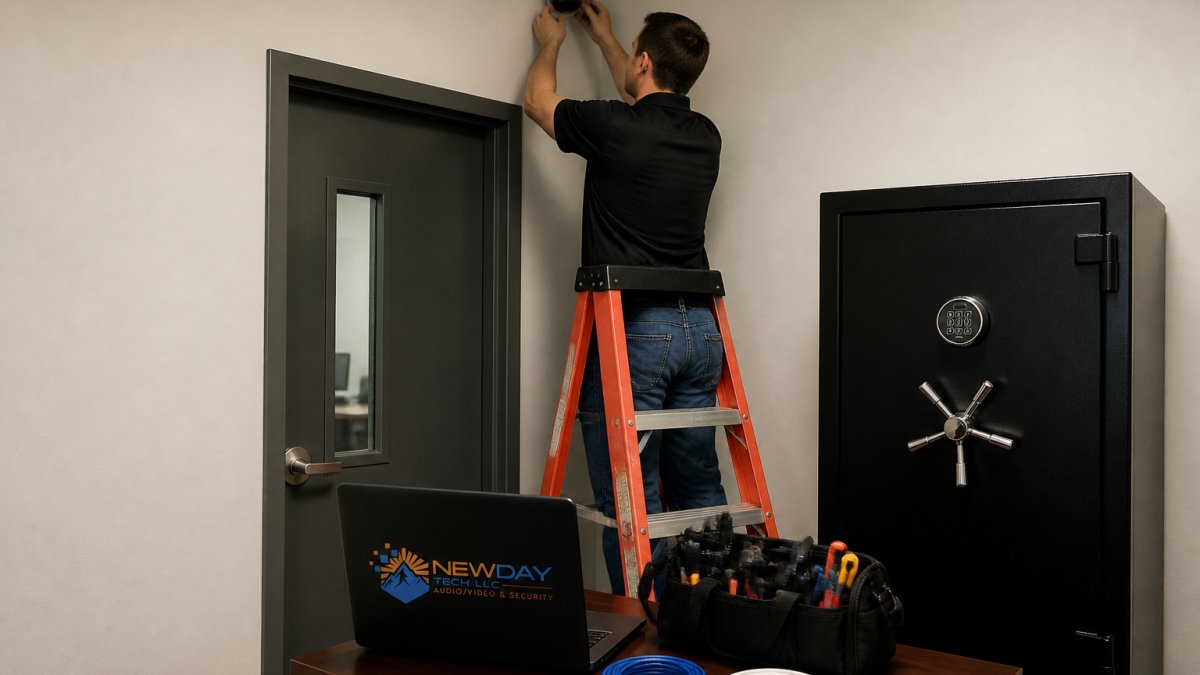
Entryways, Access Points, and Coverage Gaps
Start at the front door and work outward. Cover entrances at a height that captures faces, then check side doors, loading areas, and the path to the parking lot.
Watch out: placing cameras too high is the most common mistake we see. A camera mounted near the ceiling captures hats and shadows, not faces.
For a deeper walkthrough of planning and installation, our commercial security camera installation guide covers placement best practices in detail.
Choosing Small Business Security Camera Systems That Scale
Small business security camera systems should be chosen for how they grow, not just what they cost today. A system that cannot add a camera or a second location later becomes a dead end.
Wired vs. Wireless and Indoor vs. Outdoor Cameras
Wired cameras deliver steadier video and fewer dropouts. Wireless and Wi-Fi cameras install faster but depend on strong network coverage. Outdoor models need weather-rated housings; indoor domes suit offices and reception areas.
If you already own cameras from different brands, integration may be possible depending on the equipment. Our step-by-step guide to integrating different security brands shows how mixed equipment can be brought under one view. Ask your provider how mixed equipment can be brought under one view.
Business Surveillance System Cost: What Drives the Budget
Business surveillance system cost depends on camera count, resolution, cabling runs, storage, and whether you add remote monitoring. There is no single figure that fits every office, but a small office can usually build a realistic budget by pricing five line items separately instead of accepting one bundled quote. To understand what drives professional security system installation cost, review the pricing factors before you budget.
The five budget lines to price separately
- Cameras. Camera cost depends on the model, resolution, and features you choose. Request an itemized quote on the NewDay Tech pricing page or from a consultation.
- Cabling and infrastructure. Cabling cost depends on run length, ceiling or wall construction, and whether conduit is required. Pricing depends on your specific site and quote.
- Recording and storage. A network video recorder (NVR) and drives vary in cost with channel count and retention period. Storage pricing depends on your configuration; check the NewDay Tech pricing page or request a quote.
- Labor and configuration. Labor cost depends on project scope and site conditions. Request a quote for an estimate specific to your building.
- Monitoring and support. Remote monitoring and ongoing support plans are recurring services, billed separately from the one-time project cost. Current terms are listed on the NewDay Tech pricing page.
What pushes a small-office quote up or down
- Building layout. Long cable runs, finished ceilings, and masonry walls raise labor and cabling more than camera count does.
- Resolution and analytics. 4K and person/vehicle detection cost more per camera but can reduce the number of cameras needed.
- Retention period. Thirty days of storage costs more than seven; decide retention before choosing drives.
- Remote viewing. Mobile access is usually included in configuration; live monitoring is a recurring service.
- Existing network. A weak switch or Wi-Fi coverage can add networking hardware to the project.
Recurring service fees are kept separate from one-time project costs so you can see exactly what you are paying for.
Your Security Camera Installation Checklist
Use this checklist before signing any installation agreement, and again on the day the installation is finished. The goal is a written placement plan you can compare against the installed system, room by room.
Room-by-room placement plan for a small office
- Front entrance. One camera at face height inside the door, plus one covering the exterior approach. This is the highest-value camera in the building.
- Reception and lobby. One camera covering the desk and the waiting area, aimed so it captures faces of visitors rather than the tops of heads.
- Cash handling or supply room. One camera over the counter or storage area, positioned to see hands and the register, not just the doorway.
- Back and side doors. One camera per door, inside and out where practical. These are the doors employees prop open.
- Hallway and server or IT closet. One camera covering the corridor junction and the closet door; skip long empty hallways with no assets.
- Parking lot and loading area. One exterior camera covering the path from the building to vehicles, with attention to lighting at night.
Pre-signing checklist
- Site assessment completed and documented in writing
- Placement plan lists every camera by room and shows the field of view
- Wired or wireless approach chosen per location, with cable paths noted
- Storage and retention period defined (for example, 14 or 30 days)
- Employee notice and privacy policy reviewed before installation
- Remote and mobile viewing tested on the owner's phone
- Maintenance, warranty, and support terms in writing
- Recurring fees separated from the one-time project total
Day-of-completion verification
- Every camera in the plan is installed and labeled
- Night footage checked, not just daytime
- Mobile app access confirmed for each authorized user
- Default passwords changed and admin accounts limited
- Written as-built notes and login credentials handed over
A common mistake is skipping the written placement plan. Without it, you cannot tell whether the installer delivered what you approved, and you have no basis for a warranty or service call. For a deeper walkthrough of planning and installation, our commercial security camera installation guide covers placement best practices in detail.
Here is the room-by-room placement plan the article recommends for a small office.
| Area | Cameras | Placement note |
|---|---|---|
| Front entrance | One inside at face height, one exterior | Highest-value camera in the building |
| Reception and lobby | One | Covers desk and waiting area, captures visitor faces |
| Cash handling or supply room | One | Over counter or storage, sees hands and register |
| Back and side doors | One per door, inside and out where practical | These are the doors employees prop open |
| Hallway and server or IT closet | One | Covers corridor junction and closet door |
| Parking lot and loading area | One exterior | Covers path to vehicles, watch night lighting |
Privacy, Storage, and Cybersecurity Rules for Office Cameras
Office cameras must respect privacy law and protect the footage they record. Workplace video and audio recording rules vary by state. Check your state's requirements before enabling sound.
Practical safeguards:
- Post visible notice where cameras record
- Avoid aiming cameras into break rooms or restrooms
- Keep firmware updated and change default passwords
- Limit who can view recorded footage
Treat stored video as sensitive data. Weak passwords on a camera system are an open door.
DIY vs. Professional Installation: What Small Offices Should Weigh
DIY installation suits a single plug-in camera. Professional installation suits anything wired, multi-camera, or tied to a network and alarm system.
The trade-off is time versus reliability. A self-installed system often works until it needs remote viewing, integration, or a warranty claim. Professional crews handle cabling, network configuration, and testing in one pass.
NewDay Tech manages the project from plan to support, with one team handling the work.
Request a Surveillance Consultation for Your Office
Every office has different blind spots, budgets, and network realities. The right system starts with someone walking your building and asking the right questions.
NewDay Tech designs and installs surveillance, networking, Wi-Fi, and AV as one connected system, backed by over 15 years of hands-on experience and ongoing support plans.
Get started with NewDay Tech and protect your office with a camera system built for how you actually work. Request a consultation for your space.
Frequently Asked Questions
How many security cameras does a small office need?
Most small offices need four to six cameras to cover the main entry, a secondary door, the reception area, and any cash or equipment storage. A site assessment of your building architecture, lighting conditions, and access points will confirm the exact count. Adding cameras beyond that usually means covering hallways or parking areas. Plan coverage first, then buy equipment, so you are not paying for cameras that watch the same corner twice.
How much does commercial surveillance installation cost for a small office?
Business surveillance system cost depends on camera count, resolution, wiring runs, storage, and whether you add remote monitoring. A four-to-six camera setup with commercial-grade equipment and professional installation sits in a different budget band than a DIY kit, mainly because of labor, cabling, and configuration. Ongoing fees for cloud storage or monitoring are separate from the one-time project cost. Request a quote to see the pricing breakdown for your project.
Can office security cameras record audio?
Many cameras include microphones, but audio recording carries legal risk. Federal and state wiretapping laws vary, and some states require all-party consent before recording conversations. For most small offices, video-only recording is the safer default. If you need audio, check your state rules first and post clear notice where recording happens. Cameras can be configured with audio disabled if that suits your situation.
How long should an office keep surveillance footage?
A common retention window is 30 days, which covers most incident review needs without straining storage. Retail spaces or offices handling disputes may keep footage 60 to 90 days. Retention length drives storage cost: longer windows need larger local drives or more cloud capacity. Set retention based on what you would actually review, and review how your storage is protected and who has access.