 blog
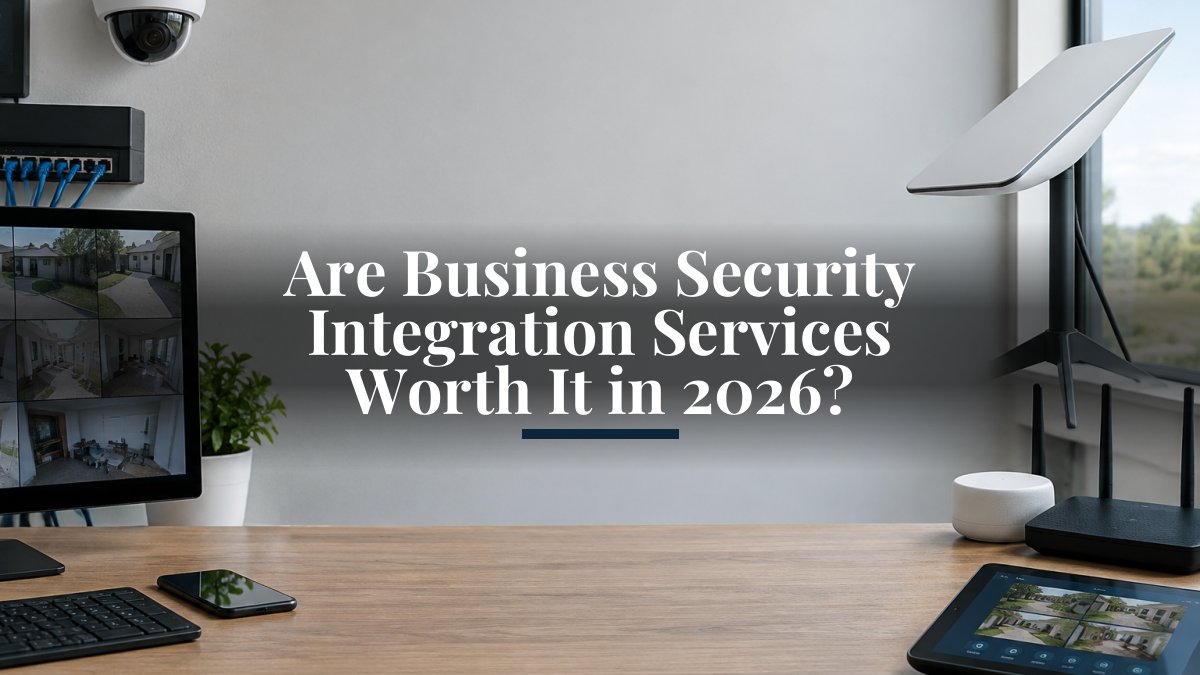
Are Business Security Integration Services Worth It in 2026?
Last Updated: November 5, 2026
Quick Summary
Security integration services connect a business's cameras, door access controllers, alarm panels and monitoring platforms so staff can run them from one place. They are generally worth it when the systems were chosen to work together, since integration lets a door event link directly to the matching video. Total cost should be compared over three to five years.
- Scope usually covers design, installation, integration and ongoing support.
- Integrated access control and video tags footage automatically to each door event.
- Compare one-time project costs against recurring monitoring and support fees over three to five years.
- Hybrid designs should document where video is stored and what happens during an internet outage.
- Ask providers for written service-level terms, response times and exit terms before signing.
Table of Contents
- What Business Security Integration Services Actually Cover
- Integrated Access Control and Video Surveillance Explained
- How Much a Business Security System Cost Really Runs
- Security Integration Best Practices for Cloud and Hybrid Sites
- Keeping a Business Security System Running After Installation
- Comparing Providers: Criteria Worth Checking Before You Sign
- Booking Your Security Integration Consultation
- Frequently Asked Questions
What Business Security Integration Services Actually Cover
Security integration services connect the separate systems a business already runs, such as cameras, door access controllers, alarm panels and monitoring platforms, so they operate from one place.
The scope of these services generally covers four areas:
- Design: mapping camera coverage, entry points and network paths before anything is mounted.
- Installation: running cabling, mounting hardware and configuring controllers and recorders.
- Integration: linking access control, video, alarms and sometimes VoIP or intercom systems to one interface.
- Ongoing support: monitoring, firmware updates, and changes as the business grows.
A common mistake is buying each system separately and assuming they will talk to each other later. Ask any provider you evaluate to show you how alarms, access logs and video will appear to your staff on the same screen.
Integrated Access Control and Video Surveillance Explained
Integrated access control and video surveillance means a badge swipe or door event automatically tags the video recorded at that moment. You can see how access control and video surveillance are offered across North Texas in both residential and commercial settings.
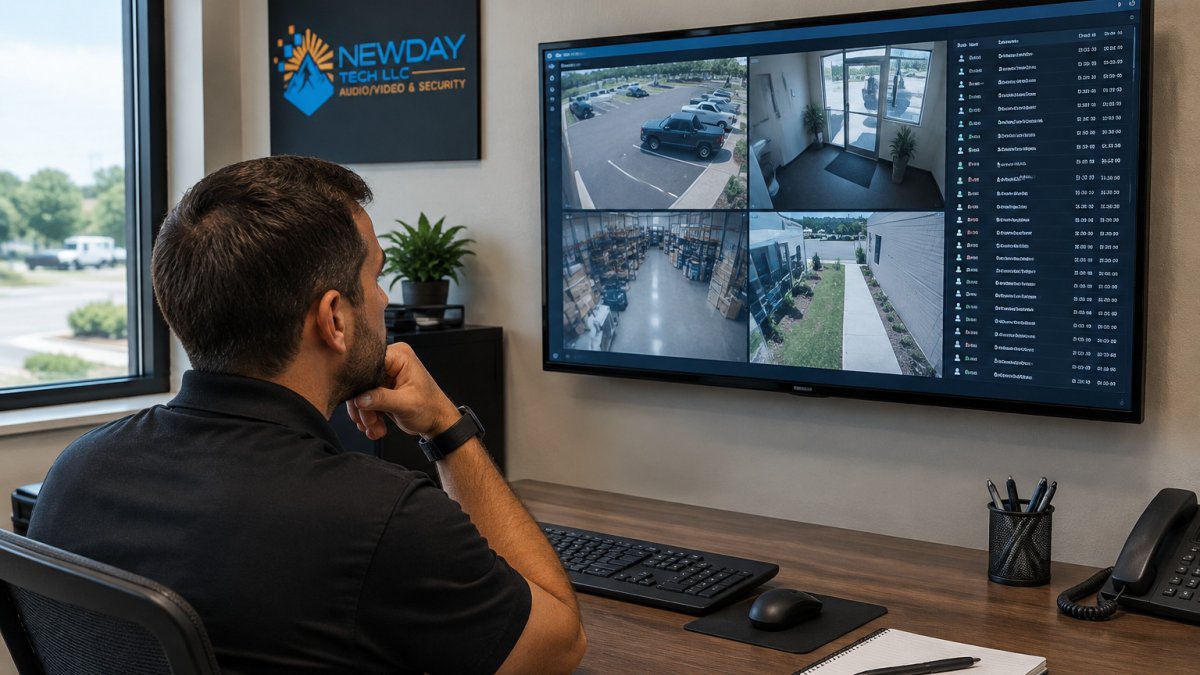
For a typical office or church, integration can include:
| Component | Role in the system | What to check before buying |
|---|---|---|
| Access controllers | Grant or deny entry by badge, code or key fob | Compatibility with your video recorder |
| IP cameras | Record entrances, parking areas and interiors | Night performance and placement angles |
| Video recorder (NVR) | Stores footage and links it to events | Retention period and storage capacity |
| Alarm panel | Detects forced entry or after-hours activity | Whether monitoring is professional or self-run |
Integration only pays off if the pieces were chosen with each other in mind. Mixing a legacy access panel with a new camera platform often means paying for middleware later.
How Much a Business Security System Cost Really Runs
Pricing depends on the number of entry points, the camera count, the network work needed at the site and the level of monitoring you want. Current pricing is available on the NewDay Tech pricing page, and a project quote follows a site visit.
Project costs versus recurring service fees
Most business security spending falls into two buckets. Project costs are one-time: equipment, cabling, installation and configuration. Recurring fees cover professional monitoring, cloud storage, software licenses and support. Quotes that look low often push costs into the recurring column, so compare both over three to five years rather than comparing upfront numbers alone.
Pricing models and total cost of ownership
Providers commonly bill in one of three ways: a fixed project price, a per-device price, or a monthly service plan that bundles monitoring and maintenance. To compare them fairly, add up the purchase price, the monthly fees and the expected cost of repairs and upgrades. Ask every provider to put those three figures side by side in writing.
Watch out: a low installation quote can hide monitoring contracts with long terms or cancellation fees. Read the service agreement before signing.
Security Integration Best Practices for Cloud and Hybrid Sites
Many businesses run a hybrid security stack that combines on-site recorders and access controllers with cloud-based management, remote viewing and software updates. The failure modes of a hybrid design differ from those of a fully local or fully cloud deployment.
Three hybrid architectures worth knowing
- Edge-recorded, cloud-managed. Video is stored on a local network video recorder (NVR) or on cameras with built-in storage, while a cloud platform handles user access, health monitoring, and remote viewing. This is the most resilient option for sites with unreliable internet, because recording continues when the WAN link drops. The trade-off is that remote viewing and cloud analytics stop until connectivity returns.
- Cloud-recorded, locally buffered. Cameras stream to a cloud video platform, but each camera or a local bridge appliance buffers footage during outages and backfills when the link recovers. This simplifies remote access and multi-site management but depends on sustained upload bandwidth. A common pattern is to size upload capacity for the full camera bitrate plus headroom, not just the average.
- Fully local with a VPN for remote access. All recording and management stay on site, and staff reach the system through a site-to-site or client VPN. This suits regulated environments where recorded video should not leave the premises, but it puts the burden of patching, backup, and remote-access security on the business or its integrator.
Network segmentation and identity
Separating security traffic from guest and general business Wi-Fi is standard practice, but the details matter. Put cameras, access controllers, and recorders on their own VLAN, restrict inbound and outbound traffic to only what the integration requires, and avoid giving security devices direct internet access unless the platform requires it. For identity, tie access permissions to staff roles rather than individual accounts so that a departing employee's credentials are removed the same day.
Firmware, credentials, and the update problem
Security devices are among the most commonly exploited network endpoints because they are often installed once and forgotten. Set a firmware update schedule, replace default credentials before the system goes live, and disable remote management protocols that the platform does not need.
Watch out: a hybrid setup that depends on a single internet link will lose remote visibility during an outage even if local recording continues, so rural and remote properties should plan a backup path.
What to confirm before you sign off on a hybrid design
Ask the provider to document, in writing, where video is stored, how long it is retained, what happens during an internet outage, how remote access is authenticated, and who can export footage. These answers determine both your recovery posture and your compliance obligations, and they are far more useful than a generic promise of "cloud integration."
Keeping a Business Security System Running After Installation
Security systems degrade quietly. A camera knocked out of alignment, a dusty lens or a failed storage drive can leave gaps for months before anyone notices. A maintenance plan should include scheduled camera checks, test alarm events, verified backups of recordings and review of who holds access credentials.
Ask what happens when something breaks. For guidance on setting up remote monitoring and checking system reliability after installation, review the step-by-step setup process.
Comparing Providers: Criteria Worth Checking Before You Sign
Most provider comparisons in this space are either vendor marketing or generic checklists. A more useful approach is to score every candidate against the same criteria, in writing, so the differences are visible side by side. The criteria below are the ones that most often separate a provider that fits your business from one that only looks competitive on the initial quote.
1. Implementation scope and handoff
Ask whether the provider handles assessment, design, cabling, mounting, configuration, and staff training as one scope, or whether you will be coordinating subcontractors yourself. Confirm who pulls permits where required, who commissions the integration between access control and video, and what documentation you receive at handoff: as-built drawings, device inventories, credential lists, and a written description of how events flow between systems. A provider that cannot describe the handoff package before the project starts is likely to leave gaps after it ends.
2. Supported environments and platforms
Integration depth depends on which platforms the provider actually supports. Ask which access control, video management, alarm, and intercom platforms the team has deployed, and whether they can show a working integration rather than separate device demos. If you already own equipment, confirm compatibility in writing before signing, because middleware or replacement costs can exceed the original installation quote.
3. Monitoring and response coverage
If professional monitoring is part of the proposal, clarify what is monitored (alarms only, or video and access events too), who responds, and what the escalation path is. Confirm whether the monitoring center is staffed around the clock, how alarm verification is handled, and whether video verification is available. For businesses that self-monitor, ask how alerts reach staff and what happens after hours.
4. Service-level commitments
Request the actual service-level terms rather than a verbal promise. Useful items include response time for remote support, on-site response targets, scheduled maintenance frequency, spare-parts or loaner-equipment policy, and the process for after-hours emergencies. Compare those commitments across providers on the same page, because a low monthly fee paired with a slow response target is rarely the better deal over three to five years.
5. Total cost of ownership
Ask every provider to itemize one-time project costs separately from recurring fees for monitoring, cloud storage, software licenses, and support. Then add the expected cost of repairs and upgrades over a three-to-five-year horizon. Quotes that look low often shift cost into the recurring column or into long monitoring contracts with cancellation fees, so read the service agreement before signing.
6. Data ownership and exit terms
Confirm who owns the equipment and the recorded data, how footage is exported if you change providers, and what happens to cloud-stored video at contract end. A provider that cannot explain the exit path clearly is a risk to your continuity, regardless of how strong the installation looks.
7. Relevant experience
Ask for references from buildings similar to yours, such as offices, churches, warehouses, or rural properties with limited connectivity. Experience with your building type and network conditions shortens the assessment phase and reduces the chance of surprises during installation.
NewDay Tech manages projects with one team from planning through ongoing support, with specialized experience in rural and remote property connectivity. To weigh the benefits and risks of consolidating security and tech under one vendor, read the single-vendor integration overview.
Booking Your Security Integration Consultation
If you are weighing an integrated security system for your business, the practical next step is a site consultation. During a consultation, we review entry points, camera coverage, network conditions and how your current systems would connect. You receive a proposal that separates project costs from recurring service fees, so you can compare it directly with other quotes. You can also review business security, cameras, and access control services for North Texas organizations before you reach out.
Frequently Asked Questions
What are business security integration services?
Business security integration services connect separate security tools such as cameras, access control, alarms and visitor systems so they share data and run from one interface. Instead of three apps and three vendors, a single integrated system can trigger a camera recording when a door opens or send an alert when a sensor trips. Providers typically handle design, installation, configuration and ongoing support. The main advantage is that the parts work together, which makes incidents easier to verify and respond to.
How much do business security integration services cost?
Costs depend on the number of sites, the number of cameras and doors, the equipment chosen, and whether the work includes new wiring or only upgrades to existing hardware. Monitoring and support are usually billed as recurring fees, separate from the one-time project cost. Pricing is not published here as a fixed figure. For current pricing and to request a quote, visit the NewDay Tech pricing page on the website, where a free trial is also available.
What should a business look for in a security integrator?
Look for documented experience with the systems you already own, clear written scope, a named team that manages the project from planning through support, and a transparent split between project costs and recurring service fees. Ask how remote access is secured, what happens when the system fails, and how quickly a technician can respond. Request references from businesses of similar size, and confirm the provider will still be reachable after the installation is finished.
How often should an integrated business security system be reviewed?
Most businesses benefit from a review at least once a year, and sooner after any change such as new staff, a building expansion or a new software update. A review checks camera coverage, access permissions, firmware versions and whether alerts are reaching the right people. Reviews also catch devices that have gone offline, which is a common reason an integrated system stops delivering the protection it was bought for.