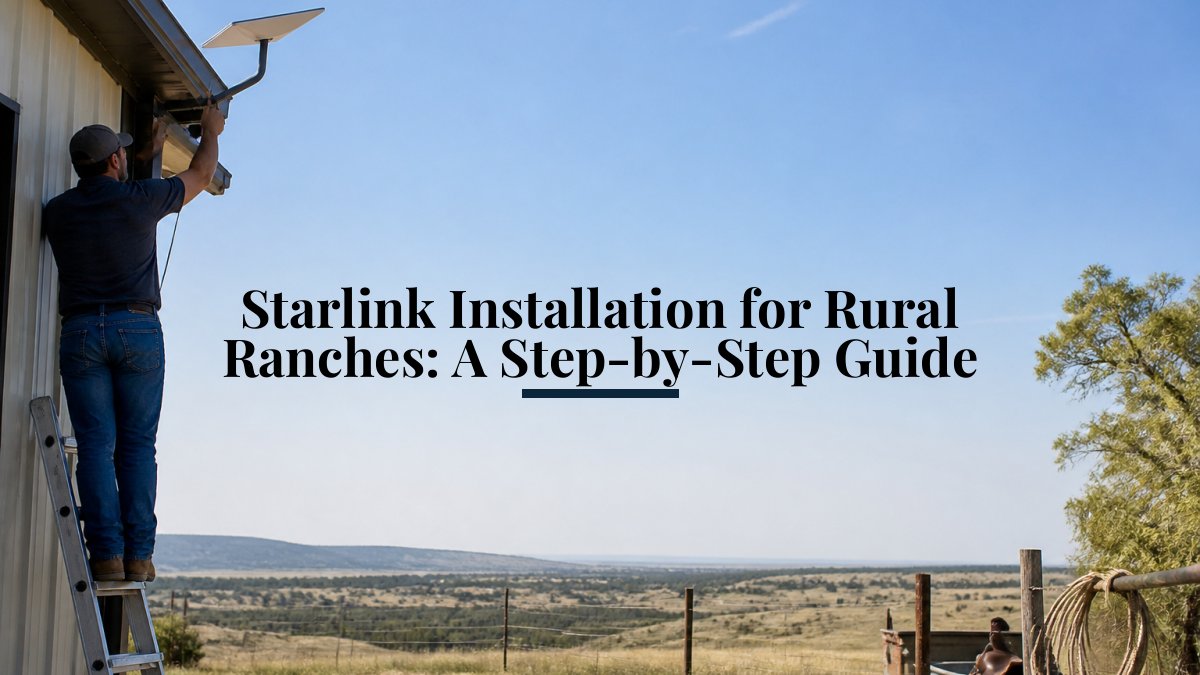
 how-to
Tech Support for Rural Property Owners: A How-To Guide
Table of Contents
- Assess Your Current Connectivity and Infrastructure
- Understanding Rural Internet Options
- Best Mesh Wi-Fi for Rural Properties
- Starlink Installation for Rural Homes: Planning and Execution
- Rural Internet Troubleshooting: Diagnosing and Fixing Common Issues
- Security and Reliability Planning for Remote Properties
- Building a Long-Term Support Plan
- Frequently Asked Questions
Last Updated: October 12, 2026
Assess Your Current Connectivity and Infrastructure
Distance from infrastructure, terrain, trees, and weather all affect your options.
Test your internet speed and reliability with a free online speed test at different times of day and in different locations to establish a baseline.
Document your property layout: walk your land, note where you need connectivity most, barn, main house, guest cottage, and sketch a map of dead zones. This helps you choose the right tech support for rural property owners.
Talk to your neighbors about their internet speeds, storm reliability, and support issues. Rural communities share practical knowledge that guides don't cover.
Understanding Rural Internet Options
Tech support for rural property owners starts with knowing what's available: fiber, wireless, or satellite.
Fiber internet is fastest when available, delivering urban-comparable speeds over underground or overhead cables.
Wireless internet beams signals from towers to roof receivers. Speed depends on distance and line of sight; it costs less than fiber but is slower.
Satellite internet works anywhere with clear sky access and no ground infrastructure, making it the most accessible option for remote properties. Modern services like Starlink rival traditional broadband.
Best Mesh Wi-Fi for Rural Properties
Once internet reaches your property, distribution is the next problem. A single router covers roughly 1,500 to 2,500 square feet indoors under good conditions, far less through exterior walls, metal siding, or a detached barn. The gap between buildings is usually the real bottleneck.
Mesh systems hand off devices seamlessly between nodes, but each wireless hop cuts throughput, and every wall, tree, and metal roof cuts it further.
How mesh actually works on a large property
- Backhaul is the link between nodes. Wireless backhaul loses speed with each hop and is sensitive to distance and obstructions. Wired backhaul over Ethernet or fiber is dramatically faster and more stable, the single biggest upgrade on a rural property.
- Bands matter. Tri-band systems dedicate one 5 GHz or 6 GHz radio to backhaul, preserving client throughput. Dual-band systems share radios, so performance drops as you add nodes.
- Frequency trade-offs. 2.4 GHz travels farther and penetrates walls better but is slower and more congested; 5 GHz is faster with shorter range; 6 GHz (Wi-Fi 6E and Wi-Fi 7) is fastest with the shortest range. Use 2.4 GHz for far nodes and 5 or 6 GHz for close, high-bandwidth devices.
- Outdoor ratings. Nodes mounted outside or in an unconditioned barn need an IP rating (IP65 or better) and a temperature range covering your local climate. Indoor nodes fail in a barn within a season or two.
Planning coverage across a property
- Map your priority zones. House, barn, shop, gate, well house, guest cottage. Rank them by bandwidth needs.
- Decide where wired backhaul is feasible. If you can trench conduit between buildings, do it. Fiber is immune to electrical surges and ground potential differences; copper Ethernet is not, and long outdoor copper runs can introduce grounding problems.
- Use point-to-point wireless bridges for long spans. Beyond roughly 300 feet where trenching is impractical, a dedicated wireless bridge can carry the backhaul, then a mesh node inside the far building distributes Wi-Fi locally.
- Place nodes at the edge of good signal, not the edge of no signal. Overlap coverage by roughly 20 to 30 percent.
- Test before you mount. Temporarily place nodes, run speed tests at each priority zone, and adjust before drilling holes.
What to prioritize when buying
- Wired backhaul support (Ethernet ports on every node)
- Tri-band or dedicated backhaul radio
- Outdoor-rated nodes or the ability to add them to the same system
- Local management that does not require a cloud account, in case your internet is down
- PoE (Power over Ethernet) support so you can power nodes with a single cable
Starlink Installation for Rural Homes: Planning and Execution
Starlink delivers high-speed internet to remote properties without ground infrastructure, but poor installation leads to signal loss and weather problems.
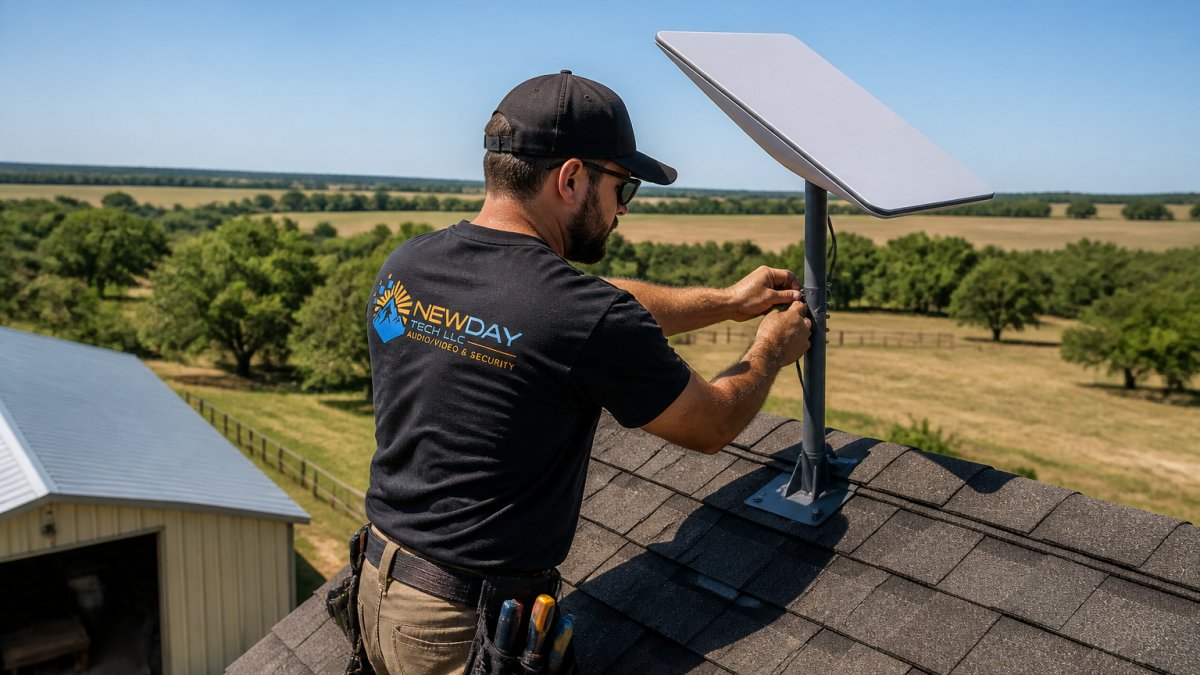
Start with a site assessment. Starlink needs clear southern sky access.
Plan cable routing before installation.
Here's the step-by-step process:
- Mount the dish in your chosen location with clear southern sky access
- Run cables to your indoor equipment, protecting them from weather
- Connect your modem and router indoors
- Test alignment using Starlink's app to confirm signal strength
- Secure cables to prevent wind damage or animal interference
- Set up backup power if you need internet during outages
Most problems come from poor dish placement, inadequate cable protection, or router placement too far from the modem. Get these right and Starlink performs reliably.
At NewDay Tech, we've installed Starlink systems across North Texas. The best-performing systems are planned before the first screw gets turned.
Remote properties with clear southern sky access and no existing broadband options. Starlink works where fiber and wireless don't reach.
Rural Internet Troubleshooting: Diagnosing and Fixing Common Issues
Most rural internet problems fall into one of four layers: the device, the local network, the radio link to your provider, or the provider's network. Isolate the layer instead of guessing, is the problem inside your property or outside it?
Step 1: Confirm the scope
- One device or all devices? One points to that device or its Wi-Fi; all points to the router, modem, or incoming link.
- One band or all bands? A device stuck on 2.4 GHz at long range feels slow even when the network is healthy.
- Slow, or dropping? Slow speeds and intermittent drops have different causes and fixes.
Step 2: Check the physical layer
This is where rural setups fail most often.
- Power. Confirm the modem, router, and any PoE injectors or switches have power. A failed PoE injector silently kills a wireless bridge or outdoor node.
- Cabling. Outdoor Ethernet and coax suffer water intrusion, UV degradation, rodent damage, and connector corrosion. Green or black residue means moisture, replace, do not clean.
- Grounding and surge protection. Long outdoor runs and elevated antennas attract surges from distant lightning. A grounded Ethernet surge protector at the point of entry is standard practice. Repeated storm failures usually mean a grounding problem, not bad luck.
- Dish or antenna alignment. For satellite and fixed wireless, small misalignments cause large signal losses. Check the provider's app for signal strength and obstruction data.
Step 3: Test the local network
- Run a speed test from a device connected directly to the router with Ethernet to remove Wi-Fi from the equation.
- Run the same test over Wi-Fi next to the router, then at the farthest node. A big drop between wired and Wi-Fi means a Wi-Fi problem, not an internet problem.
- Check the router's admin page for connected devices, signal strength per node, and error logs. Note firmware version.
Step 4: Test the incoming link
- Bypass your router and connect a laptop directly to the modem if your setup allows it. If speeds are still poor, the problem is upstream.
- For fixed wireless, check the receiver's signal-to-noise ratio (SNR) and associated tower. A drop in SNR often means a new obstruction (tree growth, new construction) or a misaimed antenna.
- For satellite, check for new obstructions and confirm the dish has not shifted. Heavy snow, ice, or dust on the dish face degrades signal.
Step 5: Rule out provider-side issues
- Check the provider's status page or outage map from a phone on cellular data.
- Ask a neighbor on the same provider or tower whether they are affected, shared symptoms confirm a provider issue.
- Note the time of day. Consistent evening slowdowns point to congestion on a shared tower or backhaul, common in rural fixed wireless.
Common rural failure modes and what they usually mean
- Speeds drop every evening: Tower or backhaul congestion. Not fixable on your end; document times and report.
- Connection drops during wind or rain: Loose connector, degraded cable, or marginal alignment. Inspect and reseat.
- One building loses internet but the house is fine: The backhaul link (wireless bridge or buried cable) is the suspect, not the provider.
- Everything works, then nothing after a storm: Suspect surge damage to the modem, router, or PoE gear. Check grounding.
- Slow only on video calls: Often an upload or latency issue, not raw download speed. Test upload and latency separately.
Tools worth keeping on hand
- A laptop with an Ethernet port (or a USB-to-Ethernet adapter)
- A known-good short Ethernet cable for testing
- A cable tester for long runs
- A phone with the provider's app and a cellular data plan for status checks when your home internet is down
- A small uninterruptible power supply to keep the modem and router alive during brief outages
Work the layers in order: device, local network, radio link, provider. Document what you find at each layer. A clear log of times, symptoms, and tests turns a vague support call into a fast diagnosis.
Security and Reliability Planning for Remote Properties
Rural properties need security and reliability planning that accounts for isolation.
Start with password security.
Plan for power outages: a UPS keeps your modem and router running for hours; for longer outages, consider a generator.
Create a support plan before you need it.
For security cameras, use encrypted connections, enable two-factor authentication on remote-check apps, and change default credentials on all devices.
Test backup systems quarterly. Unplug main power to verify the UPS works and confirm your backup internet connects.
Building a Long-Term Support Plan
Tech support for rural property owners isn't a one-time installation. It's an ongoing relationship.
Understand what support your provider includes. Does your internet company offer 24/7 support? Your equipment manufacturer?
Document your system. Photograph equipment setup, cable routing, and antenna placement, and record model numbers, serial numbers, and purchase dates.
Build a relationship with a local tech support specialist who understands rural systems.
Plan for technology changes.
Tech support for rural property owners requires a different approach than suburban broadband.
Frequently Asked Questions
What's the best way to get reliable Wi-Fi across a large rural property?
Start by testing your current internet source and coverage with a mobile app. If your primary connection is weak, consider upgrading to a fiber or fixed wireless option if available, or Starlink for remote areas. Then deploy a mesh Wi-Fi system sized to your property's square footage and building materials. Position the main router centrally and add satellite nodes in dead zones. For large properties, professional site surveys identify optimal placement and prevent costly mistakes.
How do I choose between satellite, fixed wireless, and wired broadband for rural internet?
Check availability first, fiber and fixed wireless are faster but limited to specific service areas. Satellite (like Starlink) works almost everywhere but has higher latency and weather sensitivity. Wired options (fiber or cable) offer the best speeds and reliability if available. Consider your actual usage: video conferencing and remote work demand lower latency, while general browsing tolerates satellite. Get quotes from local providers and test speeds during your decision period.
What should I check when my rural internet keeps dropping?
First, restart your modem and router. Check for physical obstructions around satellite dishes or wireless antennas, trees, buildings, and weather all cause signal loss. Verify your equipment is properly grounded and cables are secure. Monitor your provider's service status and signal strength metrics. If issues persist, document outage times and speeds, then contact your provider with this data. Professional diagnostics can identify whether the problem is your equipment, connection type, or service-side issues.
Can a mesh Wi-Fi system really cover a ranch or large property?
Yes, but size matters. Standard mesh systems cover 3,000-5,000 square feet per node. Large ranches need multiple nodes or professional-grade systems designed for rural coverage. Terrain, building materials, and distance between structures all affect performance. A site assessment determines how many nodes you need and where to place them for optimal coverage. Professional installation ensures proper configuration, which prevents the dead zones and dropped connections many DIY setups experience.