 Ultimate guide
Reliable Rural Internet Solutions in North Texas for 2026
Last Updated: November 12, 2026
Quick Summary
Reliable rural internet solutions north in Texas come from matching the technology to your specific property, because terrain, distance and obstructions matter more than equipment. Fixed wireless, satellite, fiber or DSL and cellular home internet each suit different sites. Verify address-level availability and the full monthly cost before you commit.
- Coverage maps are often generous, so confirm service at your exact street address in writing.
- Fixed wireless needs a clear line of sight to the tower; hills and trees can block it.
- Starlink needs an unobstructed sky view and may have data limits on some plans.
- Total cost includes installation, equipment rental, taxes and any early termination fee, not just the monthly rate.
- A backup connection on a different technology keeps cameras and alarms online during outages.
Table of Contents
- Why Rural Internet Is Harder to Get Right
- The Main Rural Internet Technologies and How They Compare
- Comparing Rural Internet Providers Serving North Texas
- Whole-Property Wi-Fi for Ranches and Large Acreage
- Rural Internet Backup Options and Outage Resilience
- Calculating the Real Monthly Cost of Rural Internet
- Booking a Rural Internet Assessment for Your Property
- Frequently Asked Questions
Why Rural Internet Is Harder to Get Right
Finding reliable rural internet in North Texas is harder than it looks, and most of the trouble comes from the terrain and distance, not the equipment.
The first challenge is availability.
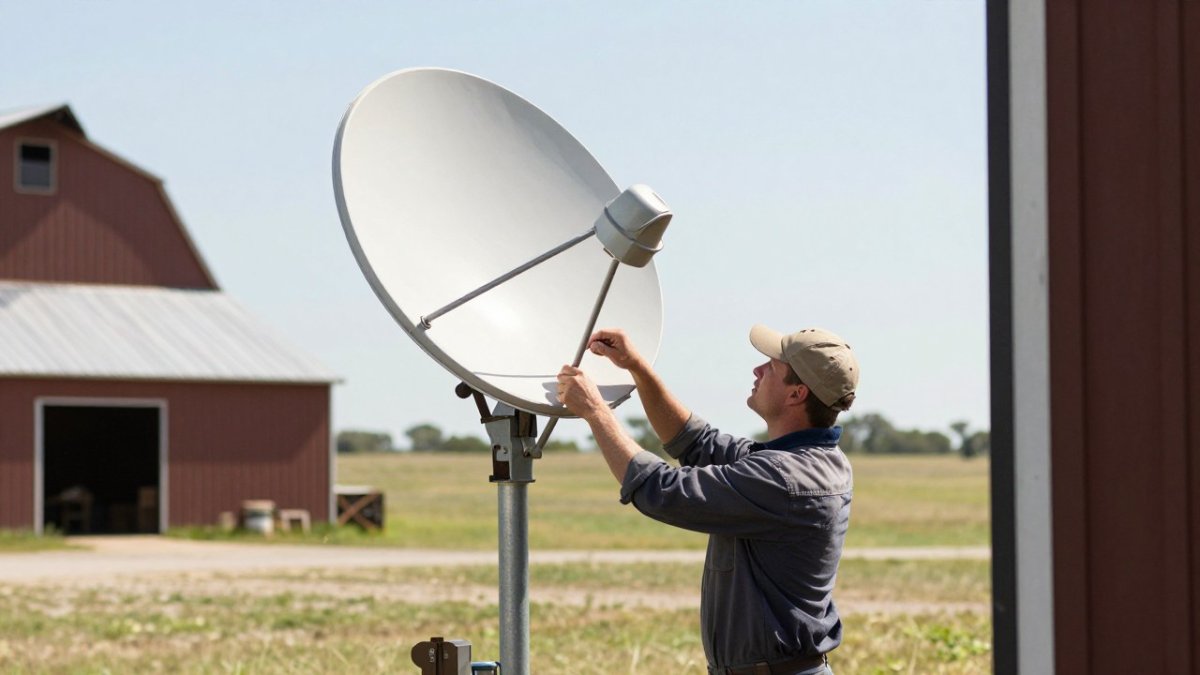
The second challenge is physical obstruction. Trees, hills, metal outbuildings, and even grain bins can block a wireless signal.
The third challenge is that rural properties have different needs than a suburban home.
The Main Rural Internet Technologies and How They Compare
Rural internet in North Texas generally comes from four technologies: fixed wireless, satellite, fiber or DSL where available, and cellular-based home internet. Each has real strengths and real limits, and the right choice depends on line of sight, budget, and how much data you use.
Fixed Wireless and Line-of-Sight Connections
Fixed wireless sends a signal from a tower to a receiver mounted on your property. It usually performs well when the receiver has a clear view of the tower, and it can deliver strong speeds for the price. The main limitation is line of sight. If a hill, a stand of mature oaks, or a building blocks the path, the connection can drop or slow sharply.
Satellite Internet and Starlink Rural Internet
Satellite internet covers nearly any location with a clear view of the sky, which makes it the most widely available option for remote properties. Starlink uses a low-orbit network, which generally offers lower latency than older satellite services. If weak signal is already a problem, you can learn how to check dish sky view, place the router, and extend Wi-Fi to outbuildings with a step-by-step plan.
Comparing Rural Internet Providers Serving North Texas
Provider availability changes by address, so treat any comparison as a starting framework rather than a guarantee. Confirm what is offered at your exact location before you decide. The table below maps the four main technology paths to the situations where each tends to work best.
| Option | Typical Technology | Strengths | Limitations | Best For |
|---|---|---|---|---|
| Fixed wireless | Tower-to-receiver | Strong speeds, often lower cost | Needs line of sight | Properties with a clear tower view |
| Satellite (e.g., Starlink) | Low-orbit satellite | Near-universal sky coverage | Dish needs open sky; plan limits | Remote ranches and acreage |
| Fiber or DSL | Wired | Stable, symmetrical speeds where offered | Limited rural footprint | Addresses already near fiber or DSL lines |
| Cellular home internet | Mobile network | Quick setup, no dish | Varies by carrier signal strength | Light use with strong cell service |
How to Verify a Provider's Claims Before You Sign
Coverage maps are marketing tools, not engineering documents. A common pattern is for a provider's map to show a whole ZIP code as served while individual parcels at the edge of the footprint cannot actually get service.
- Address-level availability. Ask the provider to confirm service at your exact street address, not your town or ZIP code. Get the confirmation in writing, ideally by email, and ask whether the address is inside the provider's committed service area or only in a planned expansion zone.
- Installation timeline. Ask for a realistic install window and what happens if the date slips. Rural installs often depend on tower capacity, permitting, or a site survey, and a quoted two-week window can stretch to several weeks.
- Speed guarantees. Distinguish between advertised 'up to' speeds and any minimum performance the provider will stand behind. Ask what happens if measured speeds fall well below the plan you pay for.
- Data policies. Confirm whether the plan has a data cap, whether speeds are deprioritized after a threshold, and how heavy streaming or security-camera uploads count against any limit.
Watch out: a provider that will not put address-level availability and the monthly all-in price in writing is telling you something about how the relationship will go after the sale.
Matching the Technology to the Household
The right connection depends less on headline speed than on what the household actually does. A common pattern is to overbuy speed for light use and underbuy reliability for heavy use.
- Remote work and video calls. Latency and upload stability matter more than download speed. Low-orbit satellite and fixed wireless with a clear tower view generally handle video calls better than older satellite services.
- Online learning and multiple users. Several people on video at once stresses upload capacity. Look for plans with adequate upload headroom and a router that can prioritize traffic.
- Streaming. Most streaming households are well served by moderate download speeds; the bigger risk is data caps or deprioritization during peak evening hours.
- Gaming. Latency and jitter matter more than raw throughput. Wired or fixed wireless connections with a stable path usually beat satellite for competitive gaming.
When comparing rural internet providers, ask for the monthly price including fees, the equipment and installation charges, and the contract and termination terms. Other providers may quote differently, so get the full picture before comparing headline prices.
Whole-Property Wi-Fi for Ranches and Large Acreage
A good internet connection is only useful if it reaches the places you need. On large acreage, the modem often sits in the house, and coverage fades before it gets to the barn, shop, or pasture gate.
Plan the layout by walking the property with a phone running a Wi-Fi analyzer. If you are choosing equipment, you can compare mesh Wi-Fi options built for rural properties before you buy. For a full walkthrough, see this complete guide to extending Wi-Fi across a large ranch.
Rural Internet Backup Options and Outage Resilience
No rural connection is perfect, so plan for outages before they happen. Storms, equipment faults, and maintenance can interrupt service for hours or days. A backup connection is the simplest protection.
Pair a primary connection with a second, different technology where possible. A satellite dish paired with a cellular data backup, for example, keeps cameras and alarms online when the main line fails.
Calculating the Real Monthly Cost of Rural Internet
The monthly price on a provider's website rarely tells the whole story. The useful number is total cost of ownership: what you pay over the first year and over the life of the equipment, including everything the headline price leaves out. Build the comparison in four buckets.
One-Time Costs
- Installation and activation. Standard installs are sometimes included and sometimes billed; remote or complex installs usually cost more.
- Mounting hardware. Masts, poles, brackets, and non-penetrating mounts add up, especially where a roof or eave mount will not clear trees.
- Cable runs and trenching. Long runs to a barn or shop may need conduit, direct-burial cable, or a wireless bridge instead.
- Site survey or assessment. Some providers charge for a survey; others fold it into installation.
- Equipment purchase. If you buy rather than rent the dish, router, or receiver, that is a one-time cost that may or may not be recoverable if you switch providers.
Recurring Monthly Costs
- Service plan. The advertised monthly rate, which may be promotional.
- Equipment rental. A per-month charge that is easy to overlook and adds up over a year.
- Taxes and regulatory fees. These vary by location and plan and are rarely in the headline price.
- Whole-property Wi-Fi. Mesh nodes, outdoor access points, or a wireless bridge to outbuildings, plus any managed support agreement.
Contract and Exit Costs
- Contract length. Month-to-month plans cost more per month but preserve flexibility; multi-year plans lower the monthly rate but lock you in.
- Early termination fee. Ask for the exact amount and how it declines over the term.
- Equipment return or restocking. Some providers charge if rented equipment is not returned or is returned damaged.
- Promotional expiration. A common pattern is a lower rate for the first several months that steps up afterward. Budget for the post-promotion rate, not the introductory one.
Building the Comparison
We recommend a simple annual budget with three columns: one-time costs, monthly service, and recurring support. Run the math for the first year and for a typical three-year horizon, because a plan with a low monthly rate and a high installation cost can lose to a plan with a higher monthly rate and no upfront charges. Ongoing support matters too, because a connection that fails for a week costs more in lost work and frustration than a slightly higher monthly plan. For business and church properties, a managed support agreement can replace unpredictable repair bills with a known monthly figure.
NewDay Tech keeps recurring service costs separate from project costs. Current pricing depends on your property and scope, so visit the NewDay Tech pricing page or request a quote for figures tailored to your site.
Booking a Rural Internet Assessment for Your Property
The fastest way to find out what works at your address is a site assessment. A technician evaluates sky view, tower line of sight, building layout, and where your devices need coverage, then recommends a specific setup.
Start by listing your properties and the devices that need connectivity, including cameras, gate controllers, and office equipment. Then note any spots where your current signal fails.
Last Updated: November 12, 2026
Reliable rural internet solutions north in Texas depend on matching the technology to your land, your devices, and your budget. At NewDay Tech, we handle the planning, installation, and ongoing support so your connection works the way you expect. Request a consultation to get a plan built around your property. Start with a professional Starlink installation and rural Wi-Fi design assessment, and compare clear recurring prices for residential and business services before you commit.
Frequently Asked Questions
Who is the best internet provider for rural areas?
No single provider is best for every rural property. The right choice depends on what service reaches your address, your speed needs, and how much you can spend monthly. Fixed wireless, satellite such as Starlink, and fiber or DSL where available each suit different situations. Start by checking which options serve your exact address, then compare speeds, data policies, equipment costs and contract terms side by side. NewDay Tech can help you evaluate the options for your property during a consultation, and current pricing is available on our website.
Is Starlink better for rural areas?
Starlink is often a strong option for rural properties where wired and fixed wireless service is limited, because it does not depend on local cable or tower infrastructure. Its performance depends on having a clear view of the sky, so trees, barns and other structures can affect the connection. Mounting location matters a great deal. A site assessment helps determine whether Starlink is the right primary connection or better paired with another option.
Can a rural property use a backup internet connection?
Yes. Many rural properties pair a primary connection with a secondary one, such as a cellular failover device or a second provider. Backup connections keep security cameras, alarm monitoring, and business systems online when the main line fails. The key is confirming the backup has enough capacity for the devices that must stay connected. Ask about failover behavior during setup so the switch happens automatically.
How can I improve Wi-Fi coverage across a large rural property?
Large properties usually need more than one access point. Placement matters more than raw equipment power, so access points should be positioned to cover outbuildings, barns and outdoor areas where you need signal. A site assessment can help identify dead zones before installation. Mesh or wired access point designs both work, depending on building materials and distance. Ongoing support plans help keep the network tuned as needs change.
Is satellite internet reliable enough for video calls and streaming?
Modern satellite internet handles video calls and streaming for most households, though results depend on signal quality, weather, and network congestion. Latency is higher than fiber, which can matter for gaming and some real-time applications, but it is generally workable for calls and video. Clear sky access and proper mounting make the biggest difference. Testing the connection at your actual property before committing gives you a realistic picture of performance.